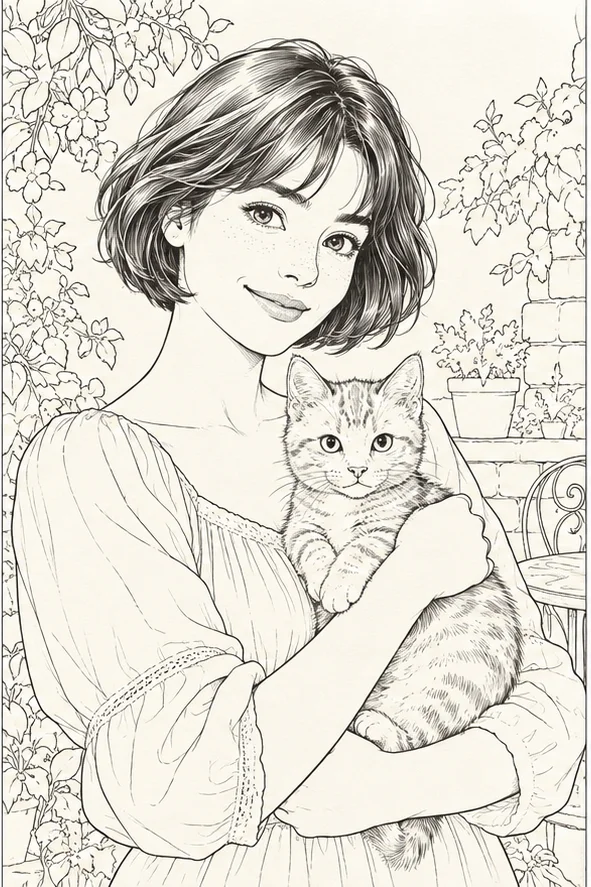
 Style example
01 / 03
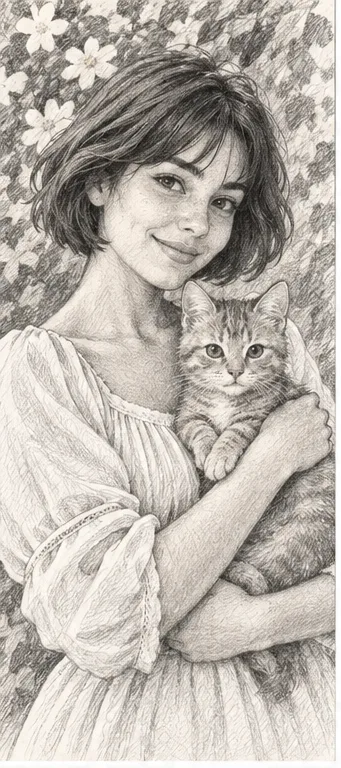
Photo to line art
For simple portraits, pets and outlines with less background detail.
Choose this style ↗
Upload one photo, choose the look you want, and create a separate image for each style. Start with clean outlines, a page to color, or a softly painted storybook scene.
Upload your photoOne photo · Up to eight styles · Credits shown before you generate
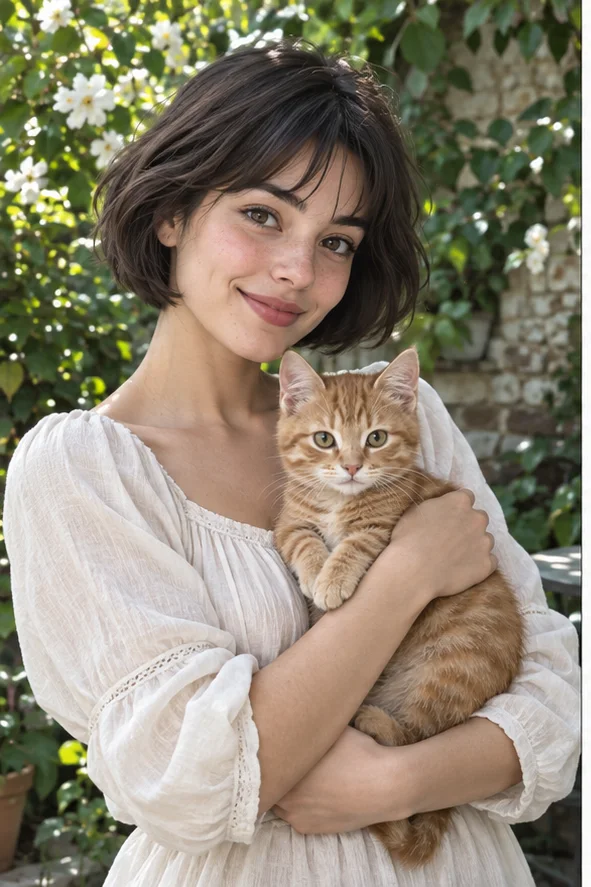 Original photo
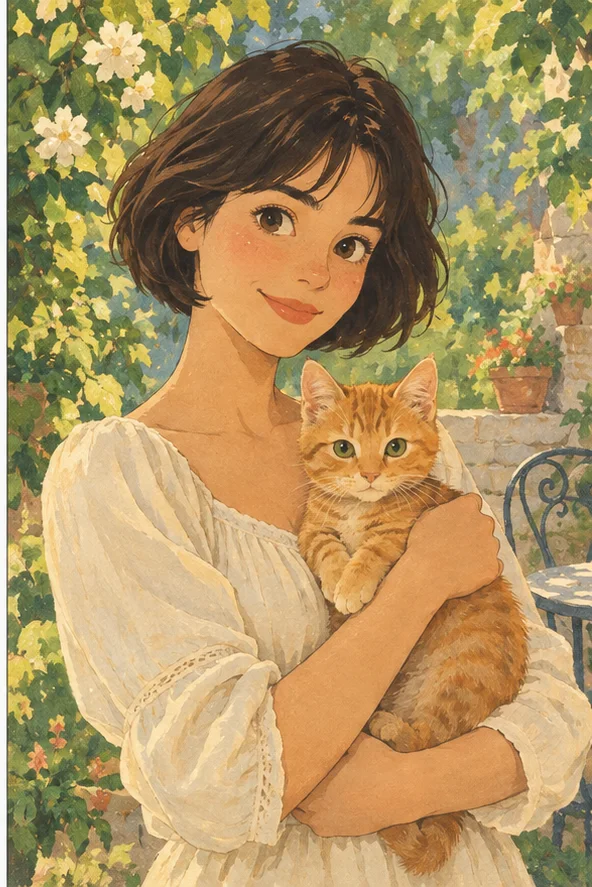 Storybook style example
Pick the output you want first. You can compare several styles from the same original photo in one request.
Style exampleFor simple portraits, pets and outlines with less background detail.
Choose this style ↗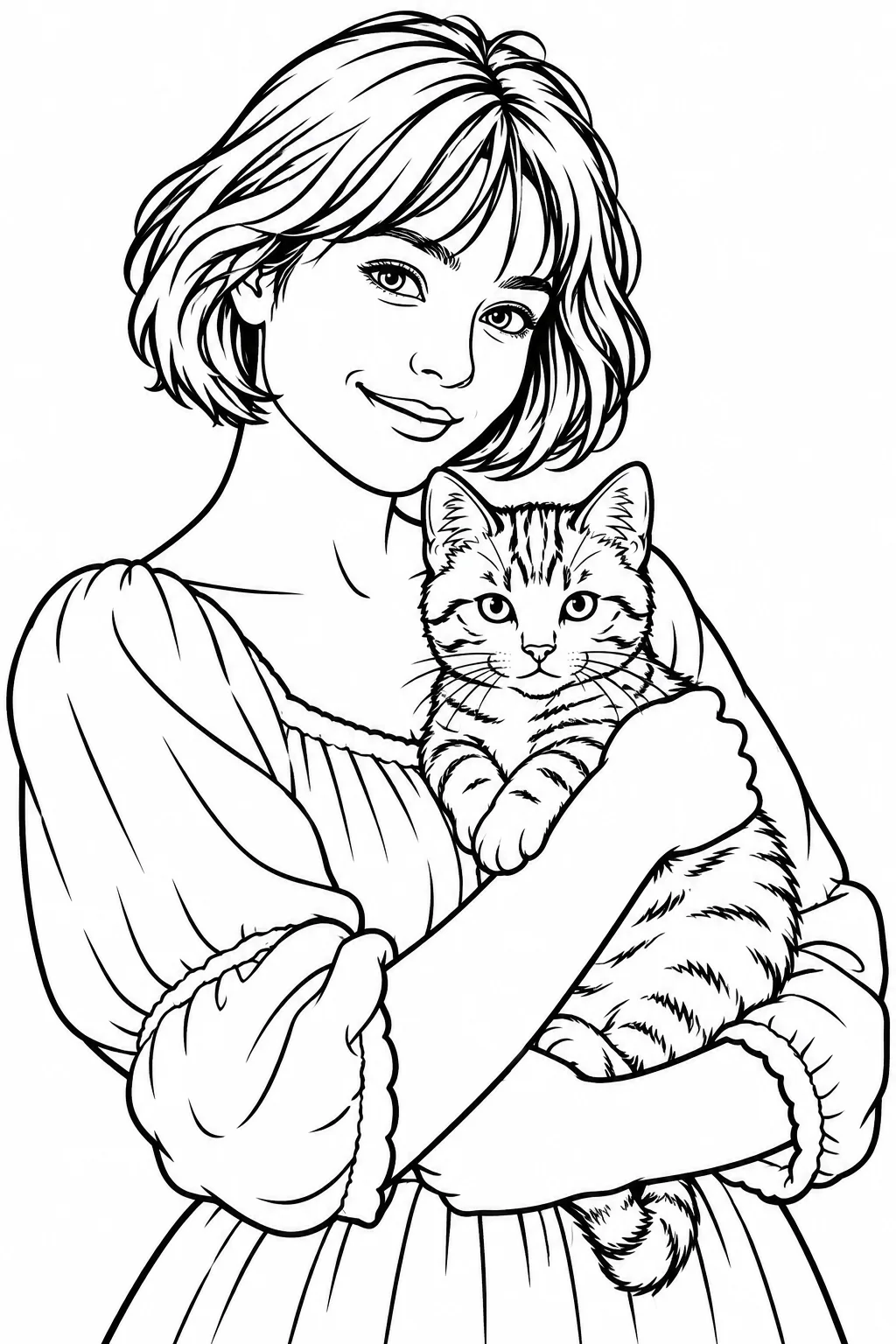 Style example
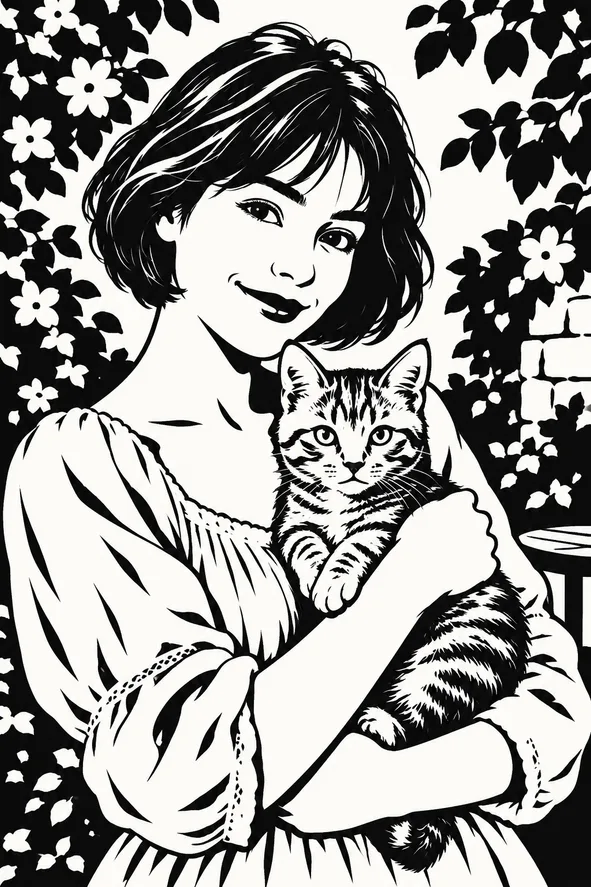
For bold black lines and open white areas you can color.
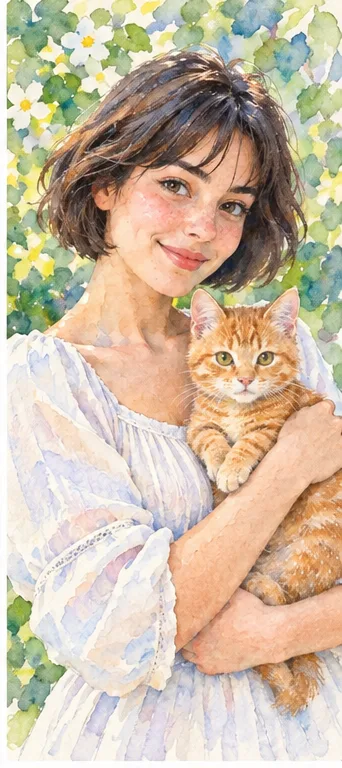
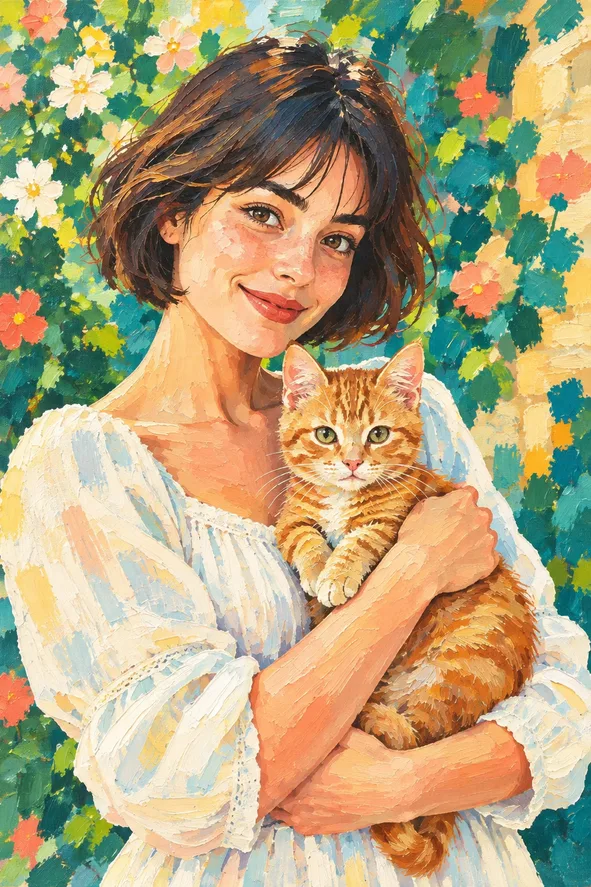
Choose this style ↗Style exampleFor a softly colored, painted illustration to share or keep.
Choose this style ↗Illustrative style example; your result depends on your photo.
From line drawing and painting to animation and digital art, compare the available style examples before choosing in the studio.
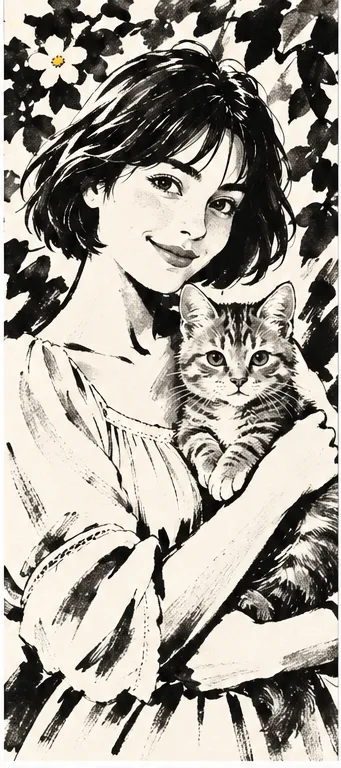
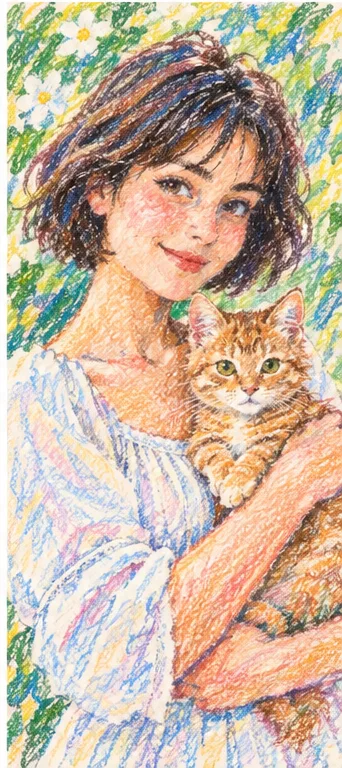
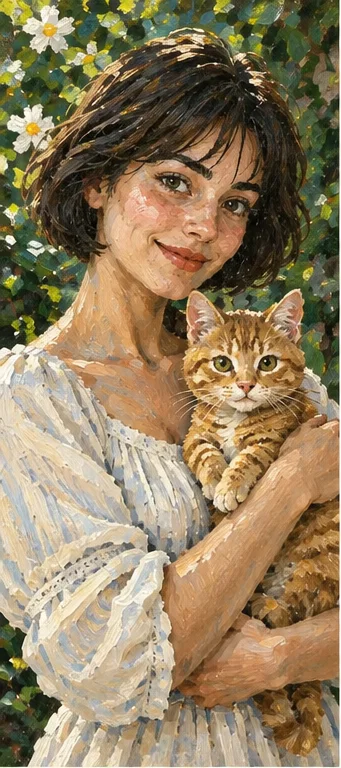
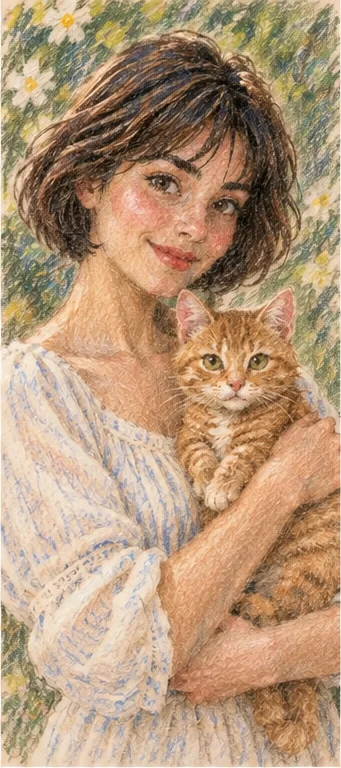
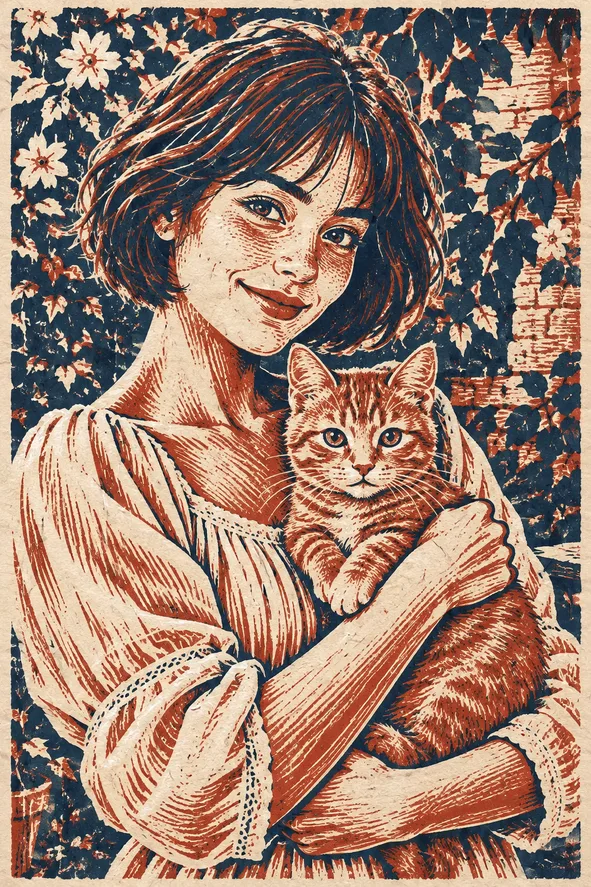
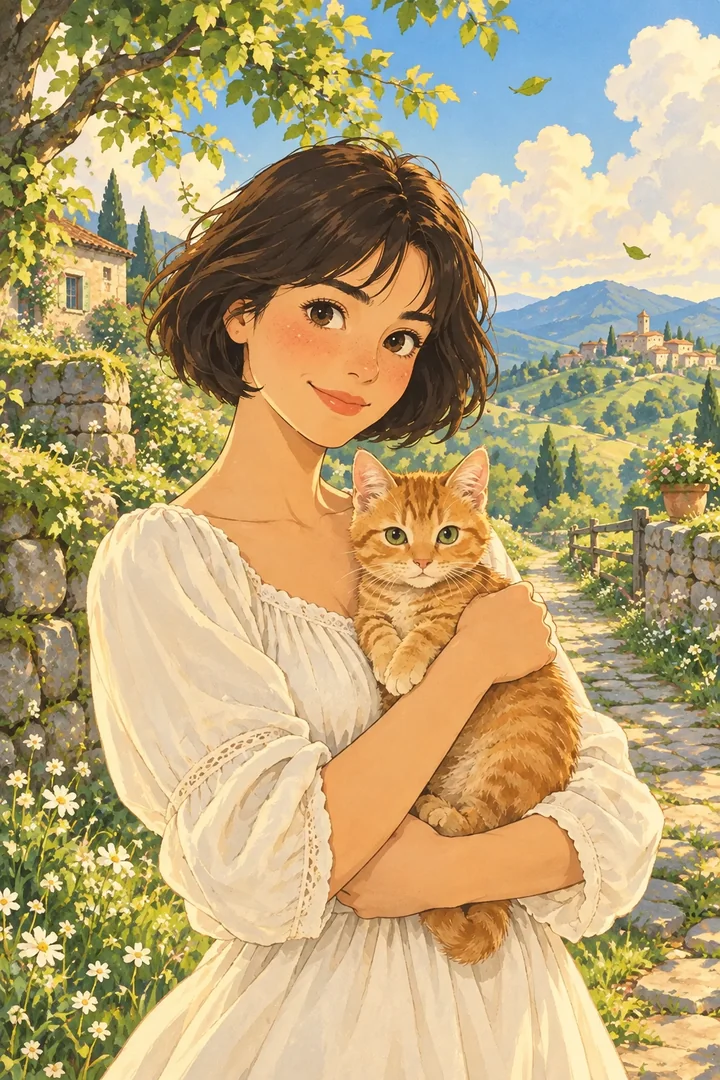
An original hand-painted countryside animation with gentle light.
Choose this style ↗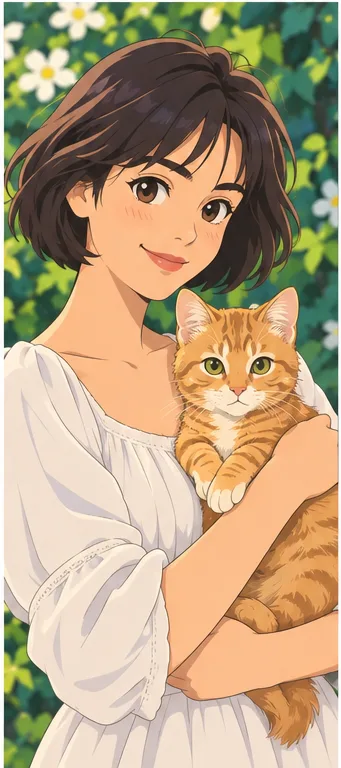
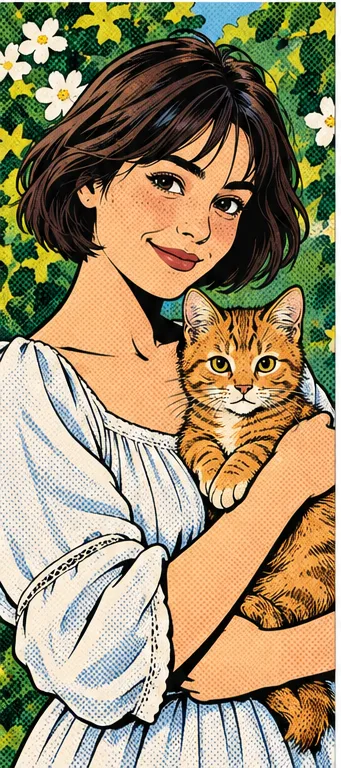
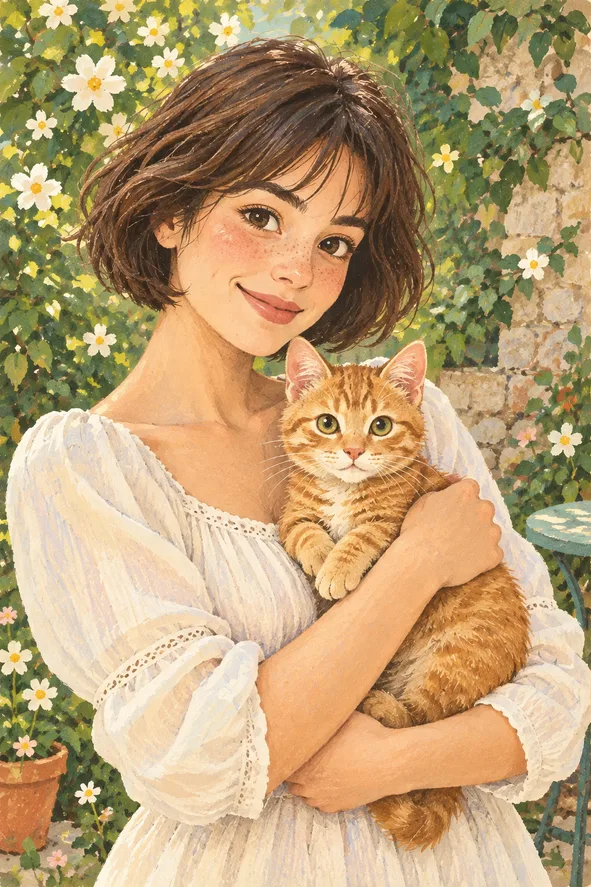
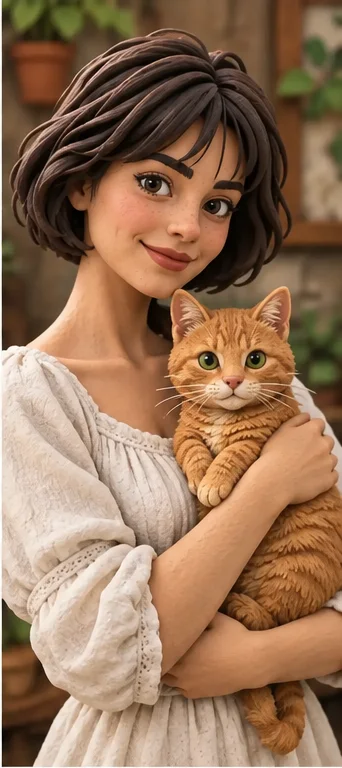
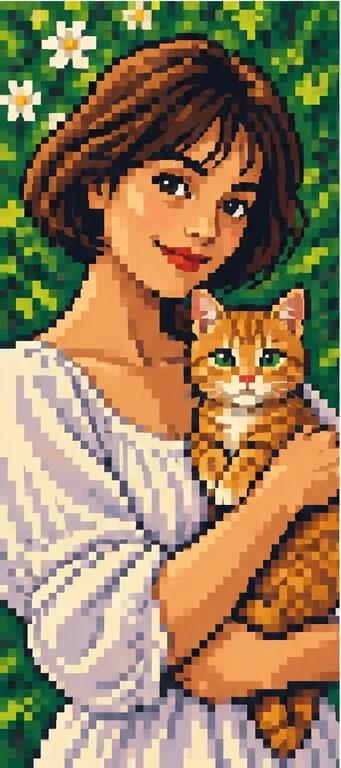
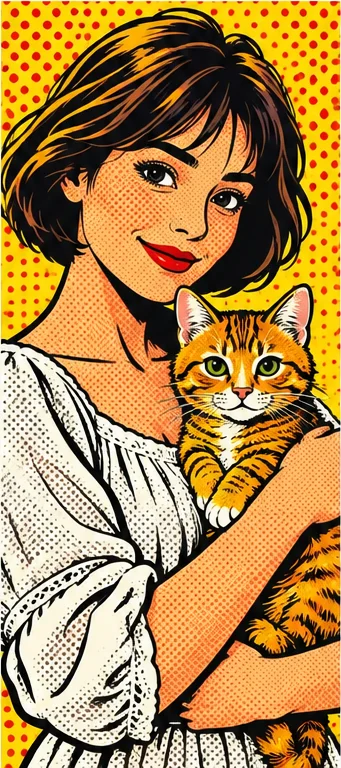
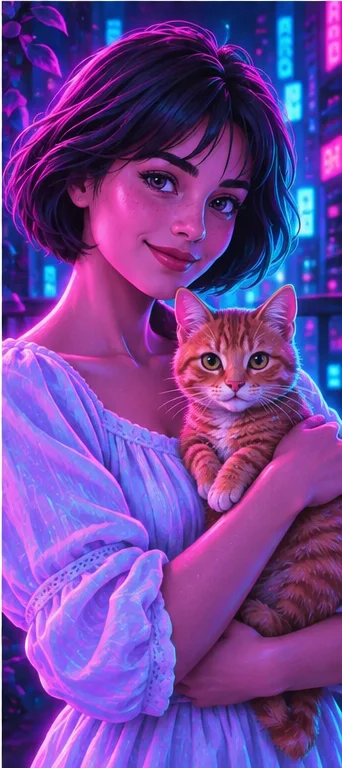
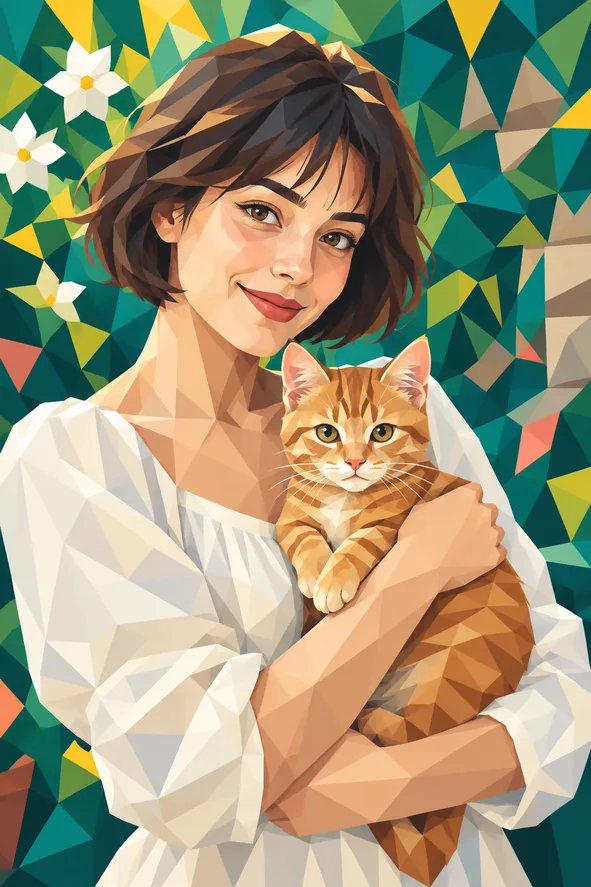
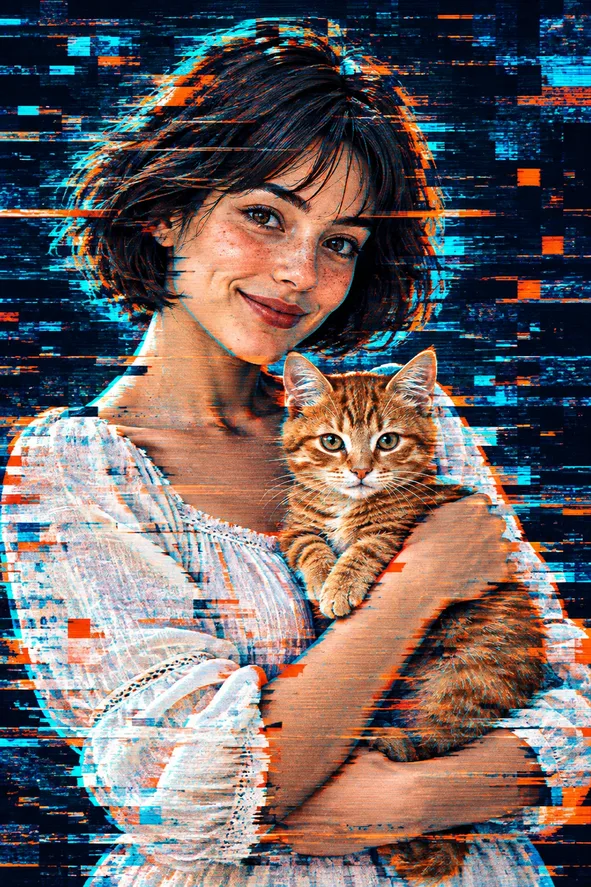
Illustrative style example; your result depends on your photo.
Choose a look by the way you want to use the image. The examples show a style direction; your own photo will shape the result.
Illustrative exampleTurn a clear portrait into a simple line drawing for a personal keepsake or profile illustration.
Choose this style ↗Illustrative exampleGive a favorite pet photo soft colors and a hand-painted feel while keeping the familiar pose in view.
Choose this style ↗Illustrative exampleMake bold outlines and open areas from a photo for a relaxed coloring activity.
Choose this style ↗Illustrative exampleTry a painterly version of a meaningful moment to share or save alongside the original photo.
Choose this style ↗Generate at least one image per filter to compare styles.
Choose a photo and make your first versionAI redraws the image rather than applying a fixed color overlay. Small facial details, text and background objects may change. Review each result before sharing or printing it; the style samples are examples, not guaranteed outcomes.
One photo is used for a generation request. Choose a clear image with the main subject visible.
Select up to eight available filters, then choose the image count. Credits are shown for each result.
Yes. The photo-to-coloring-page filter is designed to create clear black outlines and open areas that are easier to color.
Completed results appear in your generation history, where you can view and download them.
One photo · Up to eight styles · Credits shown before you generate