YOUR IDEA. YOUR NEXT IMAGE.

AI image generatorBring the image in your mind to life.

Describe a product shot, an illustration or a world that does not exist yet. Start from words, or use your own image as a reference. Choose your model and see the credits before you create.

Describe it · Optional reference · Saved prompts

  1. 01Describe what you want
  2. 02Choose how to generate
  3. 03Review and keep creating
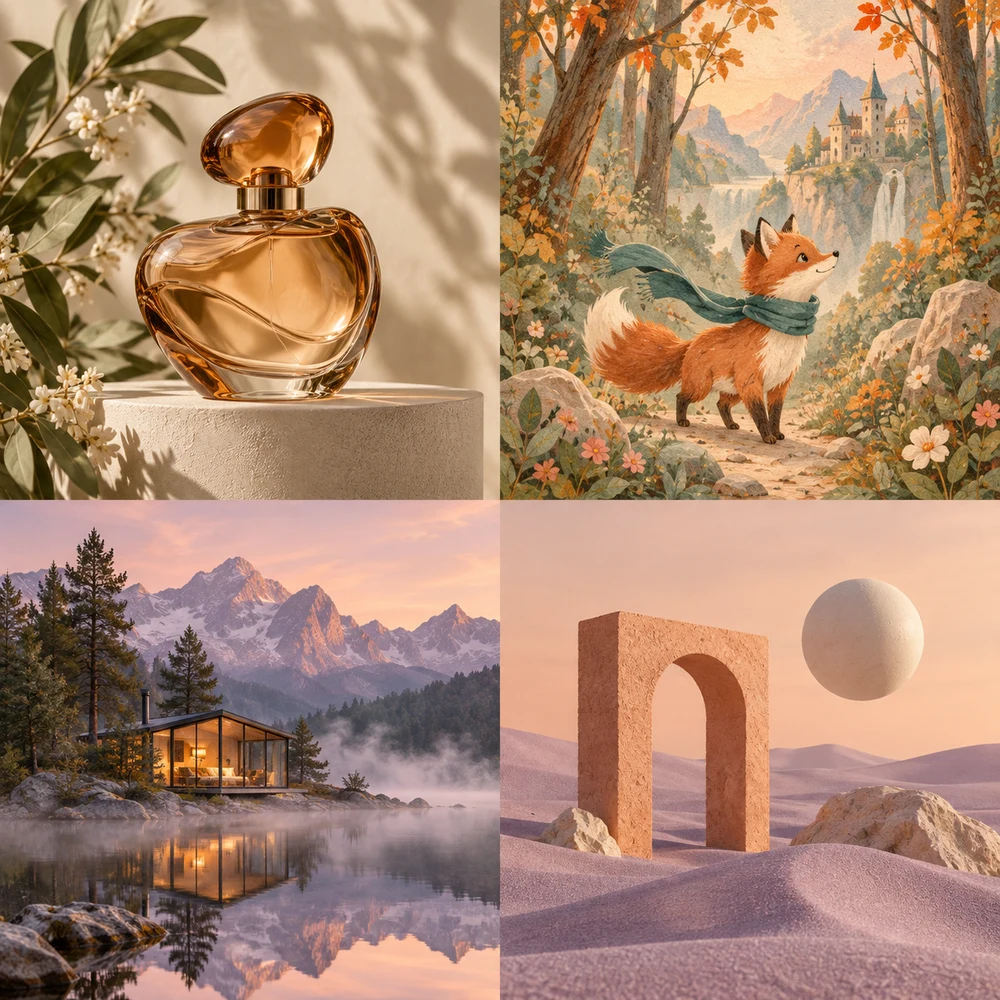
AI example of an amber perfume bottle on a cream pedestal with botanical leaves · AI storybook example of a fox in a teal scarf in a warm forest · AI imagined glass cabin reflected in an alpine lake at dawn · AI concept example of a terracotta arch and floating sphere on lilac sand
Original AI-generated examples for inspiration. They illustrate the prompt direction, not a benchmark or guaranteed output from a particular model.
Prompt ideas

A starting point, not a blank page

Choose a visual direction to open the studio with its prompt already filled in. Edit the words to make it yours.

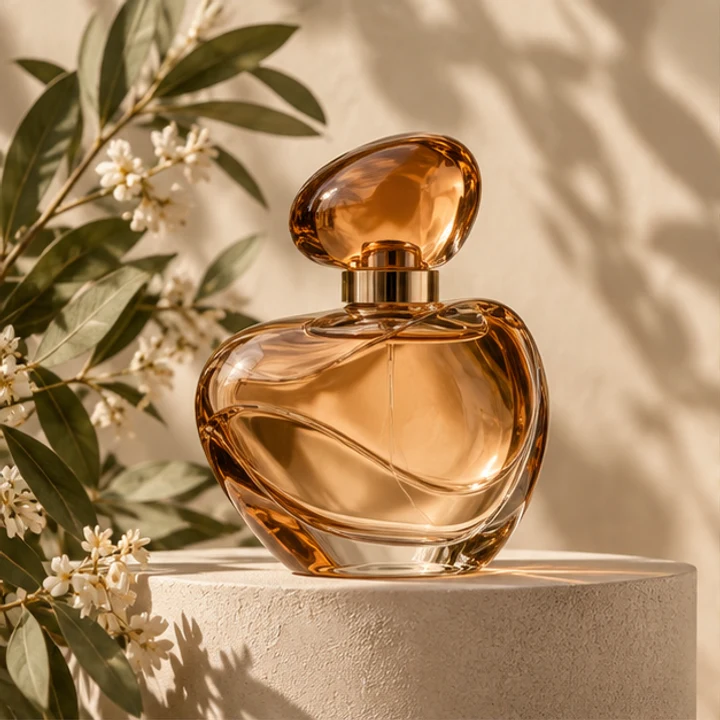
AI example of an amber perfume bottle on a cream pedestal with botanical leaves
01

A product with room to breathe

For a campaign mood or product concept. If an existing product must stay recognizable, use a reference and inspect its shape, label and material.

Prompt

Editorial product photograph of a sculptural amber glass perfume bottle on a matte cream pedestal, sage green botanical leaves, warm side light, refined shadows, no text, no logos.
Use this prompt ↗
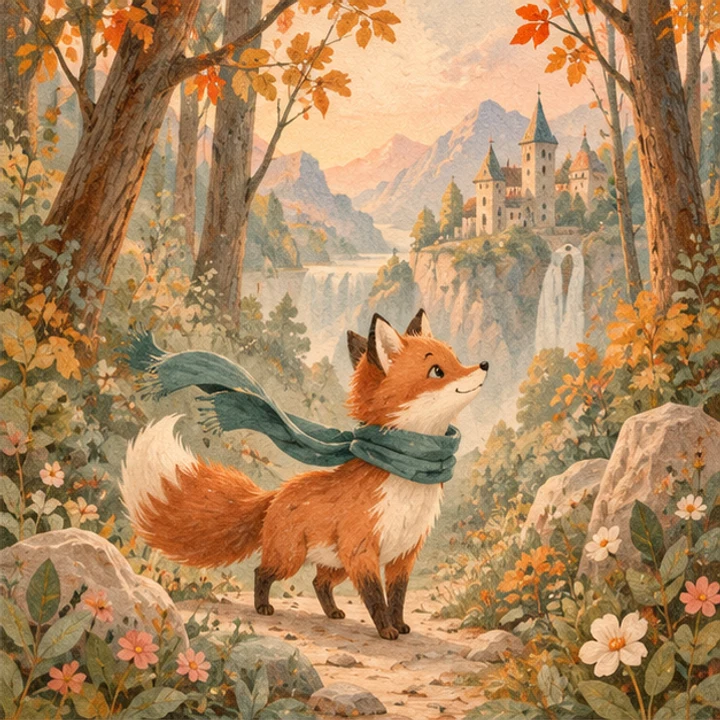
AI storybook example of a fox in a teal scarf in a warm forest
02

An original storybook illustration

For a character idea or story. Describe the character and palette; check that proportions and recurring details stay consistent.

Prompt

An original storybook illustration of a small fox with a teal scarf in an enchanted pastel forest, orange and sage palette, delicate paper grain, whimsical light, no text.

Use this prompt ↗
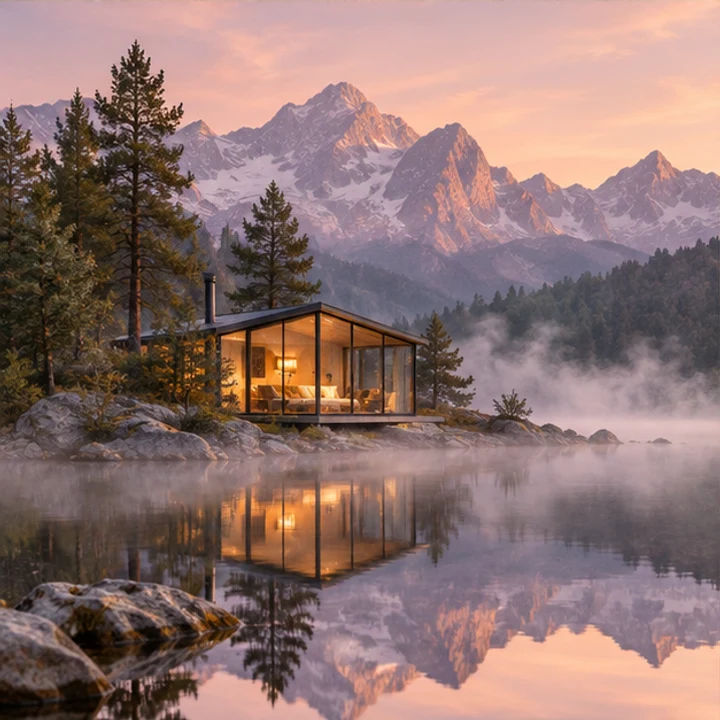
AI imagined glass cabin reflected in an alpine lake at dawn
03

A cinematic world

For a travel mood board or imagined environment. Specify the weather, time and camera view; treat the result as an imagined scene.

Prompt

Cinematic photograph of a tiny contemporary glass cabin reflected on a still alpine lake at dawn, mist, lavender mountains, soft warm interior light, no people, no text.

Use this prompt ↗
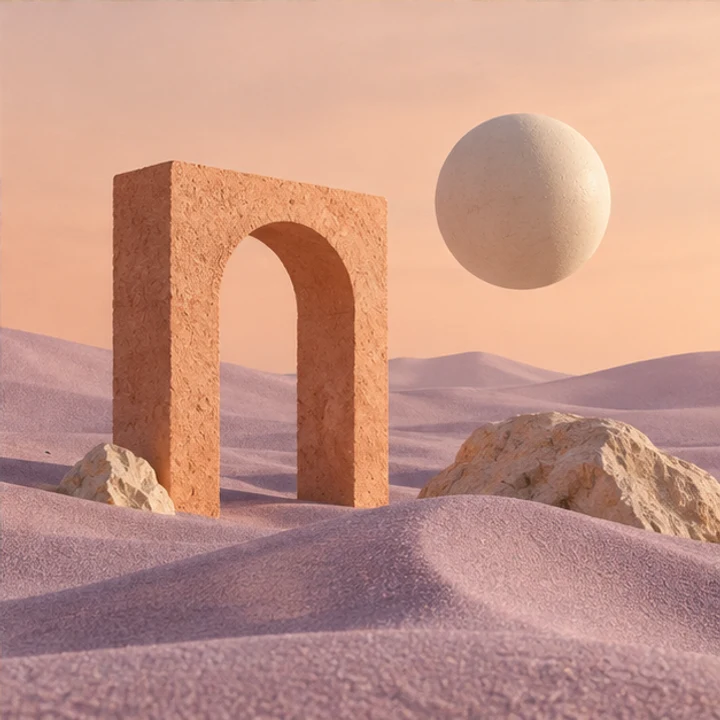
AI concept example of a terracotta arch and floating sphere on lilac sand
04

A visual for a new idea

For a social post or concept cover. Set the composition and leave space for text; add final lettering in an editor if exact type matters.

Prompt

Surreal editorial still life of a terracotta archway and floating ivory sphere on lilac sand under a pale peach sky, soft natural shadows, ample negative space, no text.

Use this prompt ↗

Original AI-generated examples for inspiration. They illustrate the prompt direction, not a benchmark or guaranteed output from a particular model.

Model

Choose a model, then the settings that fit it

Add up to 4 reference images or create from text alone. Options change with the selected model; availability depends on the provider. Compare using the same prompt rather than assuming one model fits every task.

NANO BANANA

Nano Banana 2.1

Create from text or up to 4 references with Nano Banana 2.1. Choose 1K, 2K or 4K and standard or extra tall and wide ratios.

  • Resolution: 1K / 2K / 4K
  • Quality: Automatic
Create my image ↗

Explore real examples ↗

NANO BANANA

Nano Banana 2

Explore an image direction with ratio and resolution controls. Extra tall and wide ratios are available.

  • Resolution: 1K / 2K / 4K
  • Quality: Automatic
Create my image ↗

See actual examples ↗

NANO BANANA

Nano Banana Pro

Build a composition with a reference photo and resolution controls. Carefully check likeness and fine details.

  • Resolution: 1K / 2K / 4K
  • Quality: Automatic
Create my image ↗

See actual examples ↗

Compare all four models ↗

AI image generator

From a first idea to an image worth keeping

Create my image ↗
  1. 01

    Describe what you want

    Write the subject, setting, light and intended use. Add up to 4 optional references and describe their roles as Image 1, Image 2, etc.

  2. 02

    Choose how to generate

    Pick a model, format and available quality settings. Confirm the number of images and total credits before submitting.

  3. 03

    Review and keep creating

    Follow the task in the studio. Check details, download from My Creations, or reuse the same prompt and settings.

A clearer prompt gives you a clearer starting point

  • Start with one subject, then add the setting, light, colors and composition.
  • For an edit, explain what should change and what should remain. Use a clear JPG, PNG or WebP reference under 25 MB.
  • Use your own material or images you have permission to use. Check faces, hands, product details and spelling before sharing.

Know what to check in the result

AI can alter identities, product geometry or lettering, even with a reference. A requested resolution describes the output setting, not a guarantee of recovered detail. Generation needs an account and credits; unavailable models and failed results are shown as tasks, with failed outputs refunded under the existing credit rules.

Before you create

Can I generate an image from text without uploading a photo?

Yes. Write your prompt and choose the model and image settings. Adding a reference is optional and requires no mode switch. You can also add up to 4 references inside the prompt editor.

Which settings can I change?

Model, aspect ratio, resolution and number of images. Current models use automatic quality. Nano Banana models offer 1K, 2K and 4K; GPT Image 2.5 offers 1K.

How do I reuse a prompt?

Sign in, name your prompt and save it. Select it above the editor to fill it instantly, or open Manage to edit or delete it. Save up to 30 prompts for use across your devices.

Is image generation free?

Generation uses credits. The studio shows the cost for your selected model, resolution and image count before submission. Any signup credits depend on your account; this page does not promise unlimited free generation.

Where are my results and reference images kept?

Tasks appear in the same My Creations space as your other tools, with the same account and download rules. Deleting a task removes it from your visible creations and stops access through that task. See the privacy policy for data retention details.

YOUR IDEA. YOUR NEXT IMAGE.

Bring the image in your mind to life.

Describe it · Optional reference · Saved prompts

Create my image ↗