
HAIRSTYLE TRY-ON
Choose a hairstyle. See it on your photo.
Browse available hairstyle examples, pick a cut or color, then preview it using your own photo. Compare the shape around your face before your next salon visit.
HAIRSTYLE TRY-ON
Start with a hairstyle you can choose
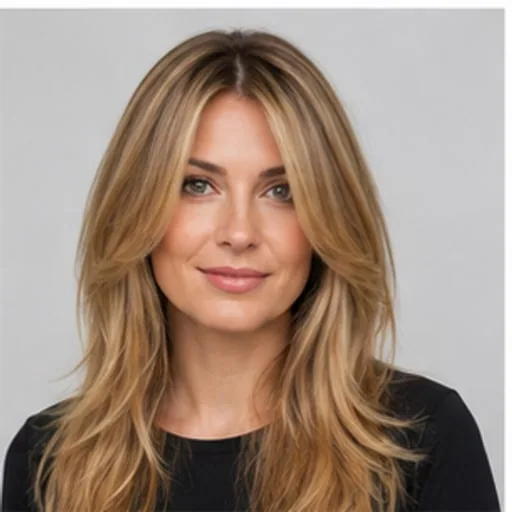
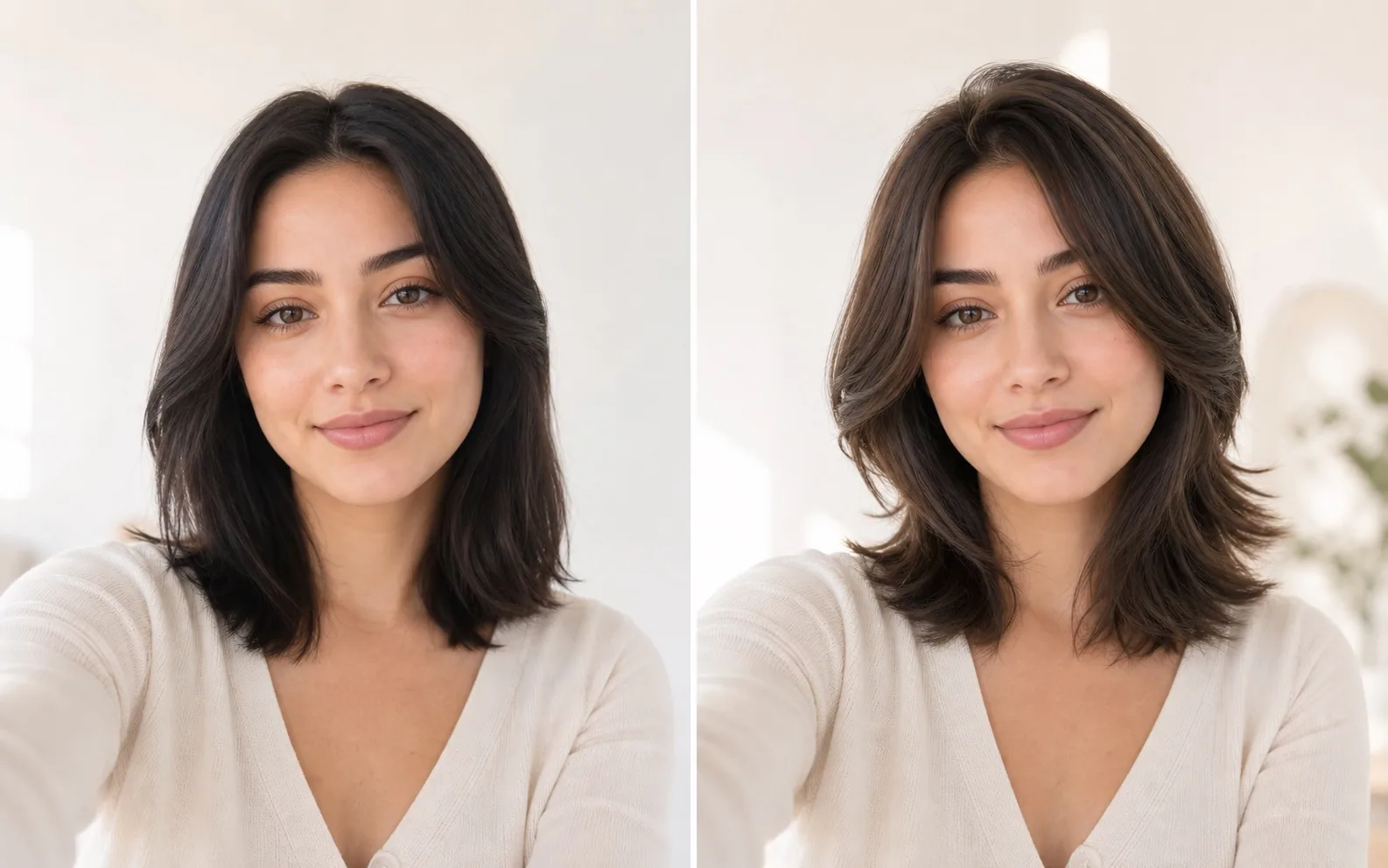
Explore a few options from the live style library. Each card opens the studio with that hairstyle selected; you can change it before generating.
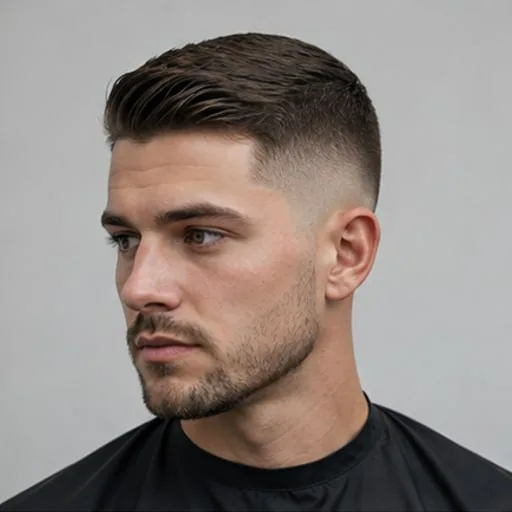
Men's fade
Try this hairstyle ↗
Classic bob
Try this hairstyle ↗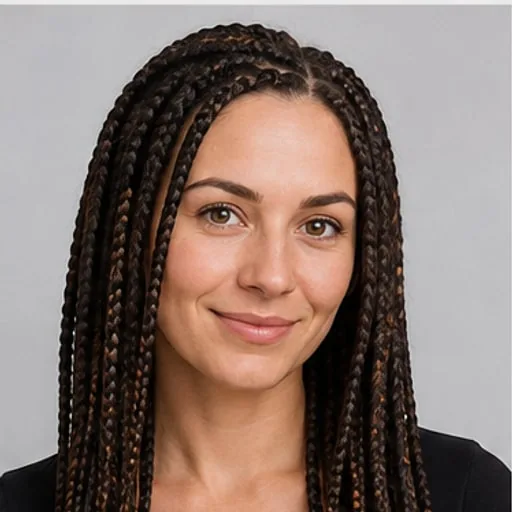
Box braids
Try this hairstyle ↗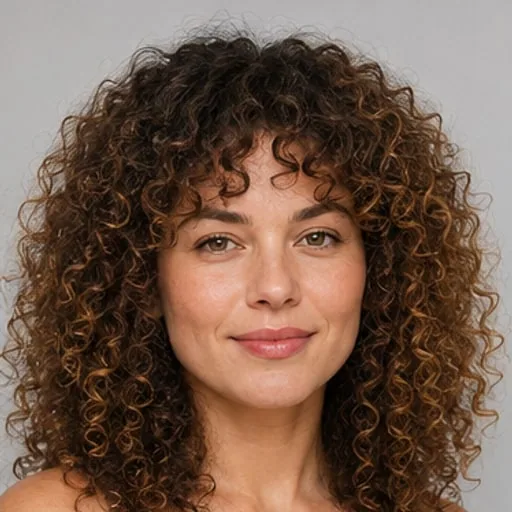
Natural curls
Try this hairstyle ↗
Ombré color
Try this hairstyle ↗What to compare
Compare more than the name of a haircut
Shape and length
Look at the outline and where the ends fall near your face.
Fringe and texture
Compare the way the hairline, movement and volume frame you.
Color and upkeep
Try a shade, then consider how the cut would work with your own hair.
How it works
From style choice to preview in three steps
Choose a hairstyle, upload your photo and compare the result before making a real change.
Create with my photo ↗- 01
Pick a hairstyle
Choose an example from the library or start with a suggested card here.
- 02
Add your photo
Use a clear image of one person and adjust color or other options if needed.
- 03
Generate and compare
Review your results together in the studio and your history.
Common questions
AI hairstyle try-on questions
Will the result keep my face?
Yes. Your photo remains the identity reference, and the generation prompt explicitly limits edits to hairstyle, hair color, and styling. Image models can still make small mistakes, so compare several results before using one as a salon reference.
Can I try hairstyles for women and men?
Yes. The library includes women's salon styles, men's barber cuts, textured hair, braids, curls, short cuts, long layers, and regional trends. You can filter the examples or leave the direction on automatic.
Can I generate several photos at once?
Yes. Choose two, four, six, or eight results. You can request variations of one hairstyle, several different hairstyles, or a balanced best set, and supported models submit them concurrently.
Where are my results saved?
Signed-in users can open Hairstyle History from the header or generator. Pending, completed, and failed tasks remain available there, and a floating progress panel reports background generation on the web.
Keep exploring
Create with my photo ↗Ready to try a different look?
Choose a hairstyle, upload your photo and compare the result before making a real change.