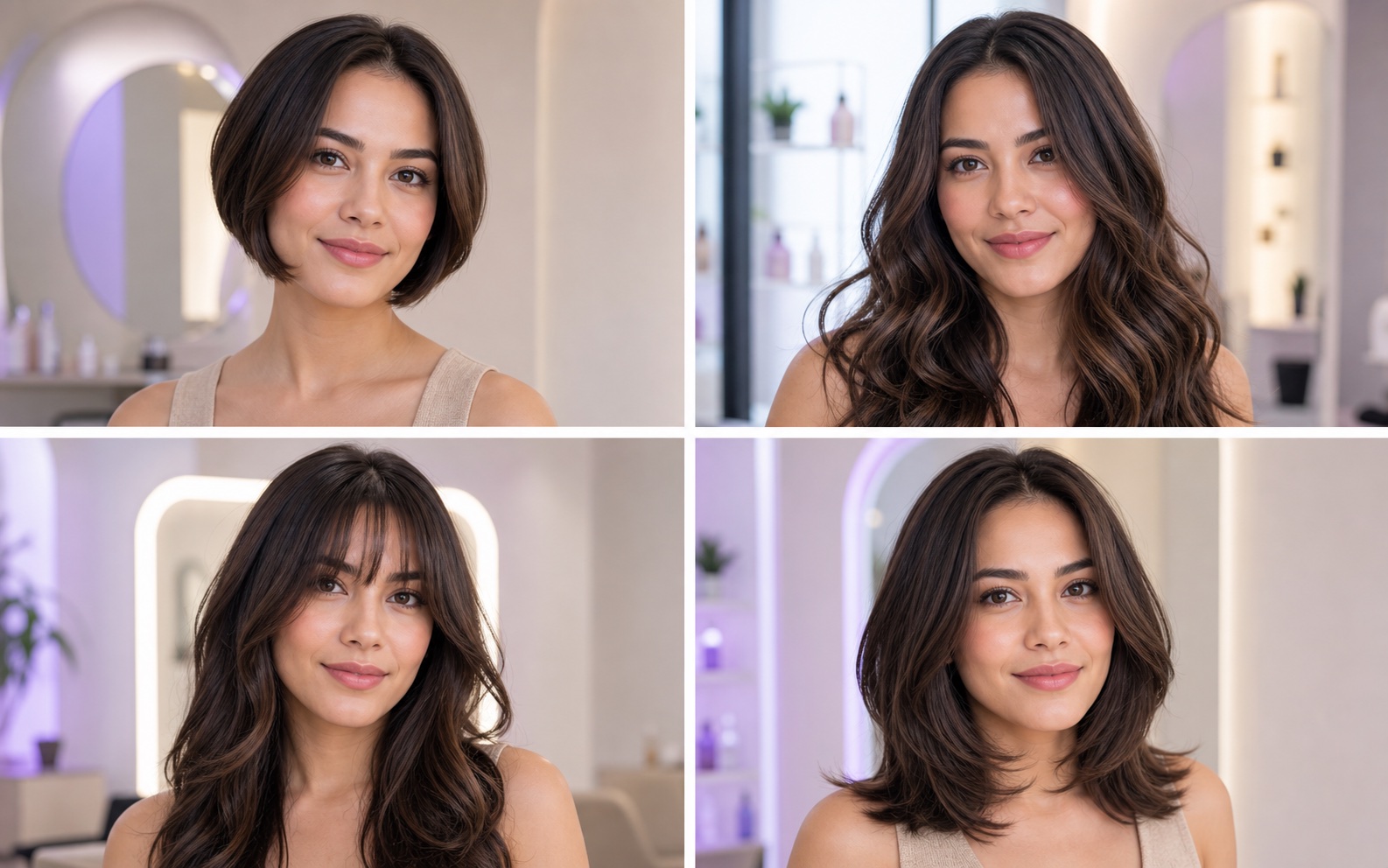
AI hair design
Get hairstyle directions shaped around your features and preferences.
See how it works ↗
Explore ideas for your hair and professional image, then see them on your own photo. My Look Story brings inspiration, practical guides, and creation together.
AI image generator ↗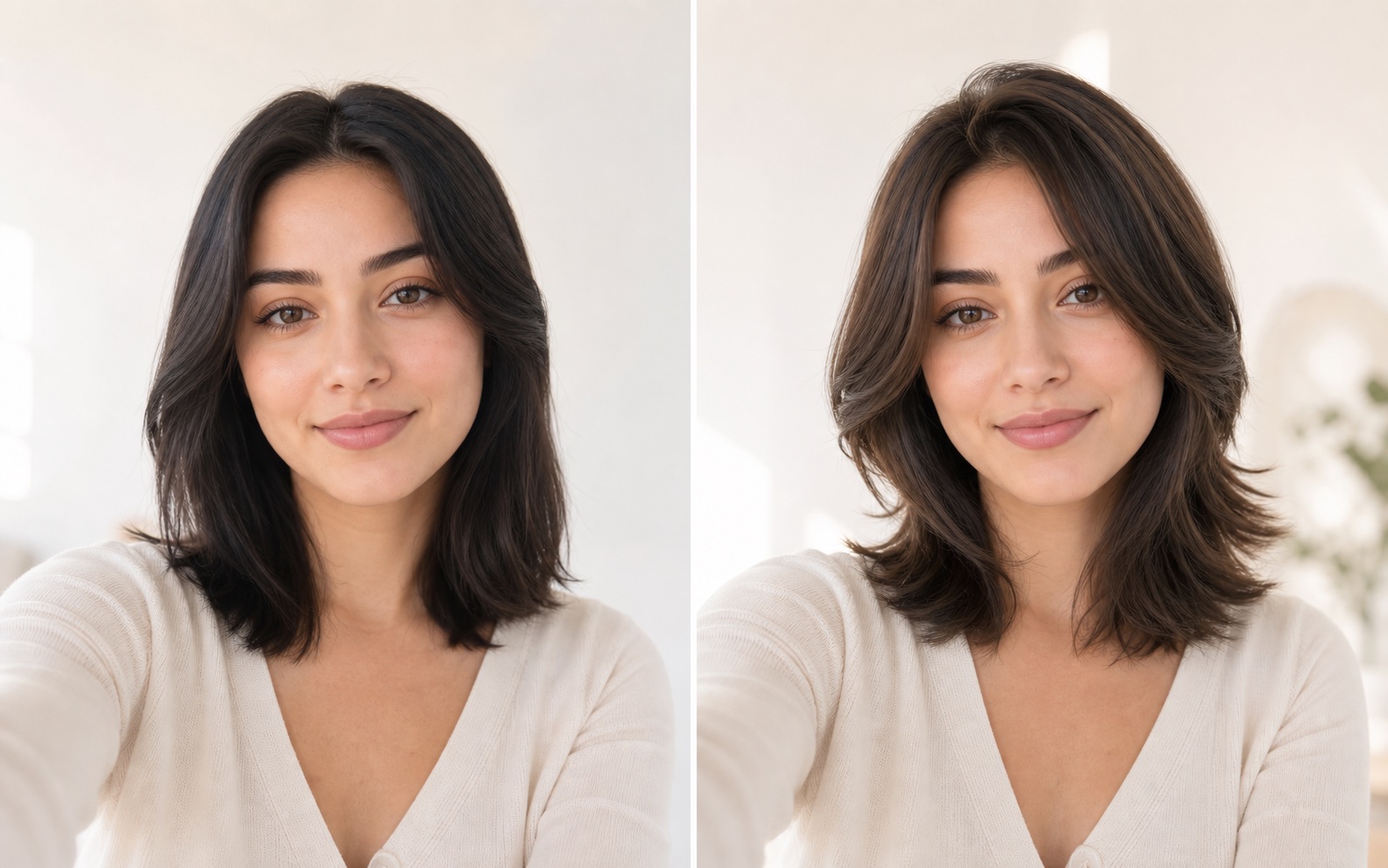
Four ways to explore and create with your own photo, with one place to keep your results.
Get hairstyle directions shaped around your features and preferences.
See how it works ↗Choose a cut or color and preview it on your own photo.
See how it works ↗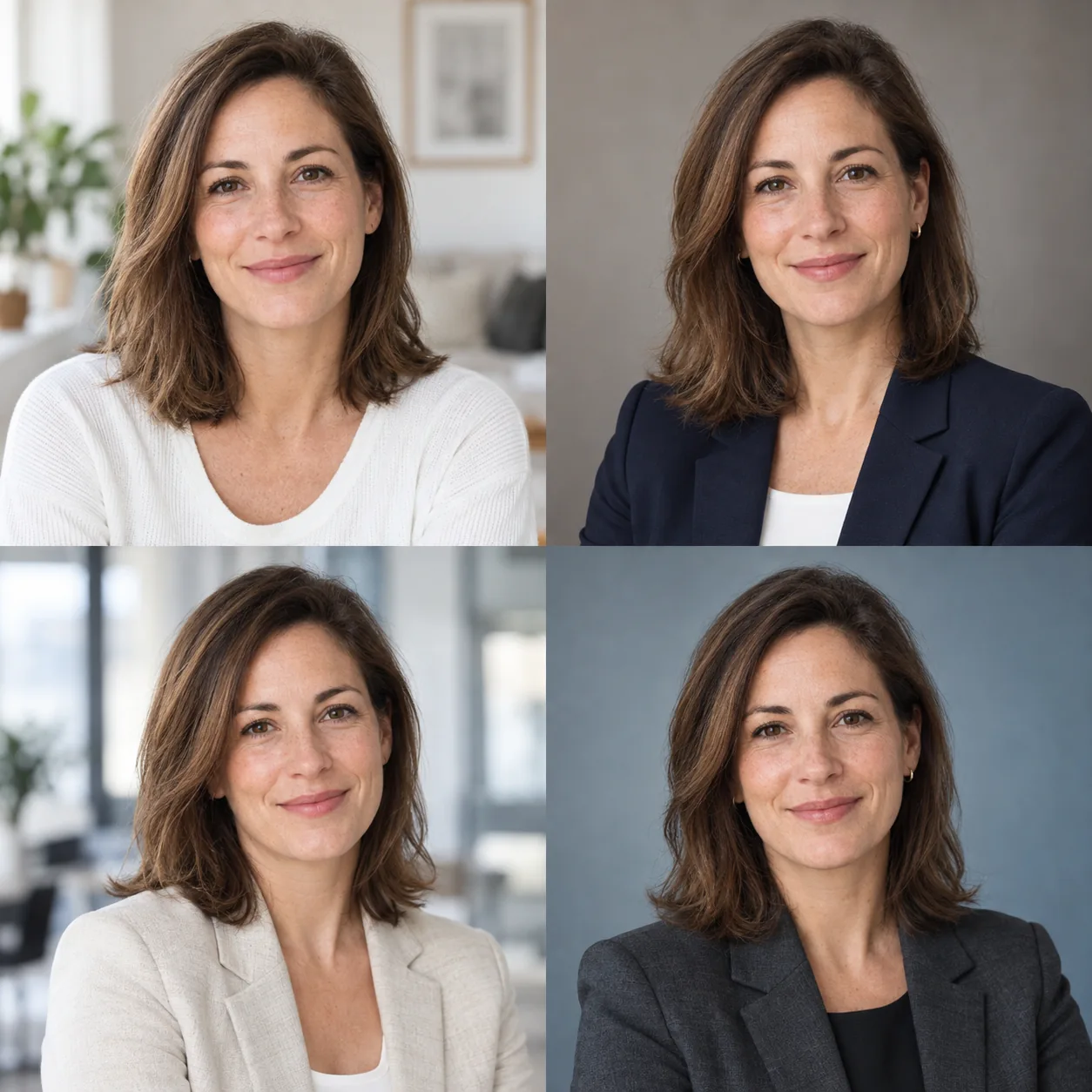
Create a portrait for a CV, work profile, or team page.
See how it works ↗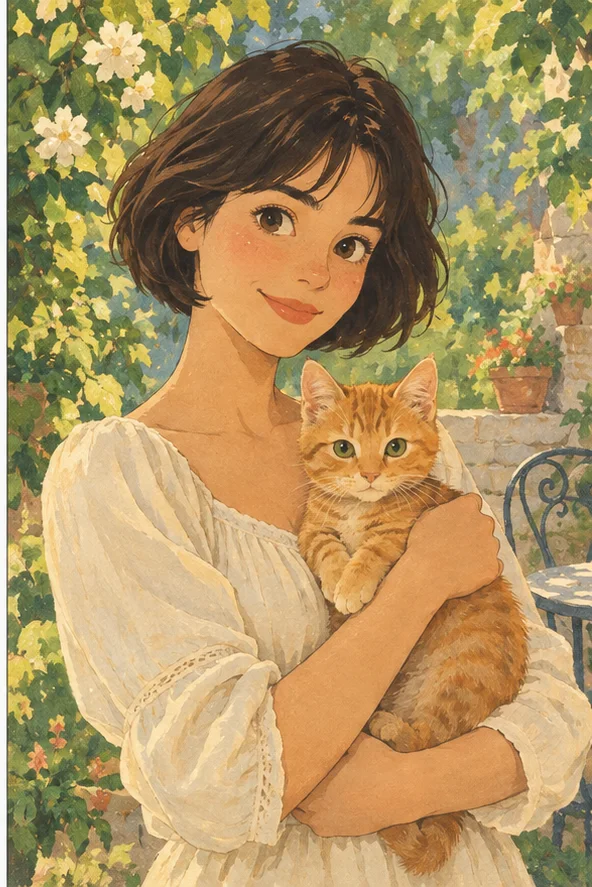
Turn your photo into line art, a coloring page, or an original storybook illustration.
See how it works ↗Create new images from text or references, make photos clearer, or edit their backgrounds.
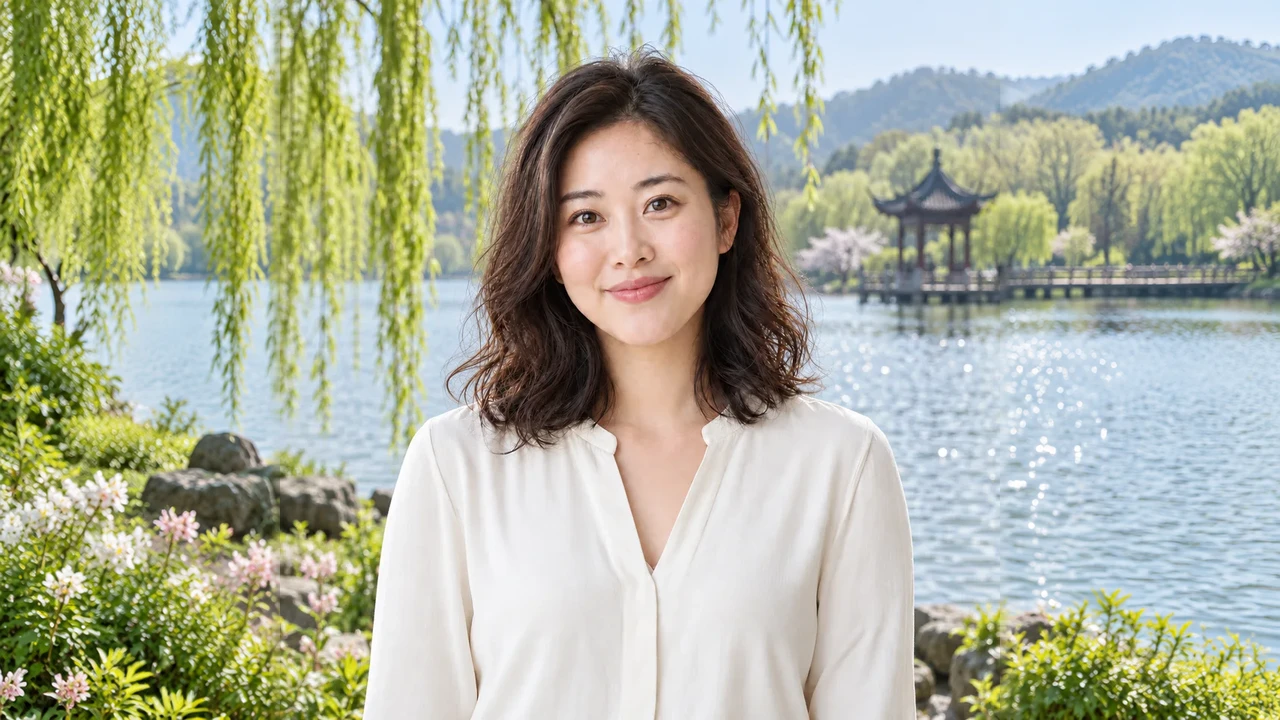
Turn a tight crop into a wider scene or a taller cover. Choose the canvas first and see exactly where new background will be created.
See how it works ↗Turn photos and ideas into short videos. Use up to nine references or start with words.
See how it works ↗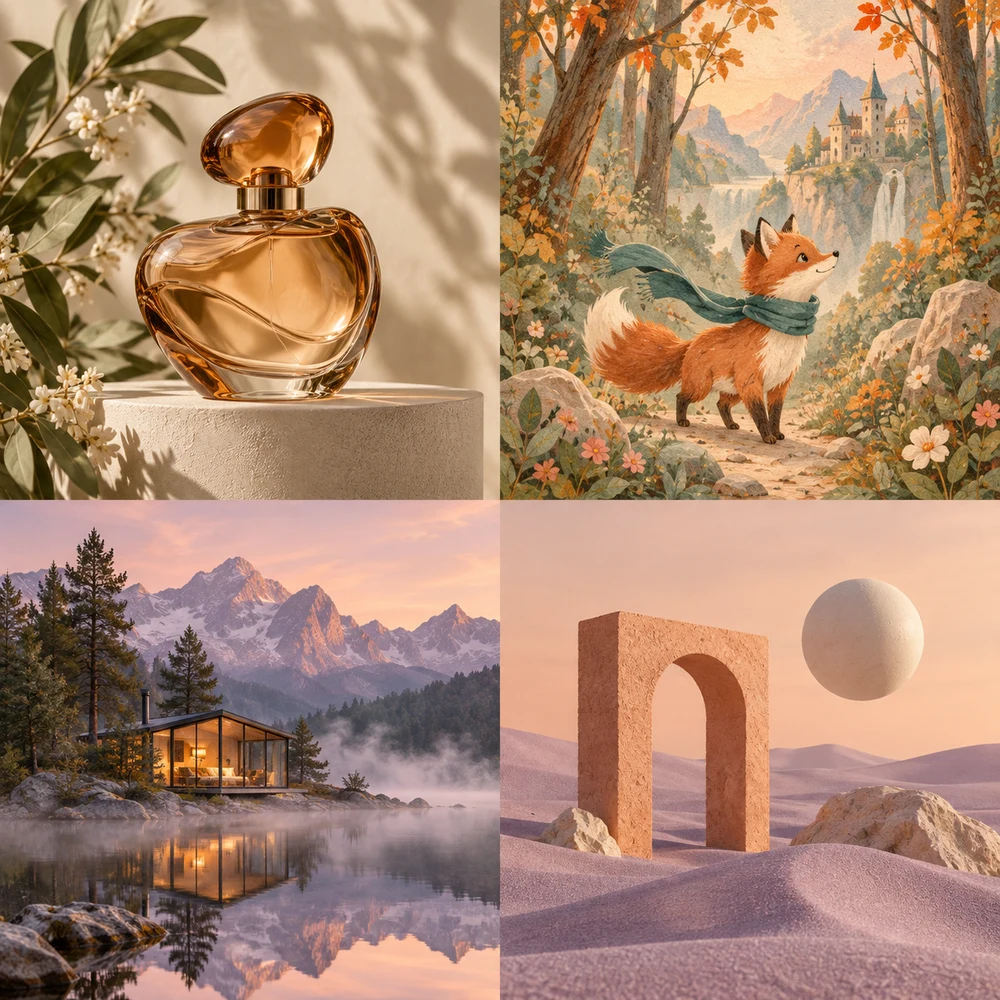
Create product visuals, illustrations, and posters from text or up to four reference images. Choose Nano Banana 2.1 or GPT Image 2.5 and save your favorite prompts.
See how it works ↗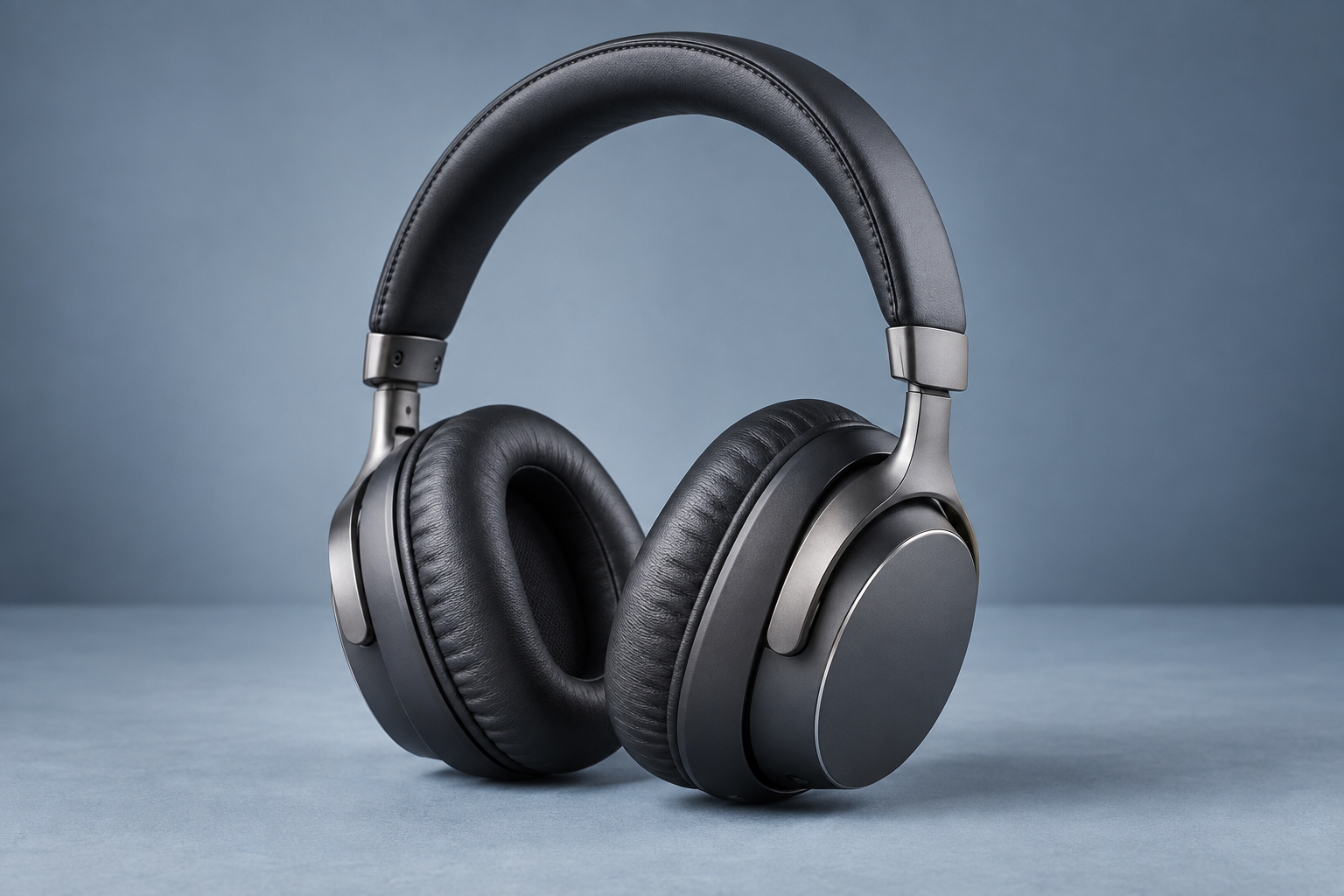
Reduce mild blur and noise while keeping the original pixel dimensions.
See how it works ↗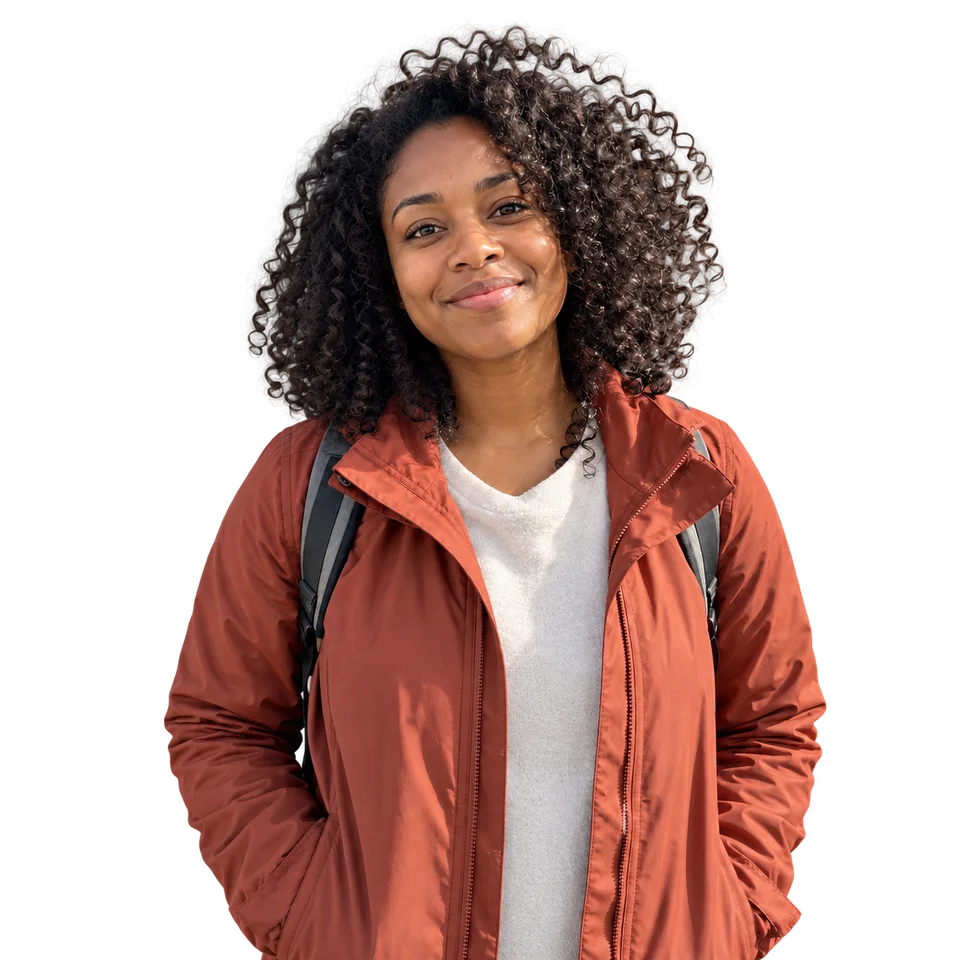
Remove a photo background, save a transparent PNG, add a solid color, or blur the original background. Process one photo or up to 40 in a batch.
See how it works ↗Compare styles, face shapes, and real occasions before you decide what to generate.
AI images are previews. Check likeness, details, and suitability before using them.
Start with a goal: discover a new haircut, test a style you already like, or prepare a professional profile photo.
A generated image helps you compare directions on your own photo. It cannot promise how a haircut will behave with your real texture, or guarantee a portrait is an exact likeness.
Use a recent, sharp photo with one visible face and even light. Keep the hairline visible for hairstyle previews and check the final image carefully before sharing it.
After signing in, create from the studio and revisit your results in generation history. Compare options before choosing what to save or share.
Use AI Hair Design for suggestions, hairstyle try-on for a cut or color you choose, and professional headshots for a work profile portrait. Photo filters turn a photo into line art, coloring pages, or illustrations.
Yes. A clear photo of one person is a starting point for these tools. You can also choose a recent upload in the studio. A clear photo can also be used with photo filters.
The photo is the identity reference, but AI can change small facial, hair, or clothing details. Review every result before use.
Signed-in generations appear in your creation history in the studio.
No. Start with a description, or optionally add up to four reference images in the same editor. Choose a model, resolution, and image count, check the estimated credits, and generate. Saved prompts can be selected quickly; your newest favorite is filled in when you open the tool.
Open the studio to choose a tool, upload a photo, and create your result.
Start creating ↗