 Create
What would you like to create?
Choose a tool, then use your own photo to create and compare results.
Better Me
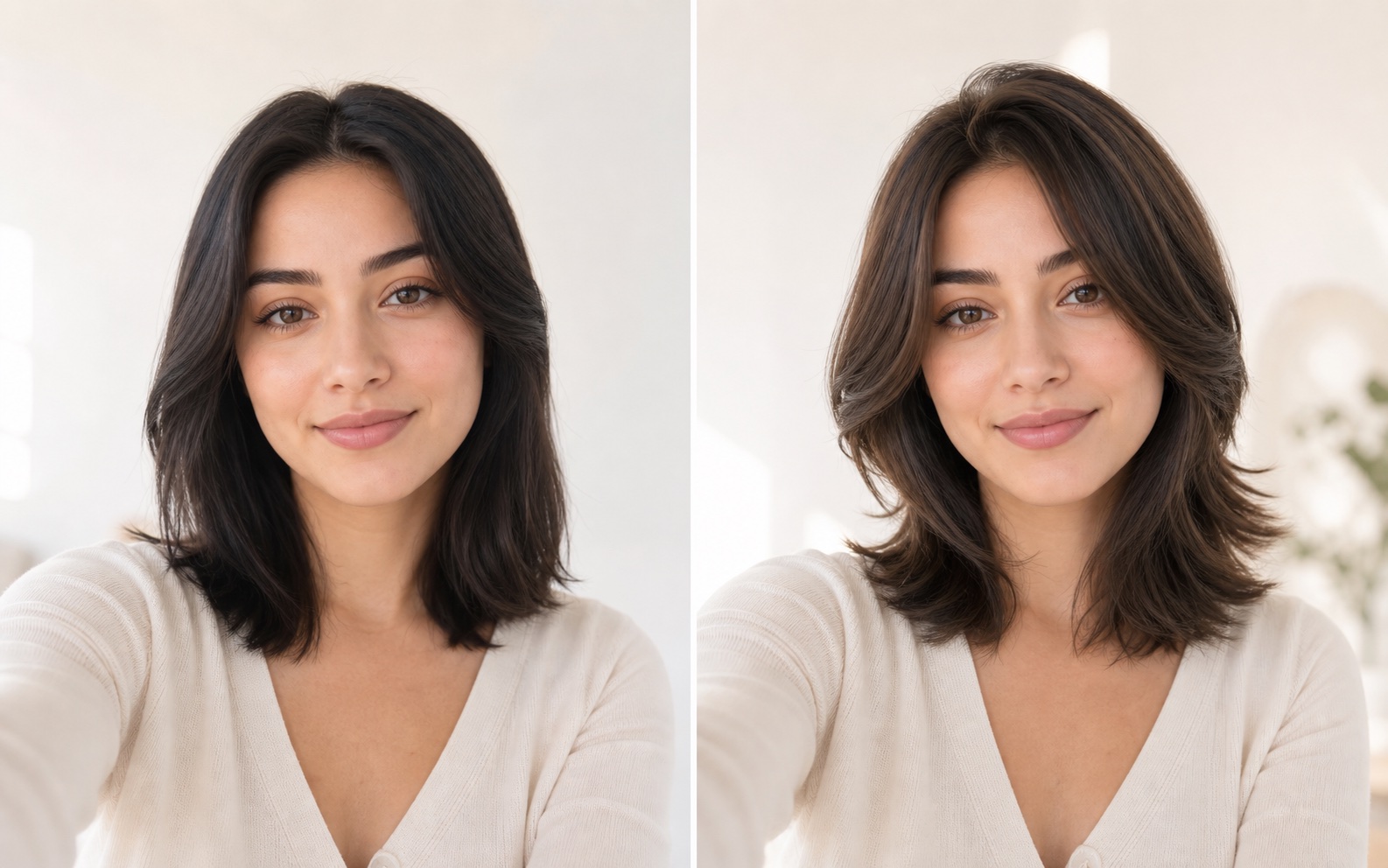 AI HairstylesTry a hairstyle from the library or let AI design looks around your features.Start creating ↗
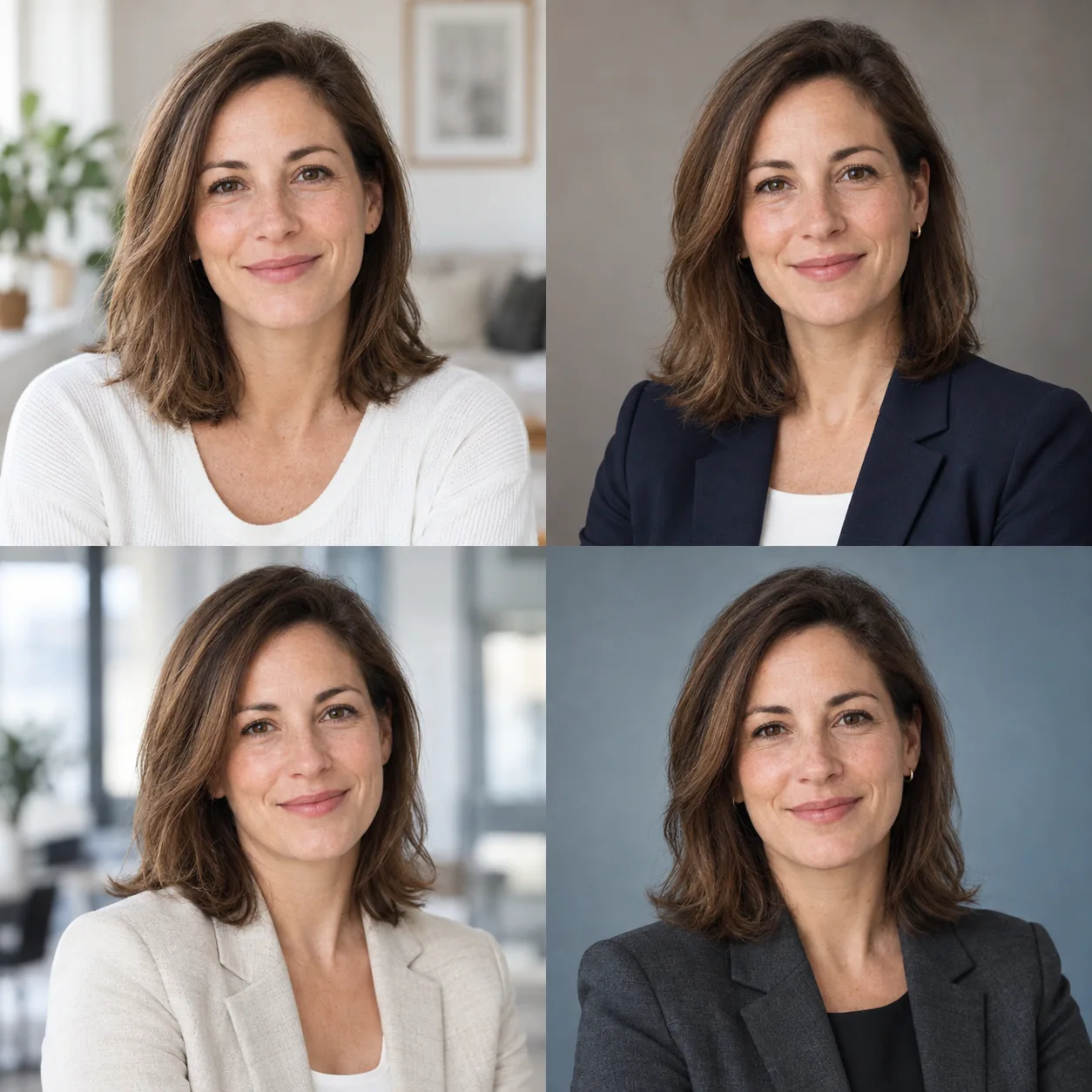 Professional HeadshotCreate professional portraits from one or more photos and scenes.Start creating ↗
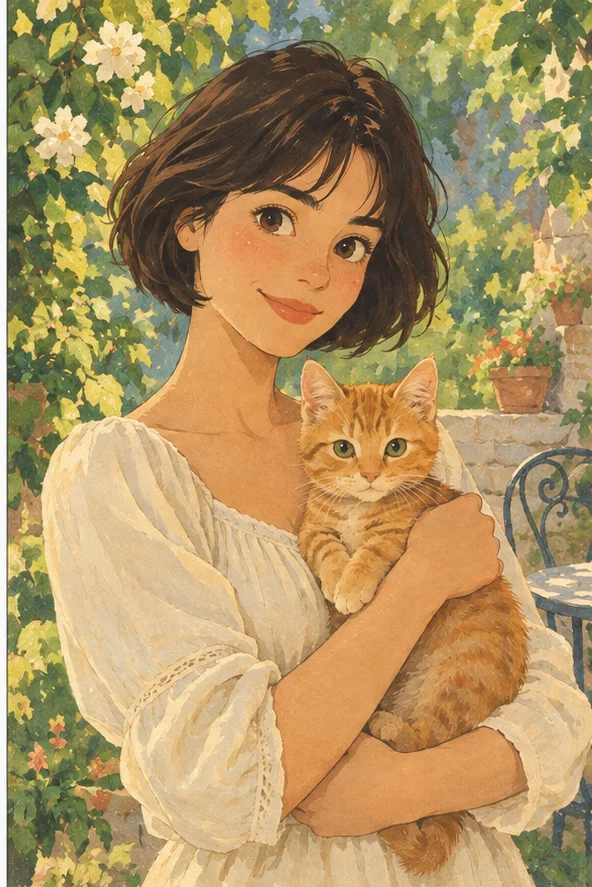 Photo FiltersApply one or more creative filters to your photos.Start creating ↗
Creative tools
 AI Image EditorEdit your photo, change outfits, retouch portraits or restore old photos with AI.Start creating ↗
 AI Video GeneratorTurn photos and ideas into short videos. Use up to nine references or start with words.Start creating ↗
 AI image generatorEnter a prompt, optionally upload up to 4 reference images, then choose a model and settings to create your image.Start creating ↗
 Remove backgroundTransparent PNG · Solid color PNG · Blurred backgroundStart creating ↗
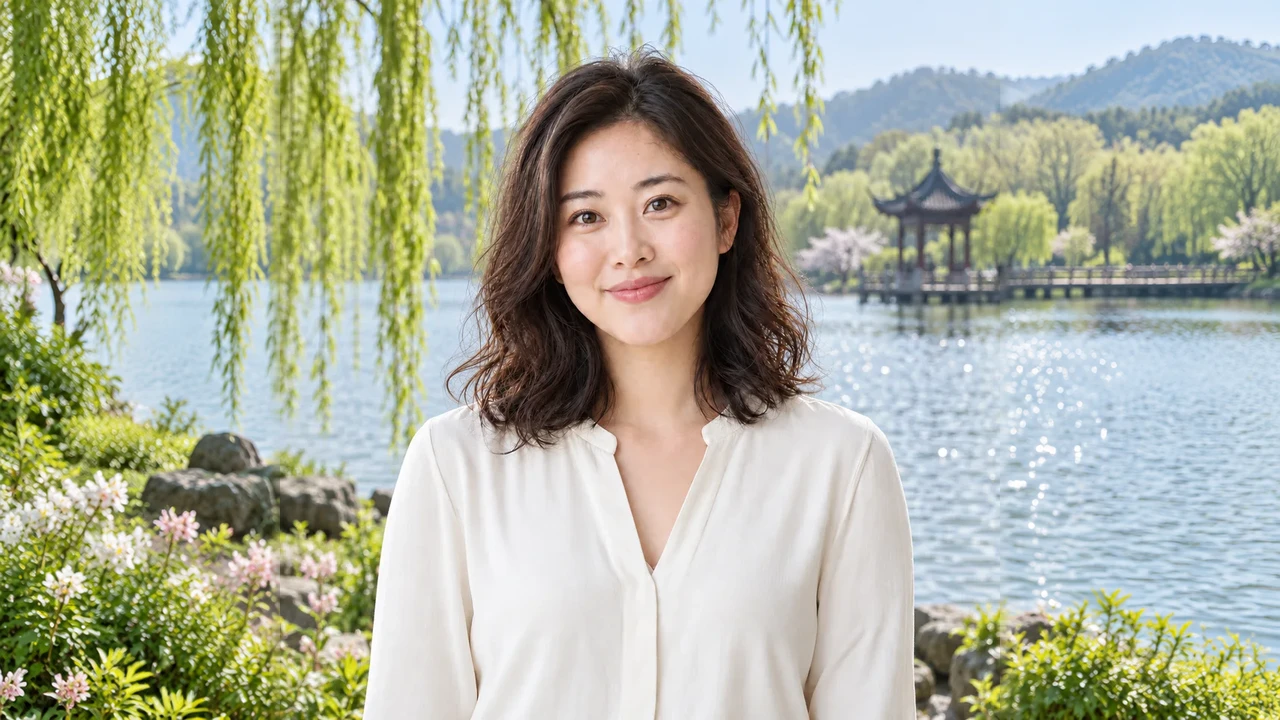 AI Image ExtenderTurn a tight crop into a wider scene or a taller cover. Choose the canvas first and see exactly where new background will be created.Start creating ↗
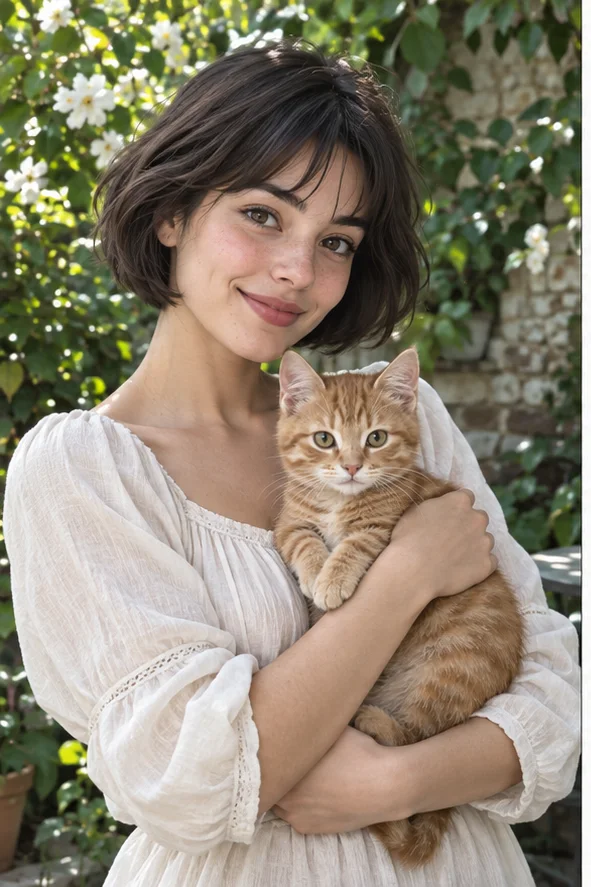 Image Enhancer & UpscalerEnhance 1–40 photos at original size or enlarge them 2× / 4×.Start creating ↗
Your generation history
Tasks and results from every tool are saved together.