Turn a detailed brief into posters, product visuals and illustrated stories. GPT Image 2.6 brings your subject, words and visual style together so the whole image feels intentional.
The 2.6 generation advances creative iteration, layout quality and consistency through edits. Use it to explore a composition, refine the brief and develop the direction you want.
GPT Image 2.6
See what you can create
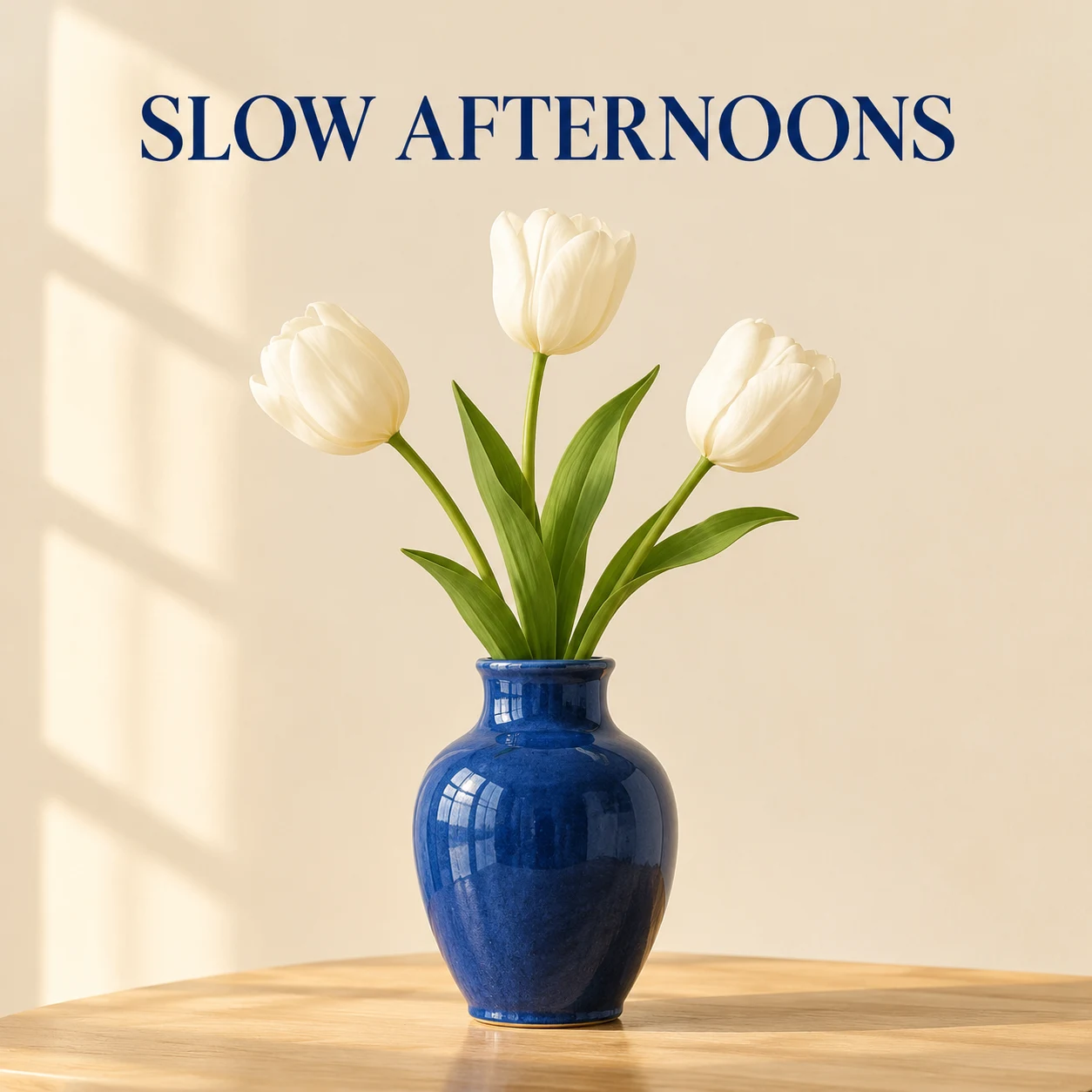
Typography meets still lifeAI-generated
01
Give your message a visual presence
Design the headline and the image together. Describe where the words belong, what should draw the eye and where the composition needs room to breathe—ideal for campaign concepts, announcements and editorial covers.
Create a square poster: a blue ceramic vase with three white tulips on a pale oak table, warm ivory background and soft window light. Add the headline “SLOW AFTERNOONS” above the flowers.
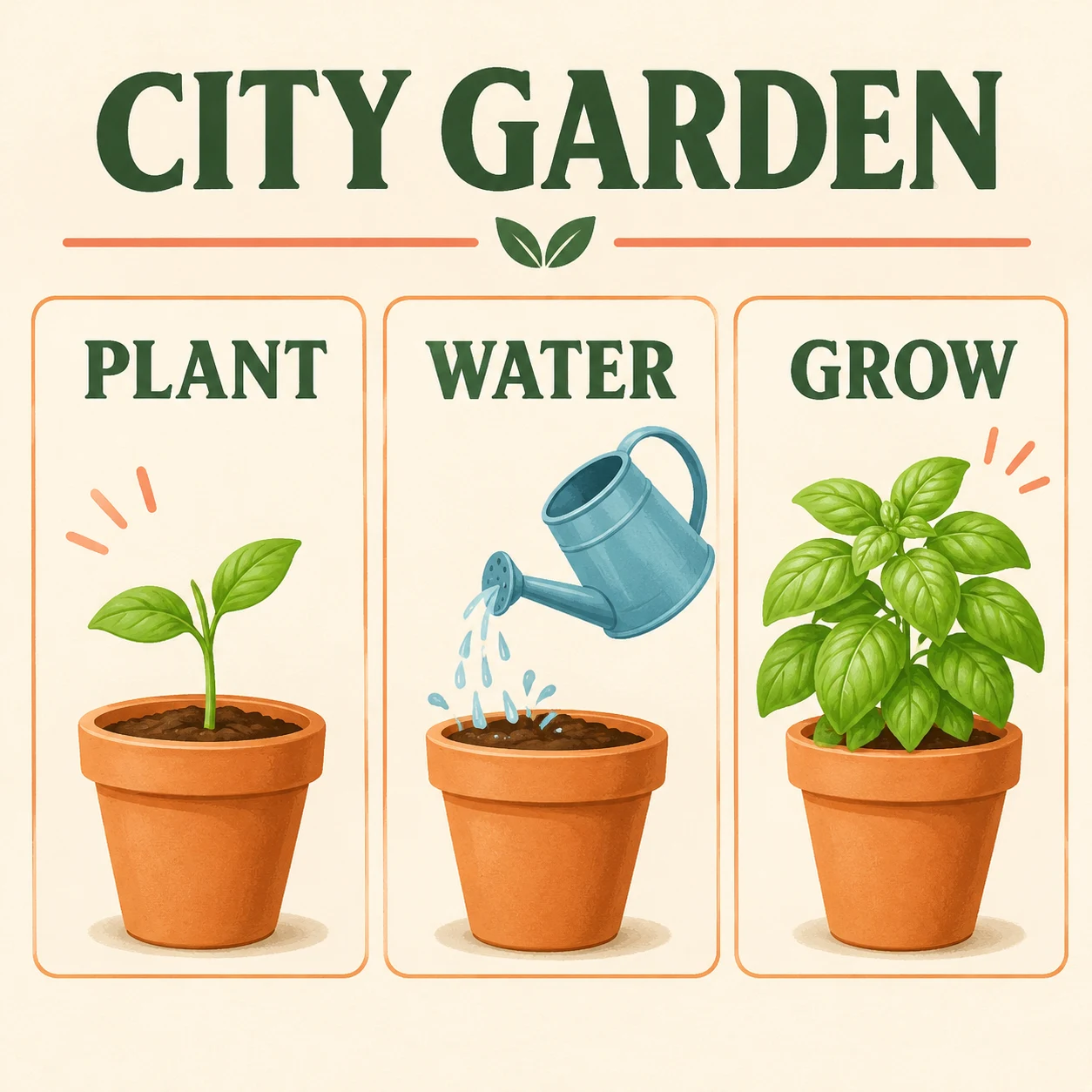
One idea, three visual stepsAI-generated
02
Turn a layered brief into a clear picture
Bring several instructions into one organized frame. Name each element and its position to create illustrated explainers, process graphics and visual guides that are easy to follow.
Create a square CITY GARDEN infographic with three aligned illustrated panels: PLANT, a terracotta pot with a seedling; WATER, a blue watering can above a matching pot; GROW, a full basil plant. Ivory background, dark green headings, soft coral accents, generous margins. No additional words.
Made for your next idea
From idea to finished visual
01
Describe the complete idea
Include the subject, setting, style and words you want in the image.
02
Shape the composition
Choose a format and specify the placement of important elements.
03
Create and refine
Generate your visual, then adjust the part you want to develop.
Ready for a different direction?
Already have a picture you like?
Bring it to Sunburst for focused changes to color, objects and fine details.
Posters, product concepts, social graphics and illustrated explanations with several visual instructions. Give it the actual wording and a clear layout.
Can I start with a photo?+
Yes. Add a reference image and describe how you want to rework the subject, scene or style.
Which model should I choose for detailed photo edits?+
Choose Sunburst when your main task is refining an existing image and preserving its visual identity.