Start with a clear scan
Crop away the table or scanner edge. Keep the eyes and mouth visible without glare.

Give a scanned portrait a gentle blink, a small smile or a quiet turn of the head. Keep the old-photo look while adding a little movement.
Add your own photo in the studio. The example photo is not attached automatically.
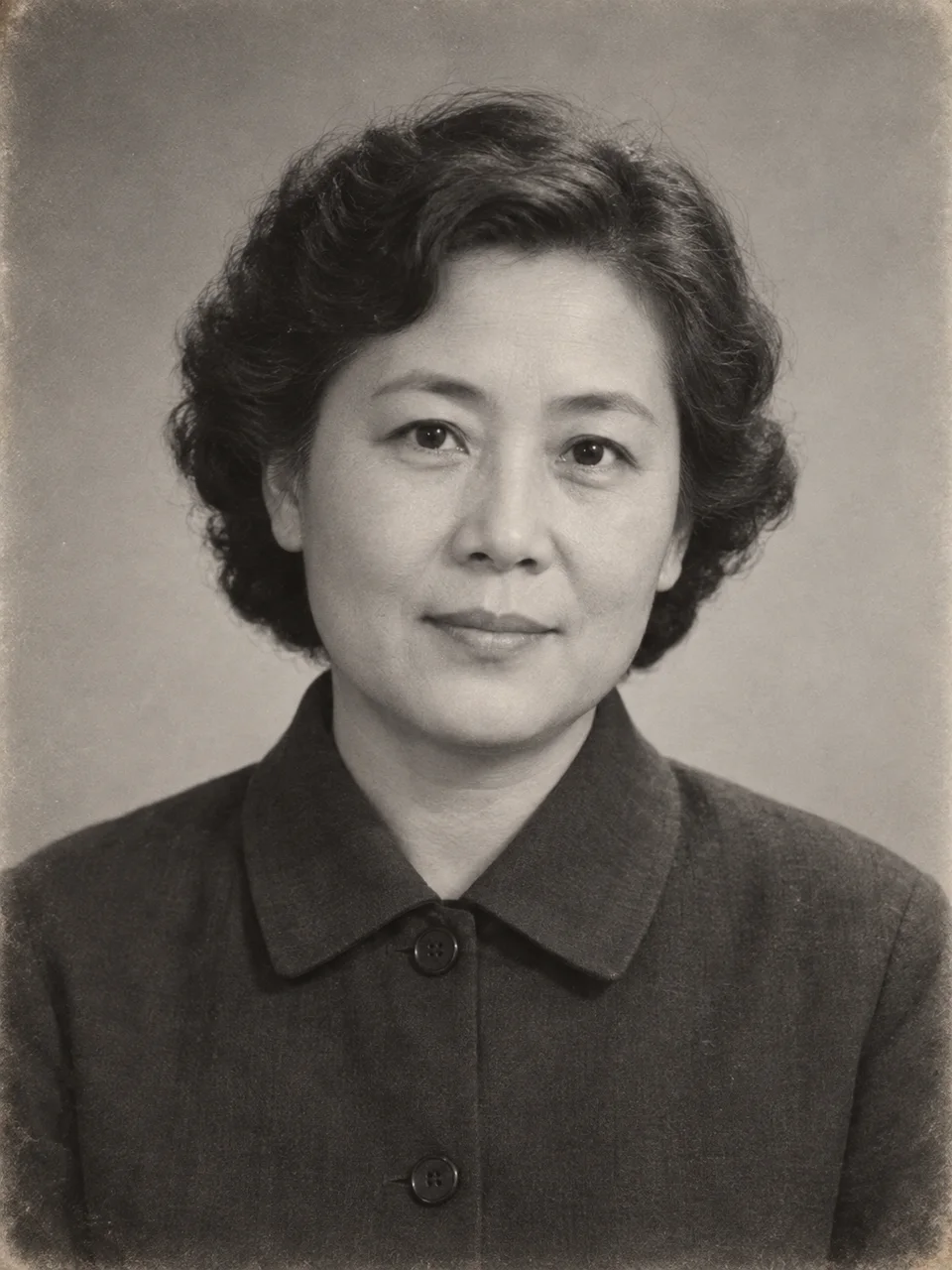
A fictional grayscale studio portrait of an adult woman in a dark jacket.
01 → 06sSmall facial movements suit a close portrait. Compare the eyes, mouth and apparent age with the still photo before saving your version.
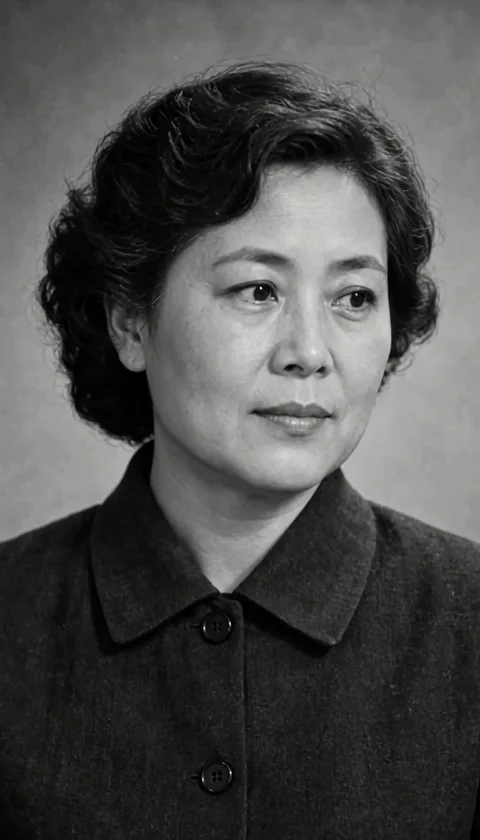
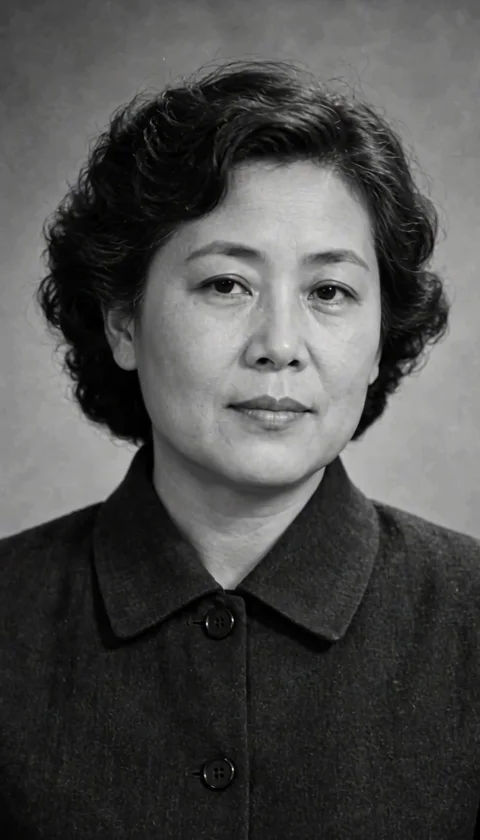
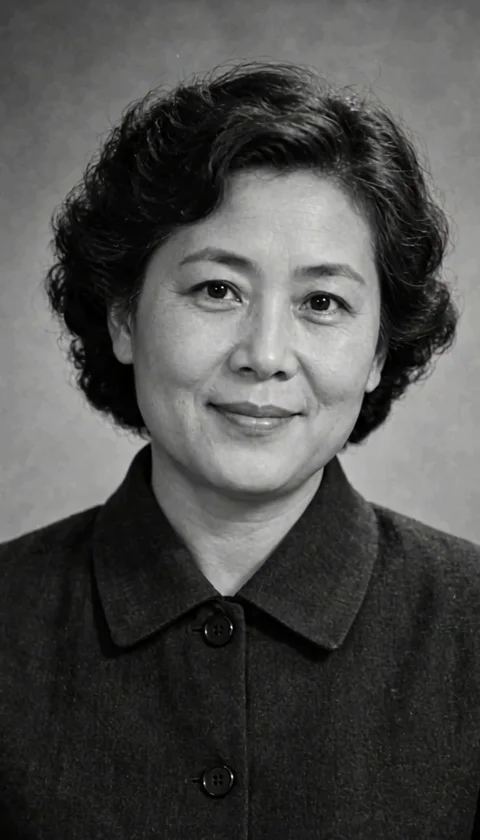
Sample: MiniMax H3 · 6-second request · 768p tier. The web preview is compressed; actual dimensions and duration can differ from the selected tier.
Crop away the table or scanner edge. Keep the eyes and mouth visible without glare.
Repair heavy scratches first if needed. Animation does not automatically restore missing facial details.
A blink or slight smile usually fits the portrait better than a large turn or a walk.
The studio opens with an editable prompt and matching settings. Add your photo, adjust the direction and review the credit estimate before generating.
Animate my old photo ↗Gently animate the adult in my old portrait: a natural blink, subtle breathing and a soft closed-mouth smile. Preserve the grayscale look, grain, hairstyle and clothing. Keep the apparent age. Fixed camera, one six-second shot, no colorization or speech.
Gently animate the single adult woman in this vintage portrait. She blinks naturally once, breathes subtly, makes a very small turn toward the camera and ends with a soft closed-mouth smile. Preserve the grayscale photographic look, film grain, hairstyle, dark buttoned jacket and plain background. Keep her face recognizable without changing her apparent age. Head-and-shoulders framing, fixed camera, one continuous six-second shot. No colorization, no added objects, no speech or music.
The starting prompt asks for the grayscale look to remain. Check the actual output, because generative details can change.
It is a new AI animation inspired by the photo. It does not recover the person's real movements or a missing historical film.
Cost depends on the selected model, resolution and duration. The studio refreshes your balance before submission and shows the current estimate. Each new generation or paid retry has its own cost.