Keep the eyes unobstructed
Use an evenly lit face without sunglasses, hair or hands covering the cheeks.

Turn a portrait into an AI crying video with watery eyes, a gentle change of expression and a tearful close-up. Shape the scene through an editable prompt.
Add your own photo in the studio. The example photo is not attached automatically.
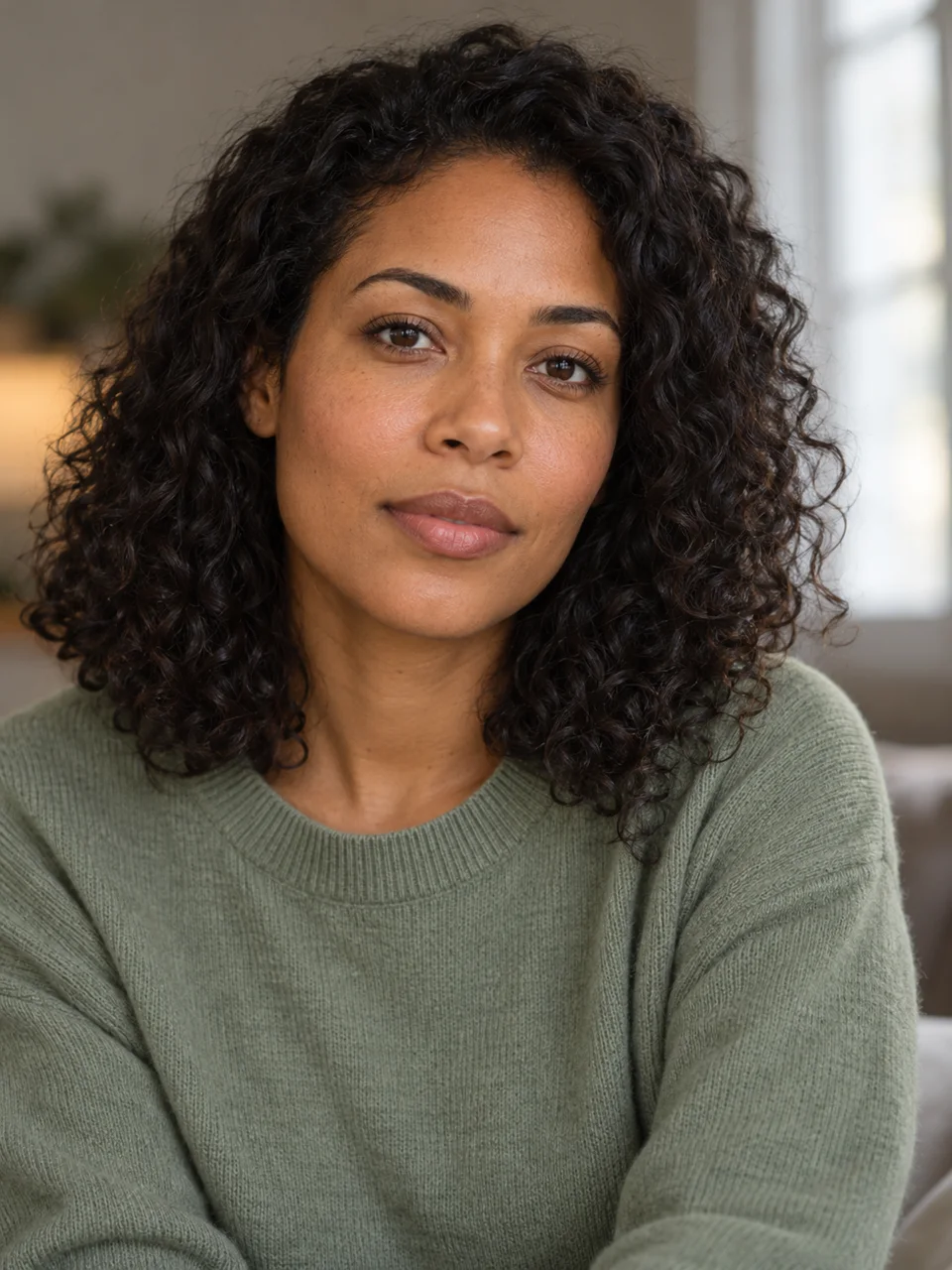
A fictional adult woman with curly hair and a sage sweater, before the emotional scene.
01 → 06sA close portrait makes the change easier to see. Watch the eyes and cheeks through the full clip rather than judging a single tearful frame.
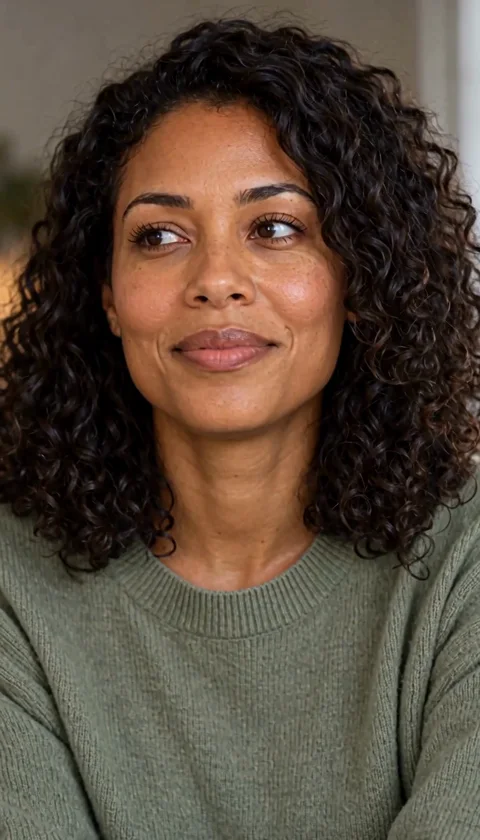

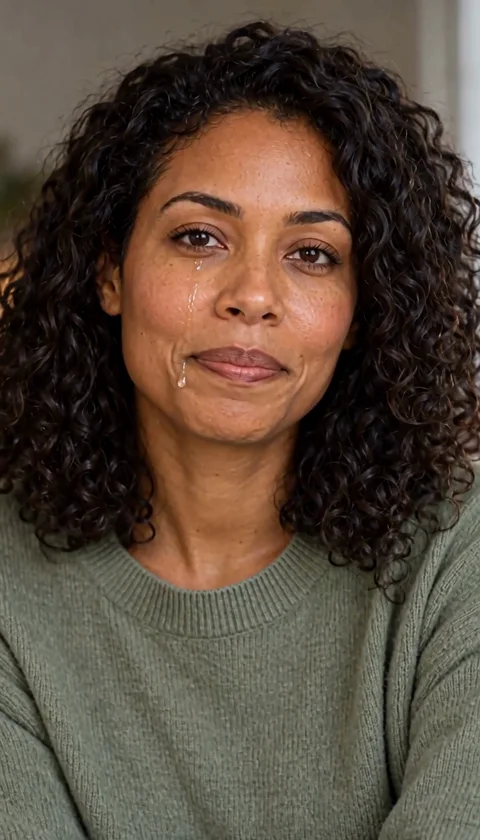
Sample: MiniMax H3 · 6-second request · 768p tier. The web preview is compressed; actual dimensions and duration can differ from the selected tier.
Use an evenly lit face without sunglasses, hair or hands covering the cheeks.
Ask for one emotional change. Large head turns can hide the eyes and tear path.
Check eye shape, teeth and the path of the tears. A generated expression may alter facial details.
The studio opens with an editable prompt and matching settings. Add your photo, adjust the direction and review the credit estimate before generating.
Create my tearful scene ↗Animate the adult in my portrait with a restrained emotional expression. The eyes well up and a natural tear slowly rolls down one cheek. Add a blink and a small breath. Keep the face, clothing and background recognizable. One steady six-second close portrait, no exaggerated sobbing or speech.
The adult woman in the portrait has a quiet emotional moment. Her expression softens, her eyes gently well up, and one visible natural tear slowly rolls down her cheek. She blinks and takes a small breath, then looks calmly toward the camera. Keep her face, curly hair, sage sweater and softly lit background recognizable. Chest-up close portrait, steady camera, one continuous six-second shot. Restrained fictional acting, no exaggerated sobbing, no cuts, no extra people, no speech or music.
It generates a new video from a still image. It is not a live camera overlay or a sticker applied to a photo.
Yes, you can describe a change of expression. The result is fictional acting, not evidence of the person's real emotional state.
Cost depends on the selected model, resolution and duration. The studio refreshes your balance before submission and shows the current estimate. Each new generation or paid retry has its own cost.