Leave space for the walk
Include the whole body and a clear area in front of the feet.

Turn a full-body photo into a short runway-style walk. See the outfit move through a few steps, a pause and a simple turn.
Add your own photo in the studio. The example photo is not attached automatically.
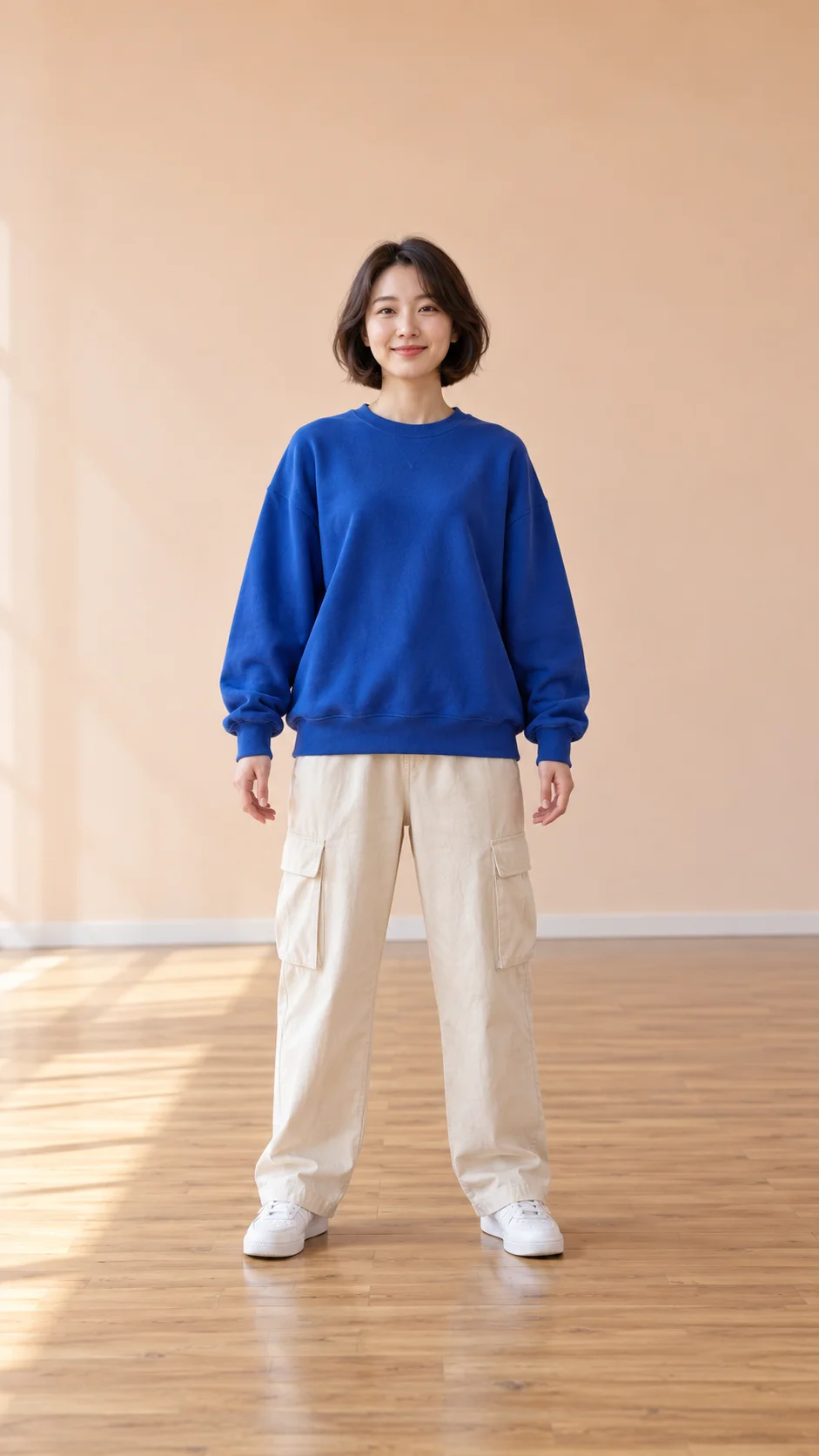
An adult woman in a blue sweatshirt, cream cargo trousers and white sneakers in a studio.
01 → 06sWatch how the sleeves, trouser legs and silhouette move. Check the shoes and clothing details before using the result for a lookbook.
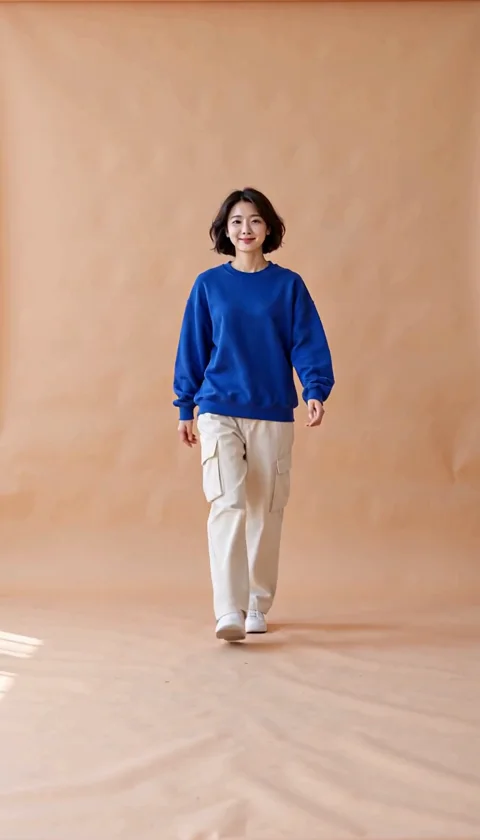
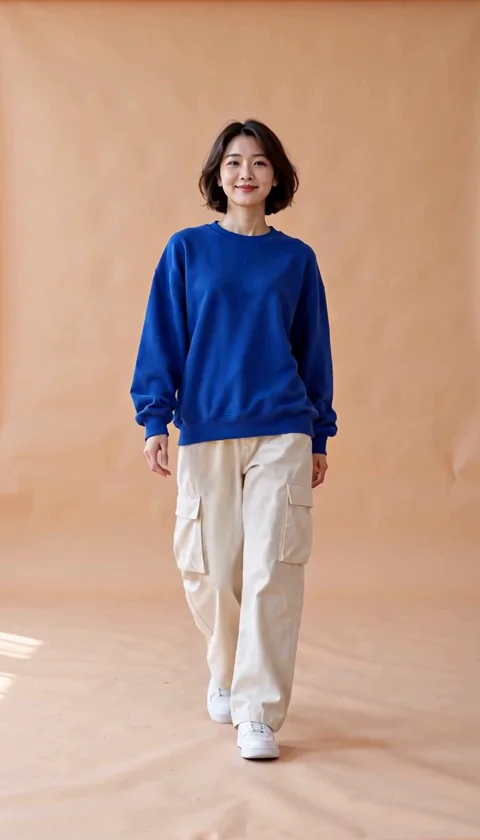
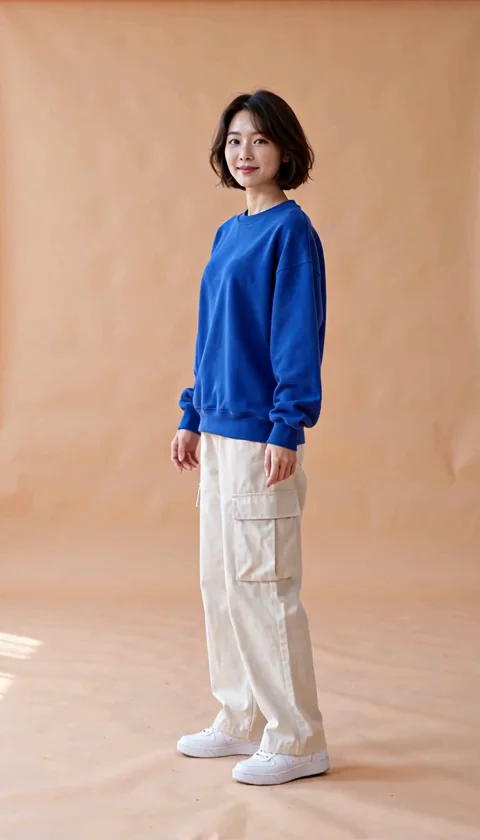
Sample: MiniMax H3 · 6-second request · 768p tier. The web preview is compressed; actual dimensions and duration can differ from the selected tier.
Include the whole body and a clear area in front of the feet.
Start with a simple walk and turn; changing clothes at the same time adds another source of variation.
Check prints, hems, seams and shoe contact. A generated clip may change product details.
The studio opens with an editable prompt and matching settings. Add your photo, adjust the direction and review the credit estimate before generating.
Create my runway walk ↗The adult in my photo takes three relaxed runway steps toward the camera, pauses, makes a small quarter turn and holds a natural pose. Keep the outfit recognizable and both shoes visible. Fixed full-body camera, six seconds, no costume changes.
The adult woman in the reference walks confidently toward the camera like a casual fashion runway presentation. She takes three relaxed balanced steps, pauses briefly, makes a small quarter turn to show the outfit, and holds a natural pose. Keep the blue oversized sweatshirt, cream cargo trousers, white sneakers and peach studio recognizable. Whole-body shot, both shoes stay visible, fixed camera, one continuous six-second shot, no clothing changes, no extra people, no speech or music.
Treat it as a creative outfit presentation. Inspect garment construction, logos and fabric details; the model may alter them.
Use the clothes changer first, then add the chosen image to the video studio. Outfit editing and video generation are separate actions with their own estimates.
Cost depends on the selected model, resolution and duration. The studio refreshes your balance before submission and shows the current estimate. Each new generation or paid retry has its own cost.