Keep the silhouette clear
Separate the arms from the torso and leave space for the costume to appear.

Turn an everyday portrait into an original superhero transformation clip. Describe the suit, light and final pose, then give your character a short reveal.
Add your own photo in the studio. The example photo is not attached automatically.
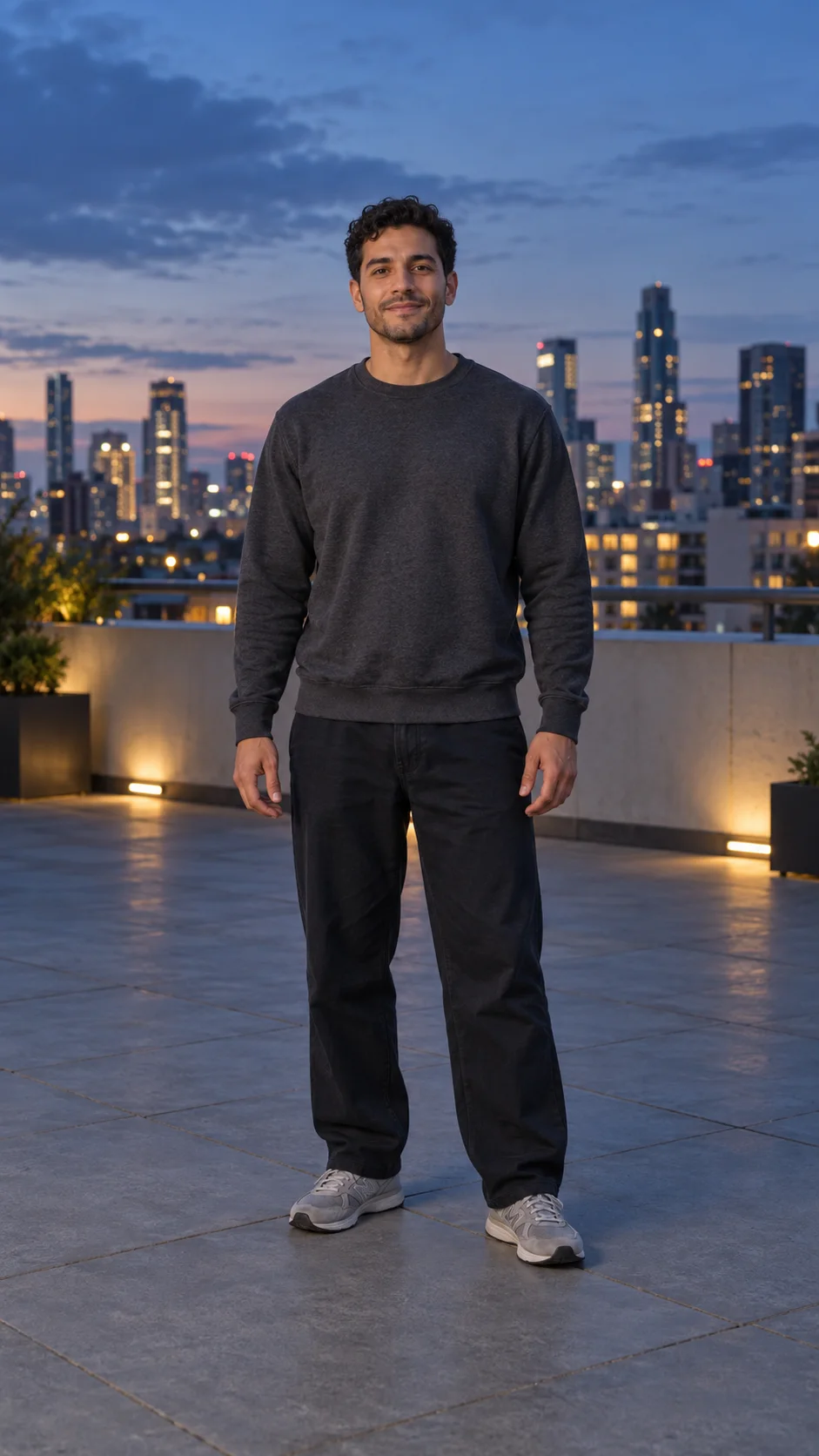
An adult man in everyday clothes on a rooftop at dusk.
01 → 06sA clear transformation needs a simple sequence: ordinary clothes, a changing silhouette and a final pose. Review the face and outfit across the whole shot.
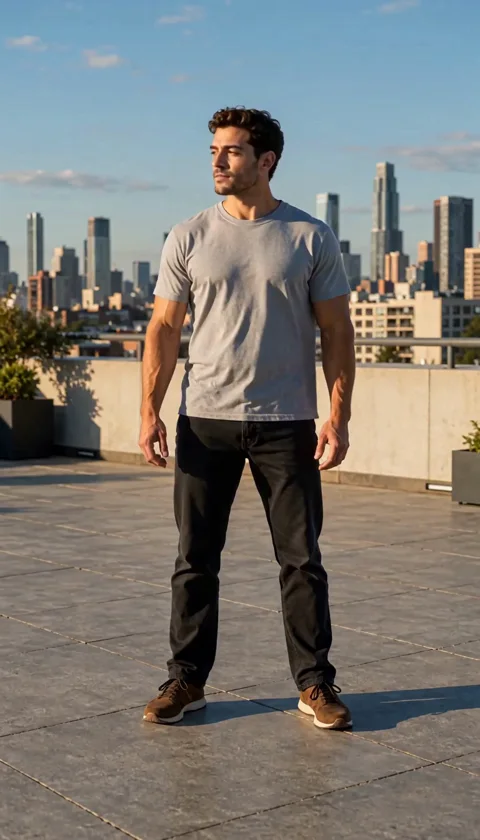
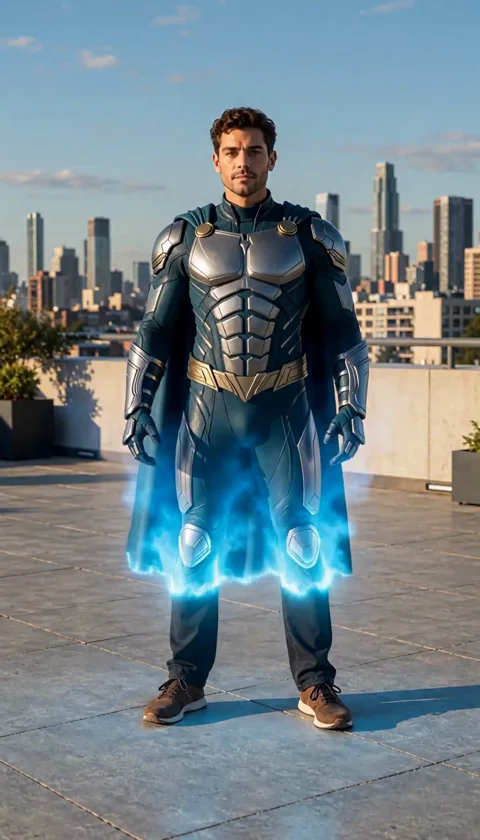
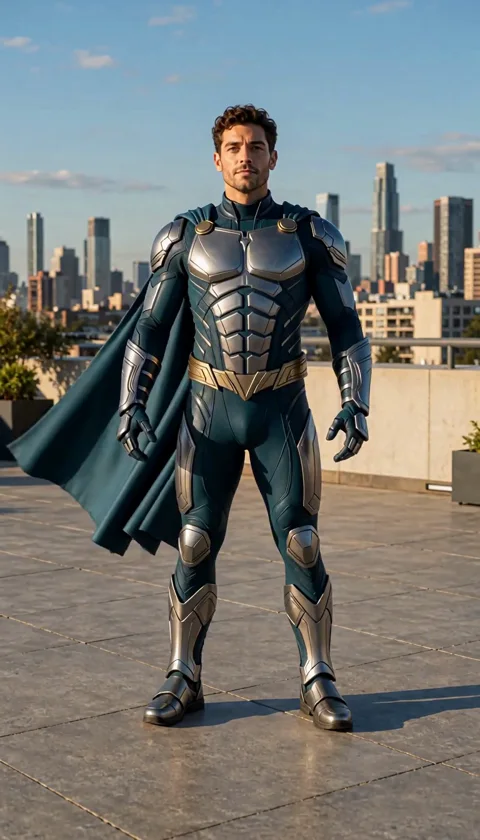
Sample: MiniMax H3 · 6-second request · 768p tier. The web preview is compressed; actual dimensions and duration can differ from the selected tier.
Separate the arms from the torso and leave space for the costume to appear.
Specify colors, materials and a simple pose instead of stacking many costume and action changes.
Look for changing hands, facial details and costume seams as the transformation progresses.
The studio opens with an editable prompt and matching settings. Add your photo, adjust the direction and review the credit estimate before generating.
Make my hero transformation ↗Transform the adult in my photo into an original superhero in silver and deep teal armor with a short cape and no emblem. A soft blue light reveals the suit, then the character holds a confident pose. Keep the face recognizable. One continuous six-second shot, no flying, weapons or cuts.
The adult man in the reference photo slowly becomes an original superhero. A soft blue light passes over his everyday clothes, transforming them into a modest silver and deep teal armored suit with a short dark cape and no emblem. He stays standing safely on the rooftop, then raises his chin and settles into a confident heroic pose as the cape moves gently in the breeze. Keep his face, hair and rooftop setting recognizable. Full body, fixed camera, one continuous six-second shot. No flying, no weapons, no cuts, no extra people, no text, no speech or music.
You can add still reference images, but there is no dedicated costume-template or body-tracking control. Explain each reference in the prompt.
No. This example asks for a standing costume reveal. Flight is a different, unverified action and is not part of this sample.
Cost depends on the selected model, resolution and duration. The studio refreshes your balance before submission and shows the current estimate. Each new generation or paid retry has its own cost.