Show both fighters clearly
Keep hands, gloves and feet separated in the starting image. Avoid overlapping bodies.

Create a short AI boxing or fight-scene concept from a reference image. Keep the action readable with a clear guard, a simple exchange and a stable camera.
Add your own photo in the studio. The example photo is not attached automatically.
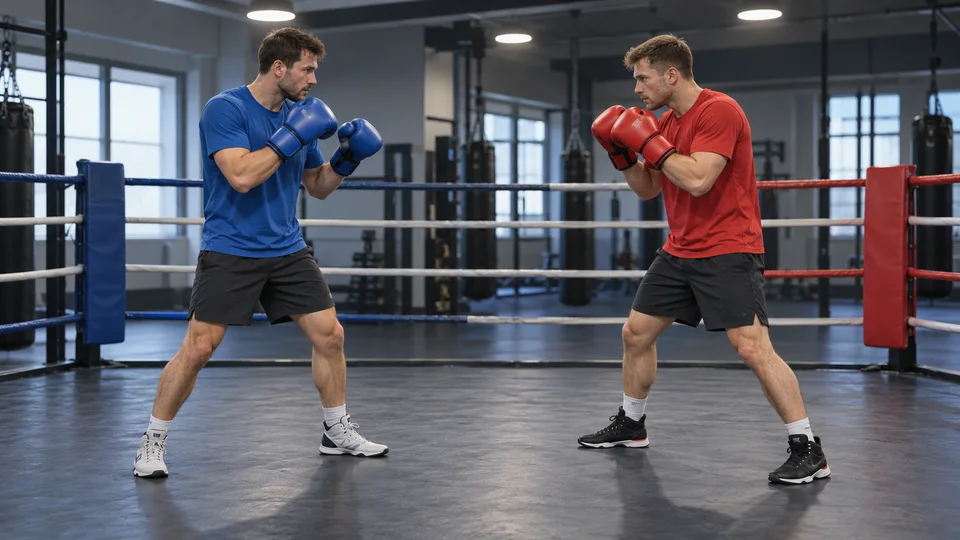
Two fictional adult boxers in blue and red practice gear, standing apart in a gym.
01 → 06sShort sparring scenes leave more room to inspect hands and spacing. Watch the whole exchange for glove contact, balance and changing limbs.
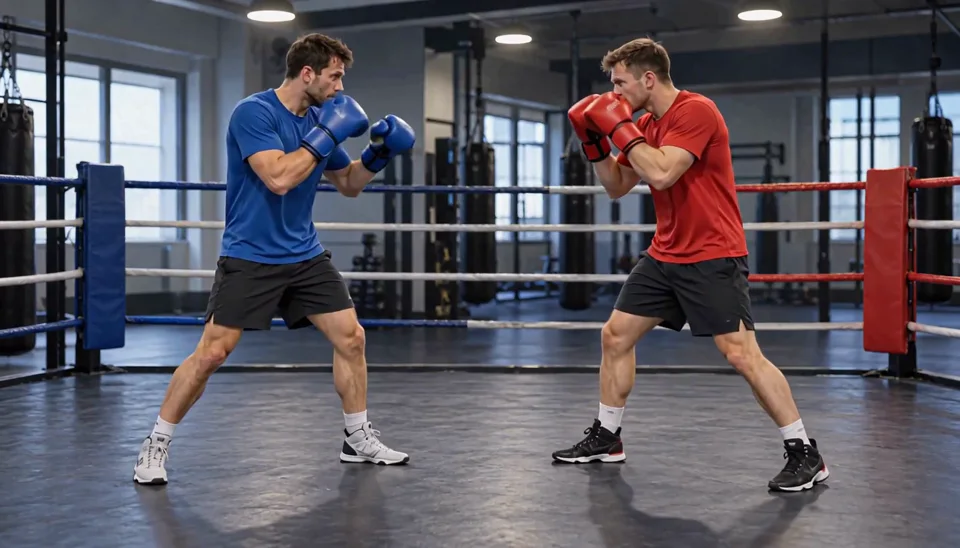
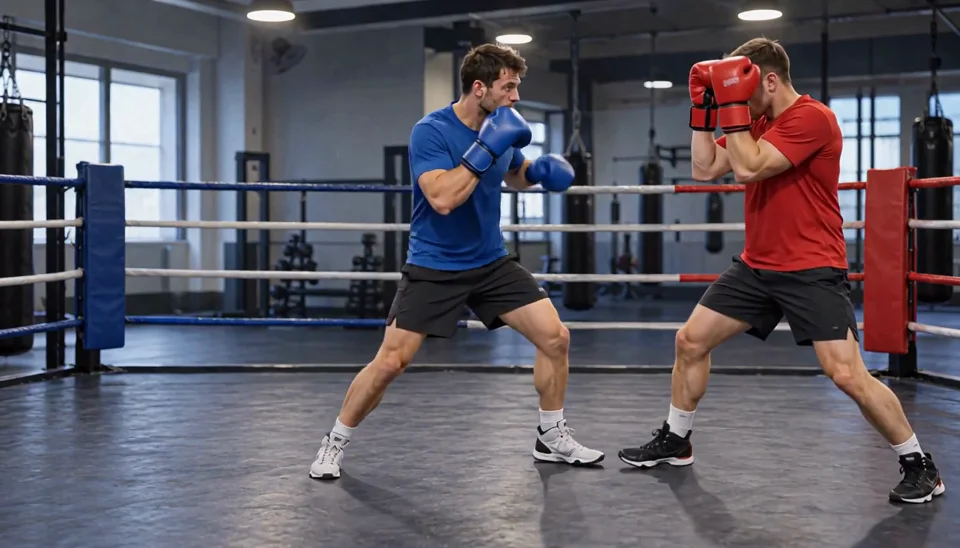
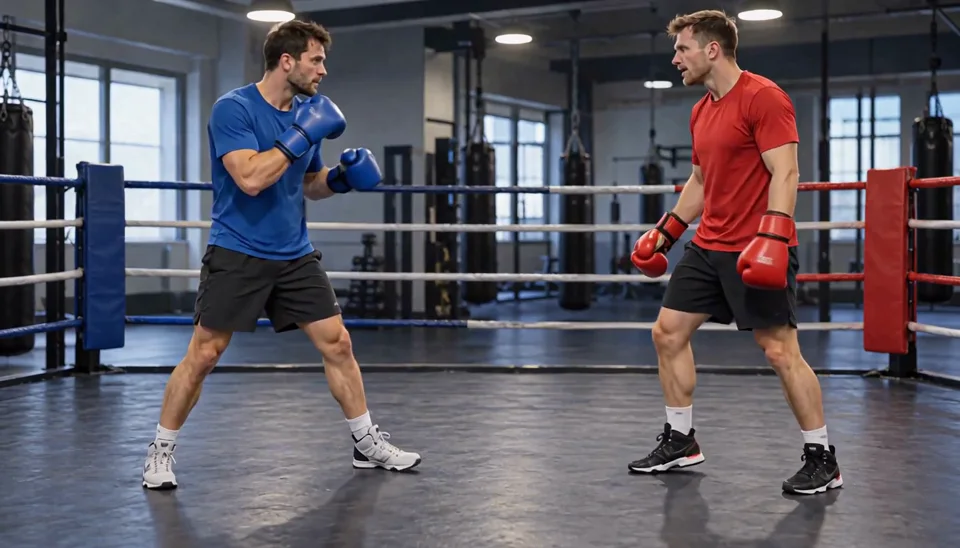
Sample: MiniMax H3 · 6-second request · 768p tier. The web preview is compressed; actual dimensions and duration can differ from the selected tier.
Keep hands, gloves and feet separated in the starting image. Avoid overlapping bodies.
Ask for one attack and one response. A long combination is harder to follow in a short clip.
Check hands, gloves and body spacing frame by frame. AI can merge limbs or invent contact.
The studio opens with an editable prompt and matching settings. Add your photo, adjust the direction and review the credit estimate before generating.
Create my action scene ↗Animate the two adult boxers in my photo in a short controlled sparring exchange. The blue boxer makes one light jab toward the red boxer's raised gloves; the red boxer blocks and steps back, then both reset their guard. Wide fixed camera, six seconds, no blood, injuries, weapons or scene changes.
Animate the two adult boxers in this gym photo in one controlled friendly sparring exchange. The boxer in blue makes a light jab toward the raised gloves of the boxer in red. Red blocks with his gloves and takes one small step backward. Both return to their guard with a comfortable distance between them. Keep the blue and red shirts and gloves recognizable, with two arms and two legs per person. Wide full-body fixed camera, one continuous six-second shot. No blood, injuries, weapons, extra people, scene changes, speech or music.
The studio accepts still images and text, not action-reference videos. It generates an interpretation rather than copying a choreography.
You can describe either style. The displayed sample only tests a short boxing exchange; other styles need their own output review.
Cost depends on the selected model, resolution and duration. The studio refreshes your balance before submission and shows the current estimate. Each new generation or paid retry has its own cost.