Choose the source for this shot
Use a source with breathing room above and beside the subject. A tight horizontal crop may lose hands or the hem when adapted to portrait; reframe the source if those are essential.

A portrait setting changes the canvas, not the placement of every detail. Plan where the face, moving hands and later captions will sit before opening the generator.
Open this shot in the video workspace ↗Opens an editable prompt and settings. Add your own references if needed; nothing is uploaded or generated by this link. Check the current credit estimate before submitting.
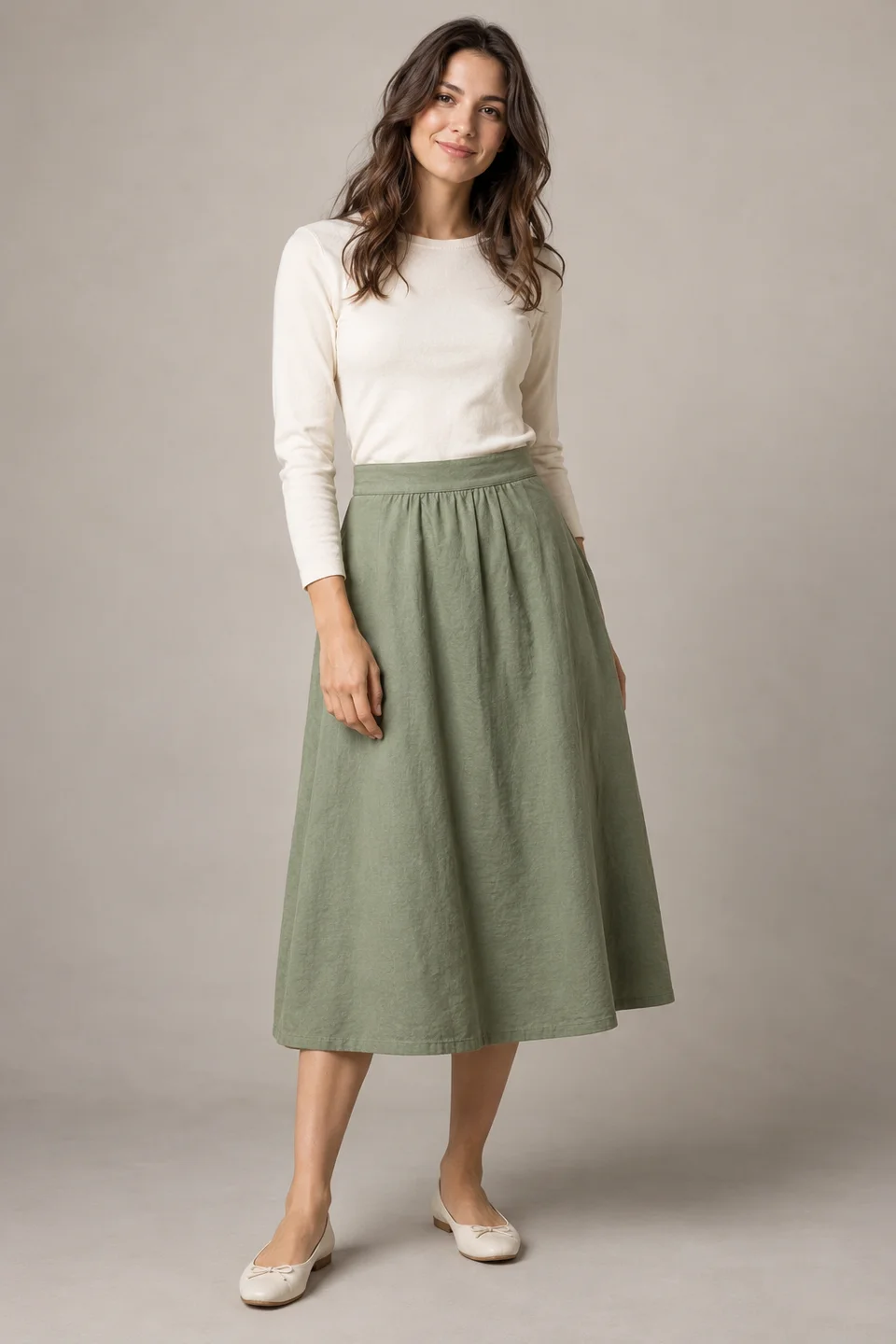
The visible waistband, hem and feet let you plan fabric movement while retaining clear body and garment anchors.
Compare those anchors throughout a future clip. The static teaching image does not measure real fabric weight, stretch or drape.
Use a source with breathing room above and beside the subject. A tight horizontal crop may lose hands or the hem when adapted to portrait; reframe the source if those are essential.
Keep the main action near the central reading area. A hand entering at the extreme bottom may be obscured by captions or interface controls added by the destination platform.
Use a stationary full or medium shot with enough lateral margin for the action. Keep platform overlays outside the generated image and add real text in your editor.
Keep the action readable hereOpen a mock-up of the destination screen with its captions and buttons. Choose a source that leaves room around the head, hands and the end of the planned movement. For the skirt reference, the hem and feet matter as much as the face.
Use the portrait preset and keep the first action near the center. After generation, overlay the real interface outside the generator and play the entire clip. Check the widest skirt position or furthest hand movement, not just the opening pose. If an important detail is covered, revise composition or placement before adding motion intensity.
A centered full-body action works differently from a close face shot. Select the crop around the information the viewer must see. If the only source cuts off essential feet or hands, choose a smaller action or a more complete image instead of expecting the frame to restore them accurately.
Preview the finished clip in the actual posting interface with captions visible. Controls and safe areas vary by platform and version, so a generic safe-zone rectangle is only a planning aid.
If the subject is cut off, adjust the source or reduce the gesture rather than asking the model to invent a missing hand. Check the exported dimensions before any final crop.
Make a vertical version, keep everything visible.
Protect the important action, not every part of the original scene. Choose a source and motion that fit a narrow composition.
Copy it or open it in the workspace to edit. Replace the subject details to match your own source.
A full-length portrait shot of the reference model, centered with space above the head and around the skirt. The hem sways gently while the body stays relaxed. Fixed camera, clean quiet background, no generated lettering.
Writing example; adapt it to your reference. This is not a claim that these words guarantee an output.
No. Interface elements vary by service, device and current layout. The overlay explains the idea of protecting the action, not a fixed platform specification. Test the actual upload preview, including long captions and your cover frame, before publishing.
Content reviewed: