Choose the source for this shot
Choose a clear front or mild three-quarter view with both eyes visible. Leave space around the hair. A tightly cropped ear or a hand covering the cheek asks the model to invent missing anatomy.

A convincing portrait clip can be almost still. Begin with breathing or one blink; adding a smile, a turn and camera movement at once makes it harder to tell why the face changes.
Open this shot in the video workspace ↗Opens an editable prompt and settings. Add your own references if needed; nothing is uploaded or generated by this link. Check the current credit estimate before submitting.
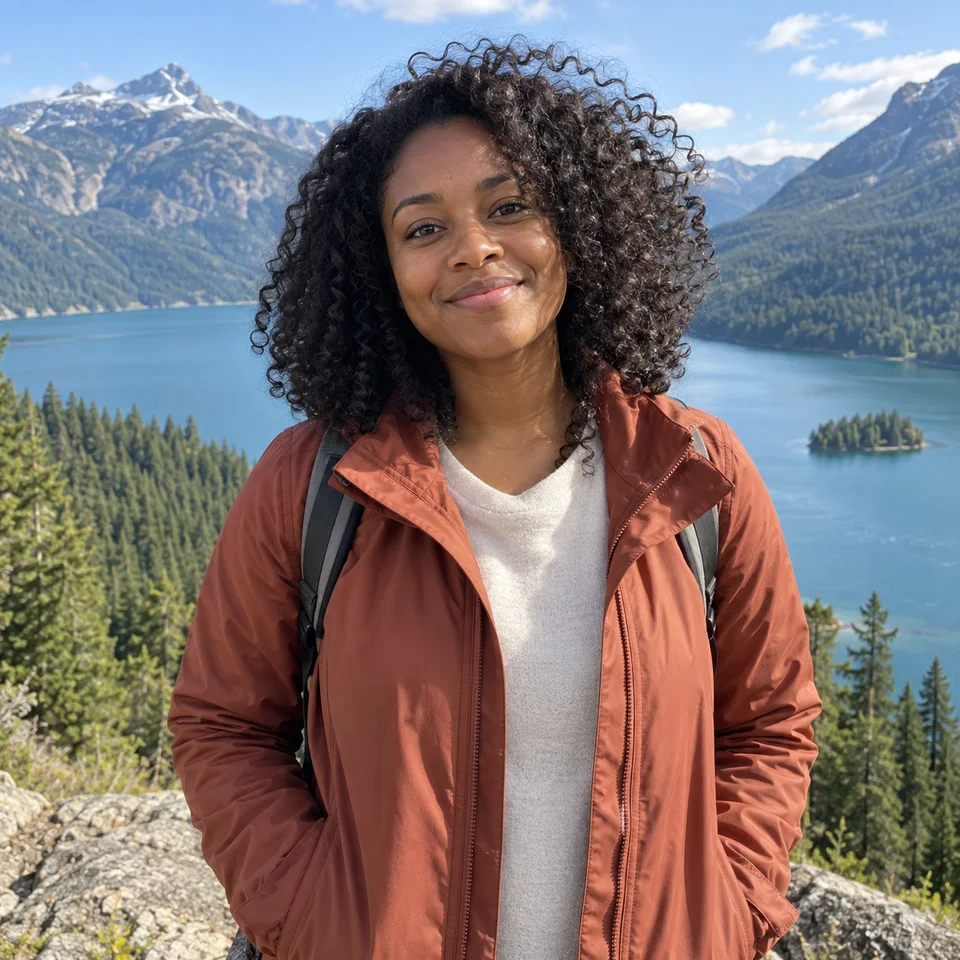
The source is the reference for facial appearance and for how hair, ears and shoulders meet the background.
Separate an unwanted setting from a source-quality problem. Editing the room does not verify hidden eyes or missing facial detail.
Choose a clear front or mild three-quarter view with both eyes visible. Leave space around the hair. A tightly cropped ear or a hand covering the cheek asks the model to invent missing anatomy.
Request one relaxed blink while the expression stays close to the source. A broad grin exposes teeth that may not exist in the reference; reserve that for a separate experiment.
Lock the camera for the first test. Once the face holds up, a very small push-in can be tried without also increasing head movement.
Use a recent, unfiltered portrait with space around the head. Keep a second photograph of the person beside you for comparison, especially if glasses, freckles or an uneven smile are part of their familiar appearance.
Open the five-second portrait preset and add your reference. Start with breathing and one blink; leave head turns, speech and camera movement out of this version. After generating, inspect the moment the eyelids close, then watch the whole clip at normal speed. Compare the last face with the source before choosing a cover frame.
If the face stays recognizable but the clip feels quiet, add a small expression change in a separate version. If the face already drifts, adding more actions works against the goal; try a clearer source or a smaller motion first.
Pause at the blink and at the final frame. Compare eyelids, glasses, ear shape and mouth corners with the source; a pleasant first frame does not excuse a different face halfway through.
If the jaw or eyes drift, remove the smile and turn from the prompt, then retry one small action. If the source already hides facial detail, retake it before spending on repeated variations.
Make this portrait alive and expressive.
Name the visible change: a blink and gentle breathing, with a still head. This gives you a concrete moment to inspect instead of an undefined request for expression.
Copy it or open it in the workspace to edit. Replace the subject details to match your own source.
Use the supplied portrait as the visual reference. The person breathes gently and blinks once with a relaxed expression. Head and shoulders remain almost still. Locked camera, steady soft light, one continuous shot.
Writing example; adapt it to your reference. This is not a claim that these words guarantee an output.
Crop only if the person still has readable eyes, mouth and hairline. A tiny face enlarged from a group adds little reliable detail. For an old photograph, decide whether you want an imaginative animation or a faithful family record; keep the original and label the animated version accordingly.
Content reviewed: