Choose the source for this shot
Use a clean front or three-quarter image with readable packaging. Compare the source label with the real item first; animation cannot certify a label that was already wrong.

A product clip should help someone inspect the item. Start with a gentle change in light or a small camera move, not a full rotation that invents an unseen back.
Open this shot in the video workspace ↗Opens an editable prompt and settings. Add your own references if needed; nothing is uploaded or generated by this link. Check the current credit estimate before submitting.
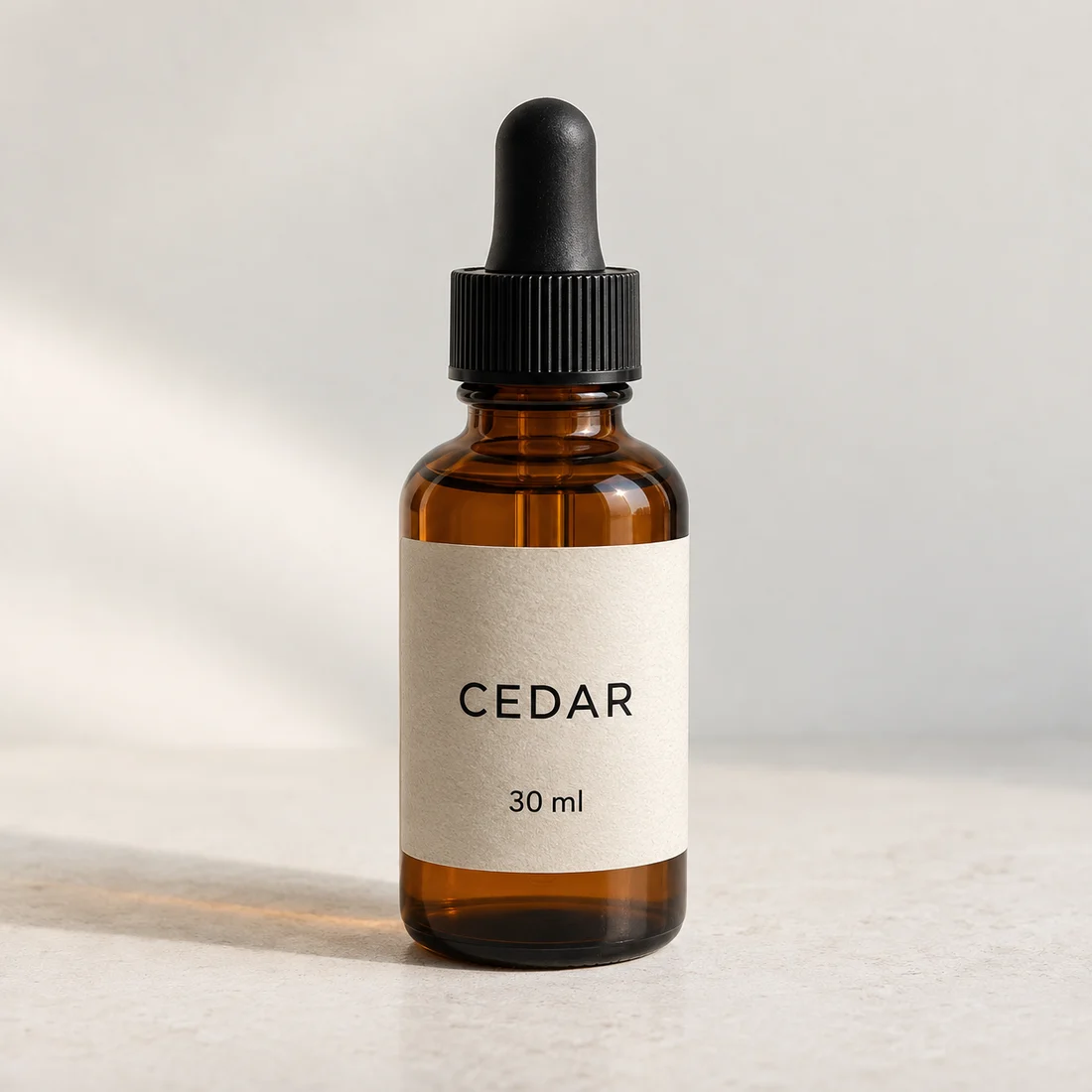
The fictional CEDAR bottle gives you a visible wordmark and a separate “30 ml” field to inspect.
Compare every letter, unit and its placement. Correct-looking large type does not validate the small information below it.
Use a clean front or three-quarter image with readable packaging. Compare the source label with the real item first; animation cannot certify a label that was already wrong.
Keep the item planted on its surface. A narrow highlight can move along the glass while the label remains front-facing; treat this as art direction, not a guaranteed preservation setting.
Use a fixed camera for label-heavy packaging. Try a small push-in only when the source has room above the cap and below the base.
Keep a product master photo with the exact label, cap and proportions you intend to sell. Write down the text that must remain readable. The amber bottle is a fictional reference; use photographs of your actual item when the finished clip represents a listing.
For a label-led shot, keep the bottle still and try a restrained highlight change with a fixed camera. Watch the wordmark throughout the clip and pause when the reflection crosses it. A readable cover does not make an unreadable middle acceptable. Export a candidate only after checking the cap edge, liquid level and contact with the surface.
A gentle push can introduce the product; an orbit asks the model to invent unseen sides. Use real footage for an exact all-around demonstration. For a campaign mood clip, a generated movement can be useful if the product itself passes the factual checks.
Pause on the brightest reflection. Read the brand, quantity and small print; check cap size, liquid level and the contact shadow. Reject changed product facts even if the motion looks polished.
If lettering wobbles, remove object rotation and shorten the motion. For an exact legal or ingredient label, use a real filmed shot or composite the original packaging in a separate editor.
Show my product perfectly from every angle.
A restrained reflection around a stationary bottle is easier to compare with one photo. A full orbit needs unseen surfaces and cannot promise exact packaging.
Copy it or open it in the workspace to edit. Replace the subject details to match your own source.
Use the product reference. The bottle remains upright and stationary on the surface, label facing the viewer. A soft narrow reflection slowly travels across the glass. Fixed camera, stable proportions and background, one restrained studio shot.
Writing example; adapt it to your reference. This is not a claim that these words guarantee an output.
Extra clear views may help describe the object, but they do not turn generated lettering into a guaranteed copy. Use consistent photographs of the same SKU and avoid contradictory packaging versions. If exact fine print is the main purpose, keep a verified still image or real close-up rather than relying on reconstruction.
Content reviewed: