Choose the source for this shot
Choose a level view with visible wall corners and straight window frames. Remove misleading claims from the surrounding copy if the interior is a generated design concept.

A small push-in can suggest depth without pretending to be a complete property tour. A single photograph cannot show what sits behind furniture or beyond the doorway.
Open this shot in the video workspace ↗Opens an editable prompt and settings. Add your own references if needed; nothing is uploaded or generated by this link. Check the current credit estimate before submitting.
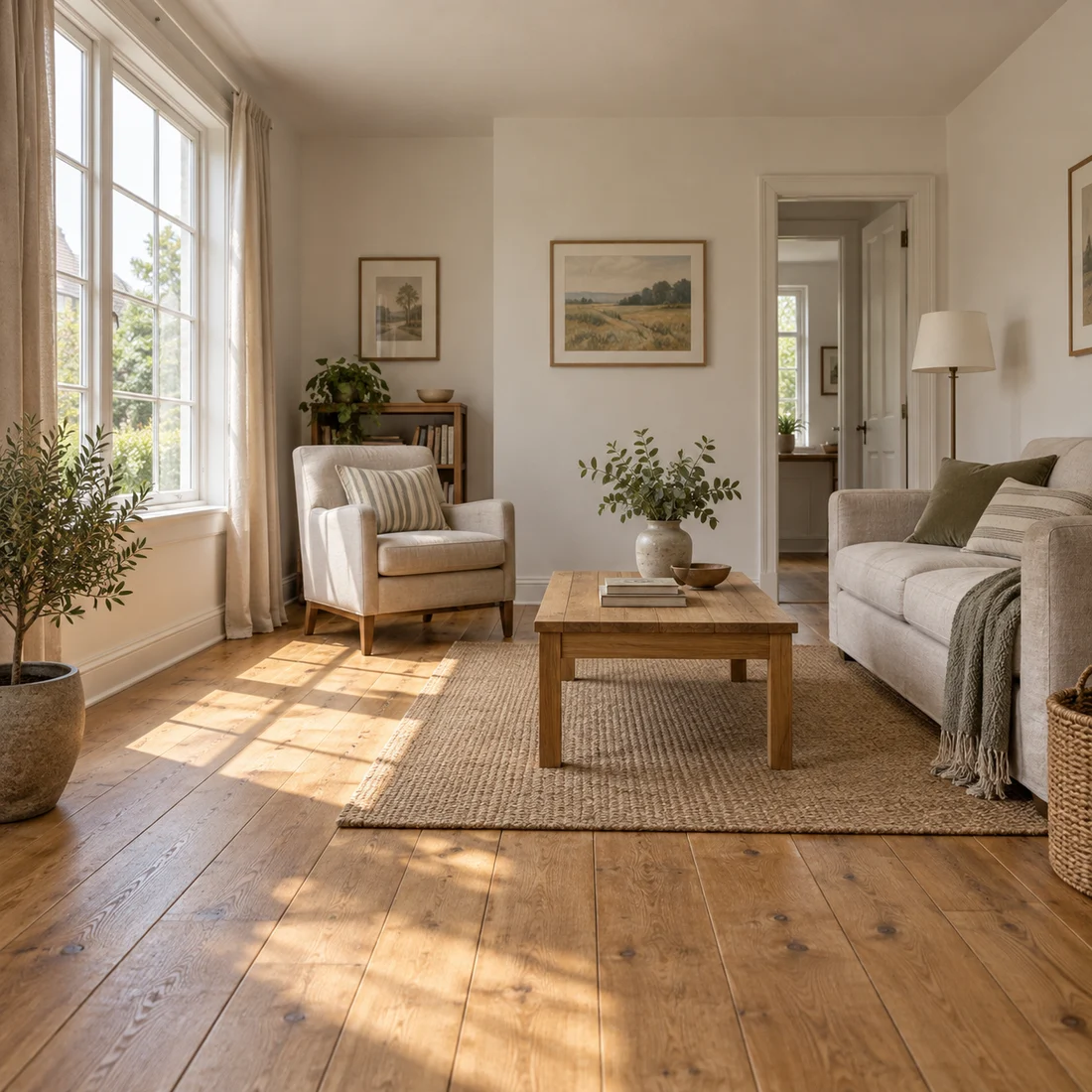
This teaching scene provides straight window and room lines for discussing perspective and composition.
Trace floor, wall and frame edges across the image. It is not a measured property record or a before-and-after expansion test.
Choose a level view with visible wall corners and straight window frames. Remove misleading claims from the surrounding copy if the interior is a generated design concept.
Keep furniture and walls still. Allow a curtain to stir only if the photo clearly shows one; adding moving props can distract from evaluating the room geometry.
Move forward a little along the room’s existing perspective. Avoid turning around a corner: that asks for a newly invented room, not a closer view of the source.
Choose a room photo with straight, visible door or window frames. Decide which surfaces are factual and must remain unchanged: floorboards, wall corners and built-in furniture are useful anchors. Remove private photographs or readable paperwork before using the image.
Try one curtain moving gently while the room and camera remain still. Compare the curtain edge against the window frame during movement. If you then want a slow forward move, make it a separate version and check that floor lines converge consistently. Do not mistake newly revealed space for a faithful view of the real property.
A fixed scene can express atmosphere for an interior concept. A property walkthrough needs actual connected rooms, dimensions and access. If viewers may make a purchase or rental decision from the clip, use real footage for those facts and label any concept animation separately.
Follow the window mullions, table legs and wall junctions from start to finish. Look for changing furniture counts or a doorway that widens as the camera moves.
If edges bend, halve the apparent travel and remove wide orbit language. Keep an original still beside the clip when explaining a proposed design.
Fly through this room and show the whole house.
One curtain movement keeps the visible room available for inspection. A single room image does not describe the connected rooms of a real house.
Copy it or open it in the workspace to edit. Replace the subject details to match your own source.
Use the interior reference. Slowly move the camera a short distance forward along the existing room perspective. Furniture remains still, walls and window frames stay straight, daylight remains constant. One continuous architectural shot.
Writing example; adapt it to your reference. This is not a claim that these words guarantee an output.
A moving camera changes perspective, including surfaces the single source does not describe. Reduce travel, keep the initial angle and remove an orbit request. If straight lines remain unstable in a fixed shot, use another photo or retain the still rather than hiding the distortion with a faster edit.
Content reviewed: