Choose the source for this shot
Use the same source, length and orientation for comparisons. A different image or duration makes it harder to attribute a change to the camera instruction.

Choose the movement for what the viewer should discover. A push-in emphasizes a detail, a pan reveals something beside it, and an orbit exposes new sides that may be absent from a still reference.
Open this shot in the video workspace ↗Opens an editable prompt and settings. Add your own references if needed; nothing is uploaded or generated by this link. Check the current credit estimate before submitting.
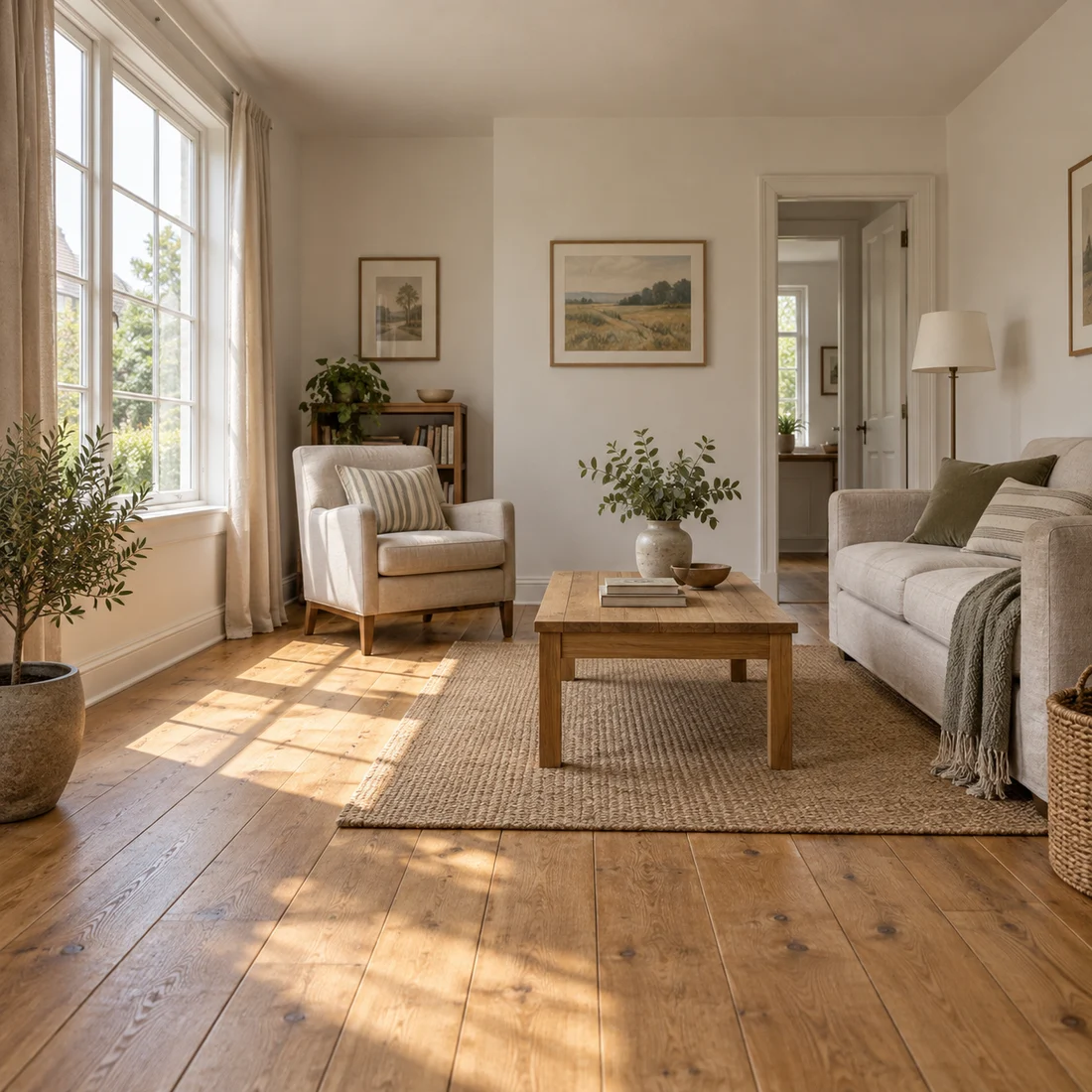
This teaching scene provides straight window and room lines for discussing perspective and composition.
Trace floor, wall and frame edges across the image. It is not a measured property record or a before-and-after expansion test.
For a furnished room, start with a small push-in. A pan needs useful space to either side; an orbit is a poor first test when the back of furniture is unknown.
Use the same source, length and orientation for comparisons. A different image or duration makes it harder to attribute a change to the camera instruction.
Push-in: move closer along the viewing direction. Pan: turn the view left or right from a fixed position. Orbit: travel around the subject. These are prompt descriptions, not precision camera controls.
Use a push to emphasize a visible detail, a pan to redirect attention across a known scene, and an orbit only when new sides are worth the reconstruction risk. The camera terms describe intent; they are not calibrated motion-control settings in this workspace.
Pick one subject and keep its action simple while comparing camera ideas. On a product photograph, mark the label and outer silhouette. Those details let you judge whether a new angle is useful or merely creates geometry the source never showed.
Plan three separate versions: a small push toward the subject, a pan that changes the direction of view, and an orbit that changes position around it. Request only one in each prompt. Compare what the background reveals and whether the subject grows in frame. These differences explain the movement more reliably than adding “cinematic” to every version.
Watch straight edges and relative spacing. During a push-in, objects should grow coherently rather than stretching independently. During a pan, the scene should not behave like a sliding flat poster.
If the model combines movements, keep only one camera verb and reduce its extent. “Slow” describes speed; it does not prevent a large or distorted move on its own.
Pan, zoom and orbit around the subject.
Test one camera idea per version. Combining several terms makes it harder to judge which spatial change you actually wanted.
Copy it or open it in the workspace to edit. Replace the subject details to match your own source.
Use the reference room. The camera makes one small, slow push forward toward the central seating area. Furniture stays stationary; perspective and straight architectural lines remain coherent. Constant light, one continuous shot.
Writing example; adapt it to your reference. This is not a claim that these words guarantee an output.
A physical approach changes perspective; enlarging a still mainly changes crop. A generated clip may mix these cues, so inspect foreground and background relationships rather than relying on the term alone. If you only need an exact enlargement of existing pixels, a zoom on the still in an editor is easier to control.
Content reviewed: