Choose the next move
A plain listing image explains the item; a styled campaign image explains a mood. Keep the factual master separate if you need both.

Backgrounds and cutouts
Use a white background when the product shape and color should carry the image. Start from a sharp source with the whole item visible, including handles and thin edges.
You choose your own source and review the current cost before generation.
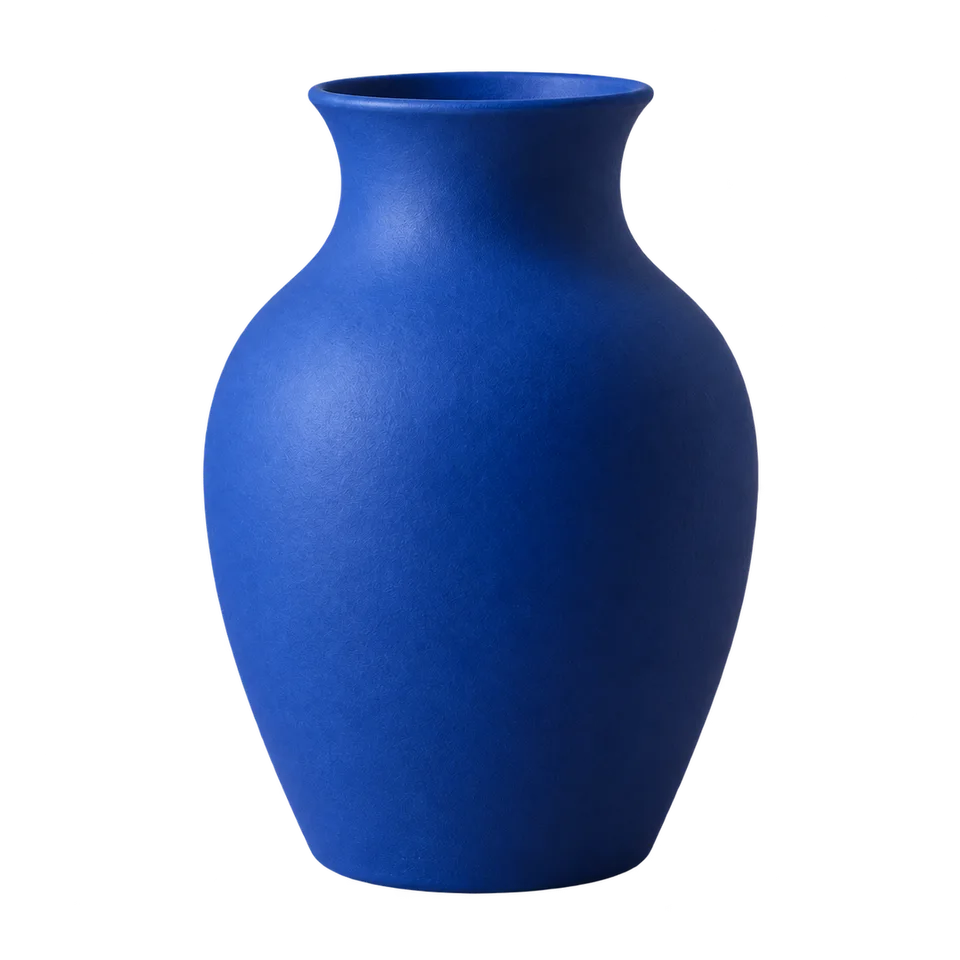
Compare the rim against the original before increasing contrast. The issue may be a missing mask edge rather than insufficient brightness. Keep the complete outline; a bright listing image is not useful if it misrepresents the product shape.
Check the selling platform's current image rules separately. Background removal does not certify listing compliance or preserve every product detail automatically.
A plain listing image explains the item; a styled campaign image explains a mood. Keep the factual master separate if you need both.
Make the cutout, apply white and compare it with the original. Check whether the object lost a pale edge or its base shadow. Place the image on the actual listing card to judge product scale and margins, rather than filling every available pixel.
Choose a product source with the entire base visible. Note the intended listing canvas and any current marketplace requirements.
Why consider this directionThis placement study shows the cutout on an opaque white field rather than a new photographed scene.
Check before choosingInspect the mouth and contact edge, then test the actual transparent file over a color. The displayed preview alone does not establish every export’s alpha channel.
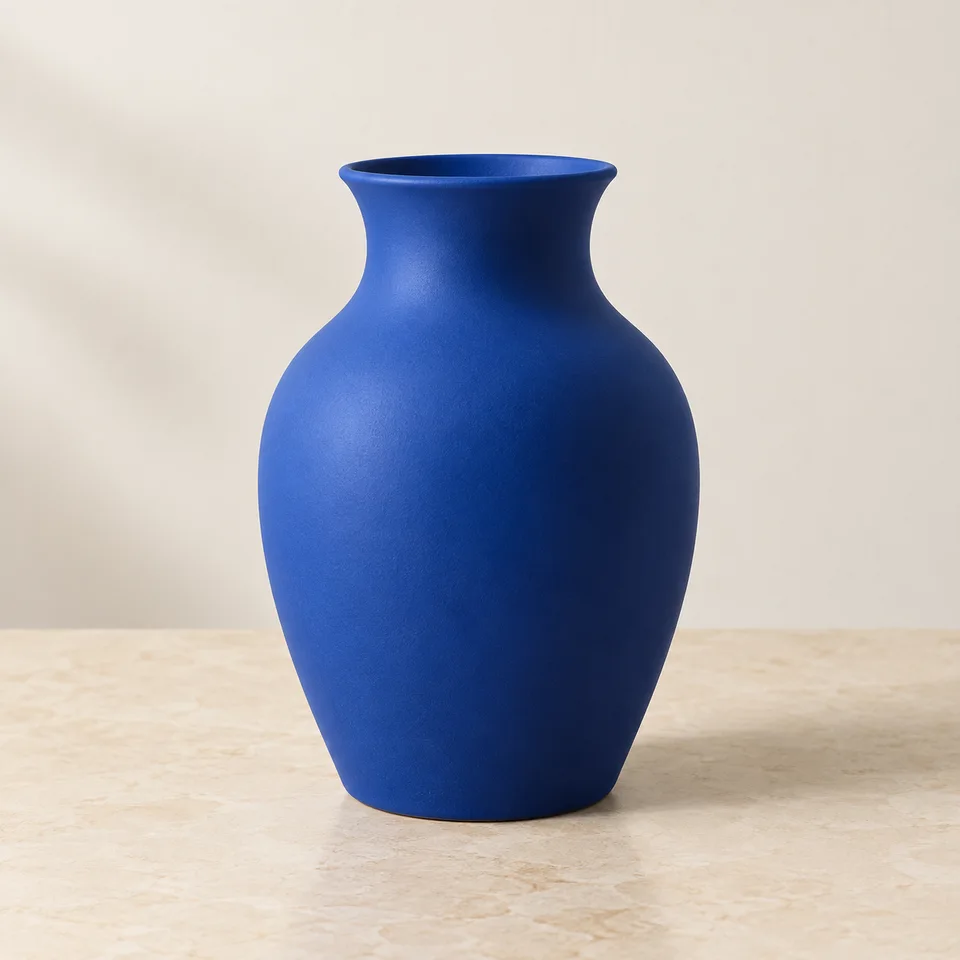
Why consider this directionThe source shows the vessel against its surroundings, so you can distinguish ceramic reflections from background areas.
Check before choosingFollow the rim, outer curve and base before examining the cutout. A pale highlight can belong to the object.
Why consider this directionThe isolated vase lets you judge the silhouette and place the same subject into different catalog layouts.
Check before choosingInspect the mouth and contact edge, then test the actual transparent file over a color. The displayed preview alone does not establish every export’s alpha channel.
Check the corners as well as the area beside the object. A pale cream backdrop is not pure white. Keep the product edge visible and review any shadow separately from the background color required for your listing.
Edit my photo background ↗Judge the output requirement and whether the shadow explains contact. A detached object may look pasted on, while an uneven room shadow may distract. Inspect the transition near the base and follow the destination’s rules rather than assuming all shadows are undesirable.
Content reviewed: