Choose the next move
Choose transparent PNG for future background changes. Choose an opaque version when the receiving system or design specifically needs it.

Backgrounds and cutouts
Transparency is reusable material; white is a finished visual choice. Keep transparency for layouts with changing colors, and add white when the destination needs a complete rectangular image.
You choose your own source and review the current cost before generation.
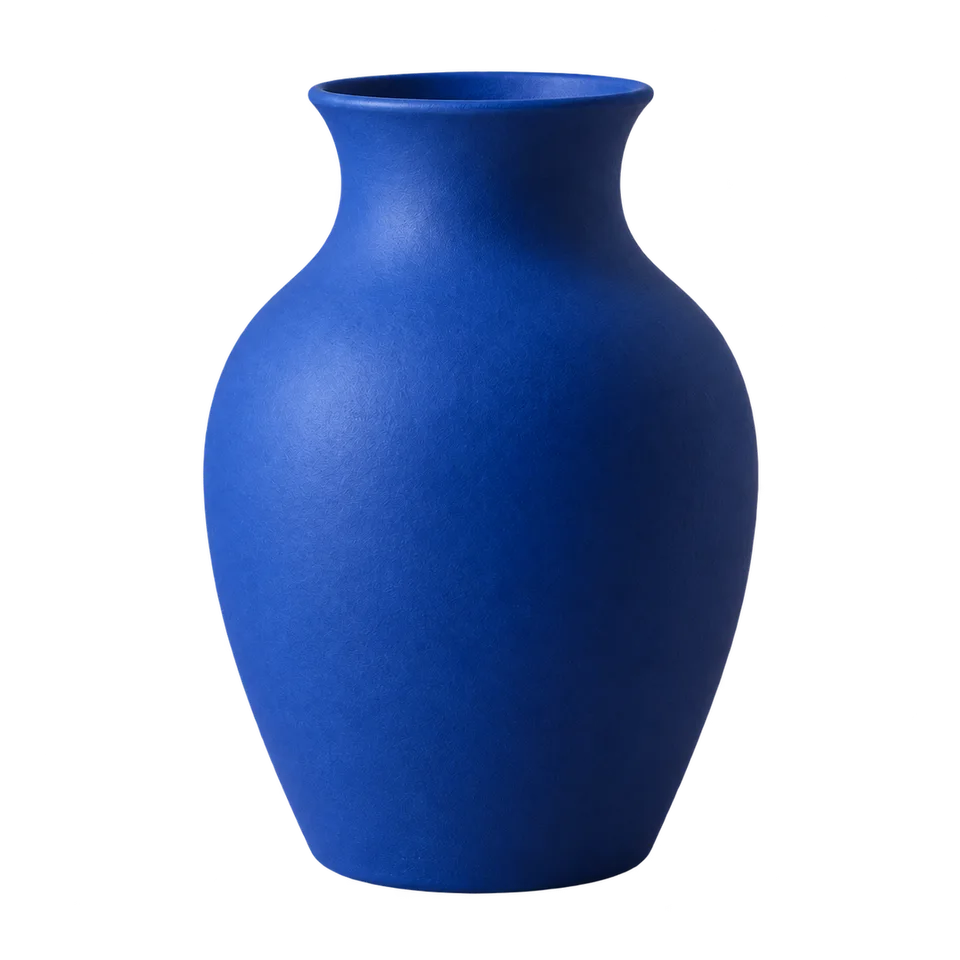
Deliver a transparent PNG master and a separately named white-background version. Check both after export. Calling a file “white” or “transparent” does not establish its actual pixel or alpha content.
Do not judge transparency from the file extension alone. Open the exported image in a checkerboard-capable viewer and test it in the final layout.
Choose transparent PNG for future background changes. Choose an opaque version when the receiving system or design specifically needs it.
Place the transparent file over two colored rectangles, then compare the white version on the actual website. Look for unwanted white corners, halos and changes in perceived product scale. Label exports clearly so a designer does not unknowingly receive the flattened version.
Ask whether the next person needs a compositing asset or a ready-to-display picture. Keep the same cutout for comparison.
Why consider this directionThe isolated vase lets you judge the silhouette and place the same subject into different catalog layouts.
Check before choosingInspect the mouth and contact edge, then test the actual transparent file over a color. The displayed preview alone does not establish every export’s alpha channel.
Why consider this directionThis placement study shows the cutout on an opaque white field rather than a new photographed scene.
Check before choosingInspect the mouth and contact edge, then test the actual transparent file over a color. The displayed preview alone does not establish every export’s alpha channel.
Why consider this directionA contrasting dark field makes pale edge residue and missing fine details easier to spot.
Check before choosingInspect the mouth and contact edge, then test the actual transparent file over a color. The displayed preview alone does not establish every export’s alpha channel.
Use transparency for a subject that must sit on several layouts; use white when the destination needs a fixed white image. Keep the transparent master separately, because flattening onto white removes the editable background separation.
Edit my photo background ↗JPEG does not carry an alpha channel. Use the transparent PNG for layering and check that a later export has not flattened it. A white-looking preview alone cannot tell you which file type the final workflow needs.
Content reviewed: