Choose the next move
Use transparency for flexible placement; use an opaque background when the destination needs a finished rectangle. Save both only when both are useful.

Backgrounds and cutouts
Choose transparency when the subject will sit on several different backgrounds. Keep the PNG file; a white preview alone does not tell you whether the background is transparent.
You choose your own source and review the current cost before generation.
Place the PNG over a colored rectangle in a layout editor. If the color shows around the subject, transparency is working; the viewer was supplying the white surface. A JPG copy cannot retain that transparency.
Place the result over both a dark and a light surface. Pale halos and missing pieces often appear only after you change the background.
Use transparency for flexible placement; use an opaque background when the destination needs a finished rectangle. Save both only when both are useful.
Choose transparent output in the background tool. Inspect the result over both light and dark colors, especially enclosed gaps such as handles or the space between legs. Download the transparent PNG and place it in the destination design to check the real edge.
Keep the original and a sample background from the destination design. Use a clearly separated subject for the first test.
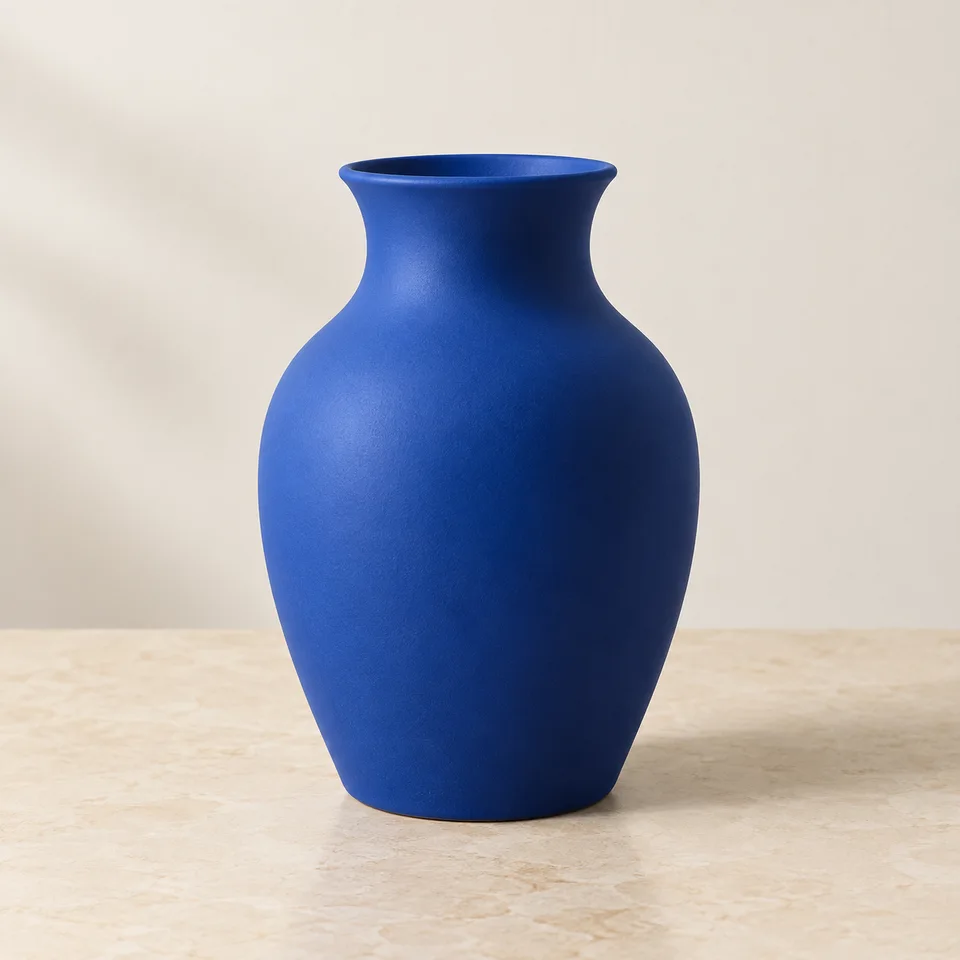
Why consider this directionThe source shows the vessel against its surroundings, so you can distinguish ceramic reflections from background areas.
Check before choosingFollow the rim, outer curve and base before examining the cutout. A pale highlight can belong to the object.
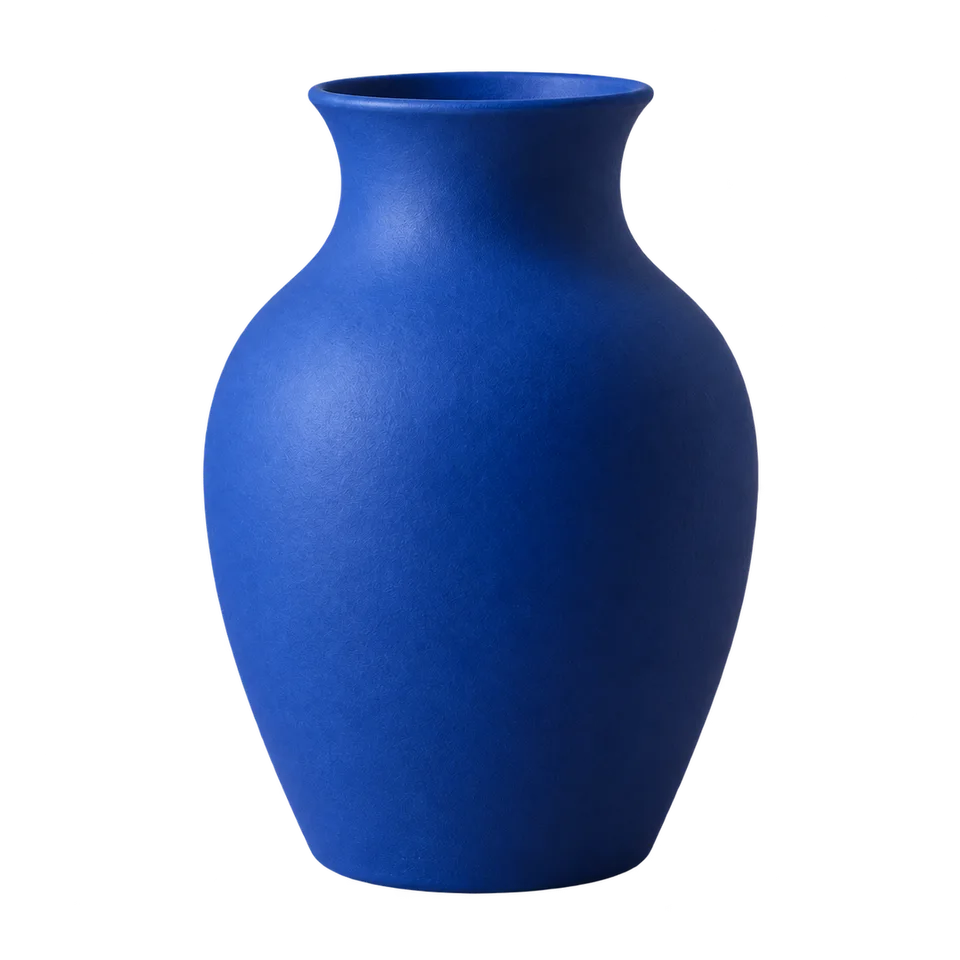
Why consider this directionThe isolated vase lets you judge the silhouette and place the same subject into different catalog layouts.
Check before choosingInspect the mouth and contact edge, then test the actual transparent file over a color. The displayed preview alone does not establish every export’s alpha channel.
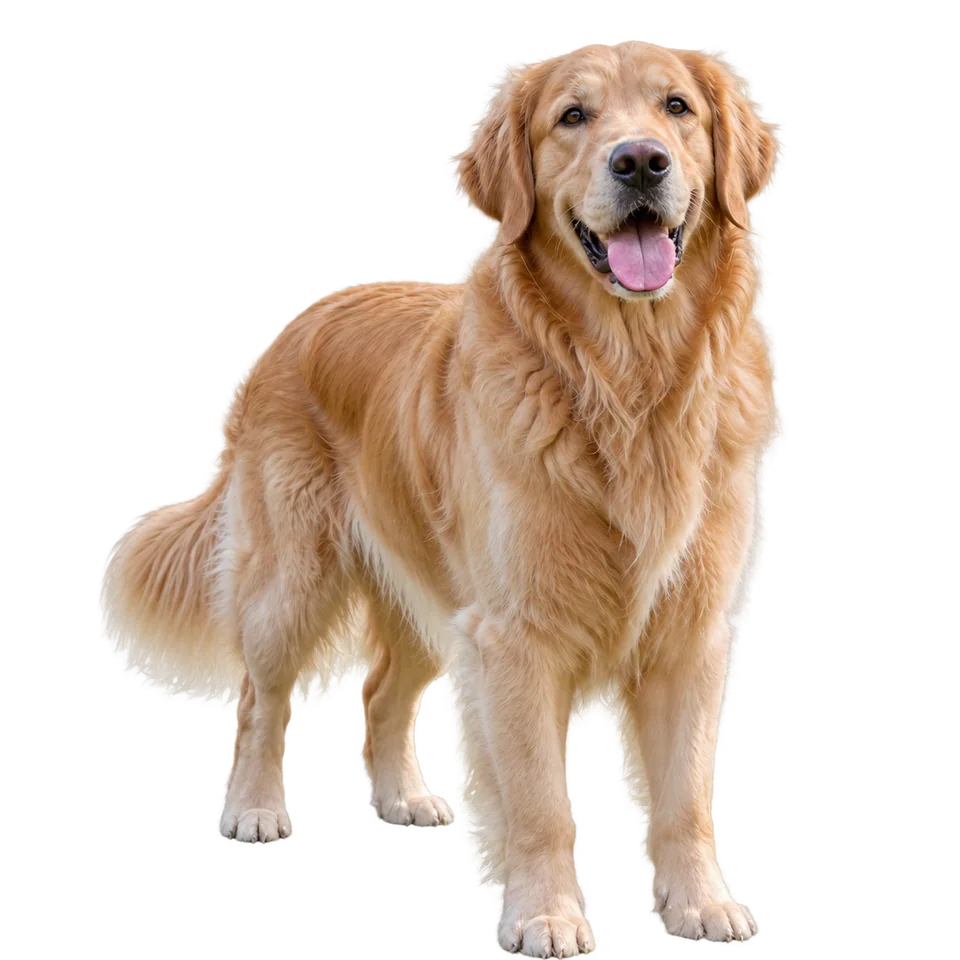
Why consider this directionA clean animal silhouette can support a small keepsake or sticker layout without the original park setting.
Check before choosingCheck ears, tail tips and grounded paws against the source. A neat body edge does not prove all fine fur is preserved.
Place the exported PNG over a colored rectangle in your layout editor. If a white box appears, the background is opaque. If the color shows through unwanted holes in the subject, inspect the cutout before using it.
Edit my photo background ↗A viewer may display transparency on white. Place the file over a colored shape in a layout app; if the color shows around the subject, alpha is present. A checkerboard shown inside a flattened screenshot is not proof of transparency.
Content reviewed: