Choose the next move
Change only the background when the face works. A full headshot scene is useful when clothing or the overall portrait direction also needs changing.

Backgrounds and cutouts
If you already like the portrait, changing only the background is a practical place to start. Pick a color that separates the hair and shoulders from the surrounding page.
You choose your own source and review the current cost before generation.

Test a transparent master plus two intended backgrounds. If the hair only looks clean on one color, fix the source choice before distributing the set. Save the transparent asset separately from the flattened previews.
Keep the original lighting believable. A very dark backdrop behind a brightly lit cutout can look pasted on even when the edge is clean.
Change only the background when the face works. A full headshot scene is useful when clothing or the overall portrait direction also needs changing.
Remove the background, then compare a light neutral and a darker color using the same cutout. Inspect hair, ears and shoulders at the avatar size. Keep the color that separates the subject without creating a bright rim around it.
Use a portrait whose expression and clothing already fit. Have the profile page’s background color available.
Why consider this directionThis placement study shows the cutout on an opaque white field rather than a new photographed scene.
Check before choosingInspect hair, ear contours and shoulders on a contrasting background, then return to the intended avatar size.
Why consider this directionA contrasting dark field makes pale edge residue and missing fine details easier to spot.
Check before choosingInspect hair, ear contours and shoulders on a contrasting background, then return to the intended avatar size.
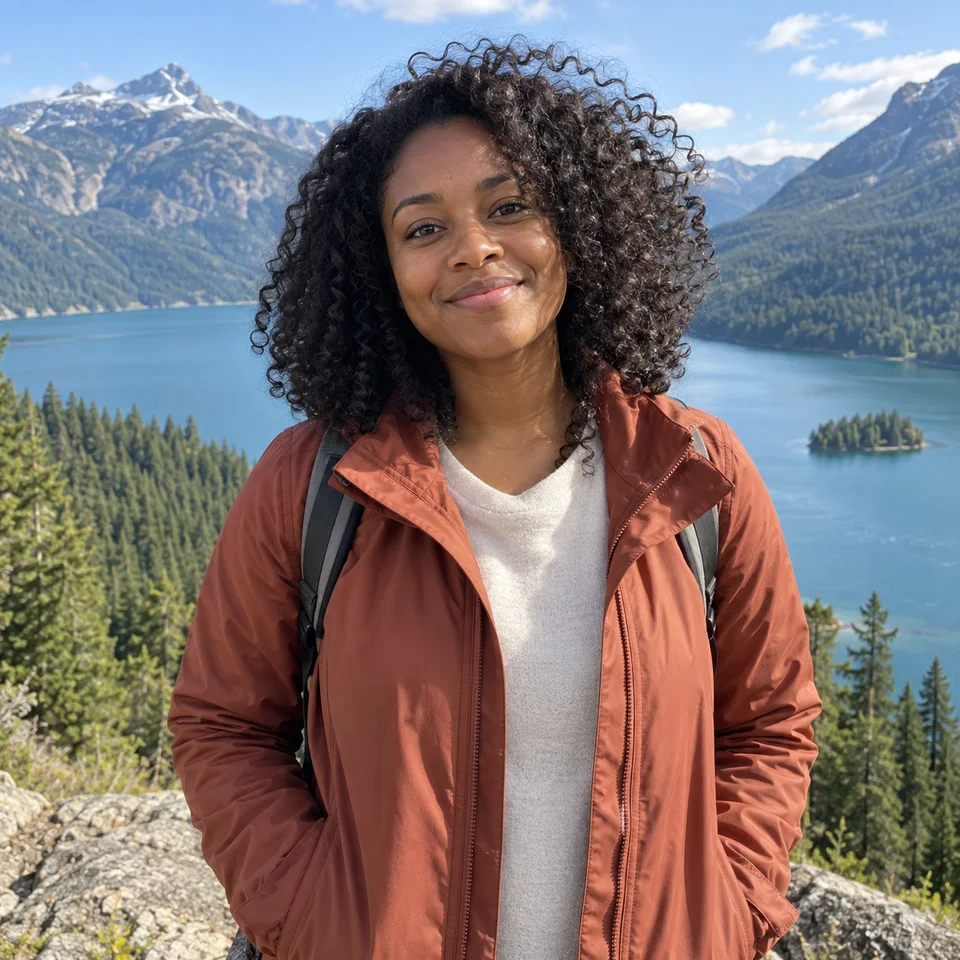
Why consider this directionThe source is the reference for facial appearance and for how hair, ears and shoulders meet the background.
Check before choosingSeparate an unwanted setting from a source-quality problem. Editing the room does not verify hidden eyes or missing facial detail.
Try a light neutral and a muted darker color with the same cutout. Compare the fringe, collar and shoulders. A color that flatters the face can still expose an edge halo, so inspect both the overall effect and the boundary.
Edit my photo background ↗The original background color may remain in fine edge pixels. Check a less contrasting color first and compare with the source. If the rim is obvious at real size, use a better-separated source or finish the edge in an editor; choosing darker and darker backgrounds can make it more visible.
Content reviewed: