Choose the next move
For a small sticker, a clear silhouette may matter more than every fine hair. For a large portrait print, edge quality needs closer inspection.

Backgrounds and cutouts
Choose a photo with visible separation between fur and background. Fine whiskers and soft ear edges need special attention; a hard, sticker-like outline is a sign to reconsider the source.
You choose your own source and review the current cost before generation.
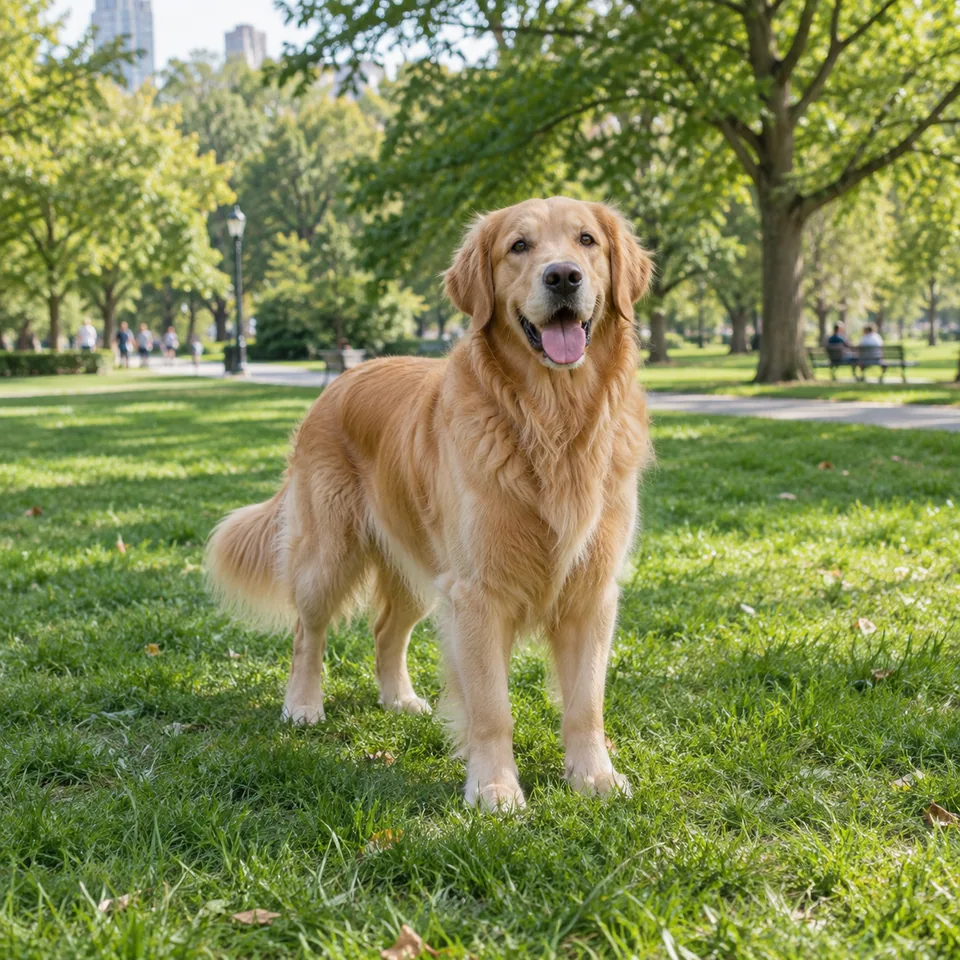
Inspect ears, whiskers and the chest fringe at equal zoom with the source. A light halo may be retained background, not fur. Prefer a source with stronger separation instead of trimming away the animal’s natural outline.
Test against a contrasting color, then inspect the paws. Background patches can remain between legs even when the face is clean.
For a small sticker, a clear silhouette may matter more than every fine hair. For a large portrait print, edge quality needs closer inspection.
Process one cutout and inspect ear fur against a dark color, then a light one. Check the gaps between legs separately. Place it on the intended card or sticker layout before exporting; a clean body silhouette can still have a missing whisker or a clipped tail.
Use the original pet image rather than a screenshot with stickers. Make sure ears, tail and paws are not already cut off.
Why consider this directionThe full standing pose supplies a reference for ears, coat boundaries and paws that should remain after editing.
Check before choosingLook at thin fur and spaces between legs. Do not mistake the animal’s own coat texture for background noise to remove.
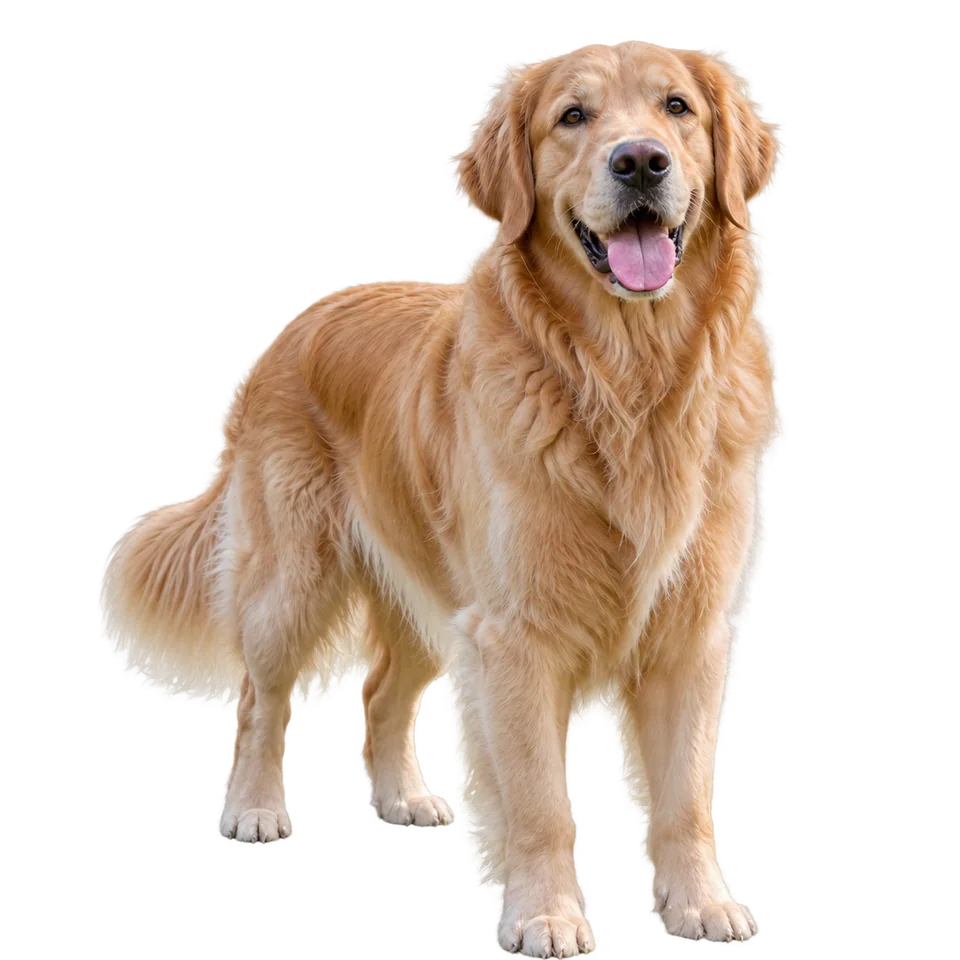
Why consider this directionA clean animal silhouette can support a small keepsake or sticker layout without the original park setting.
Check before choosingCheck ears, tail tips and grounded paws against the source. A neat body edge does not prove all fine fur is preserved.
Inspect the gap between front legs, the underside of the tail and the ears against a dark background. A few missing hairs matter less than a clipped paw or a remaining patch of grass attached to the body.
Edit my photo background ↗Background removal separates what is present; it does not provide a verified reconstruction of missing anatomy. Use a more complete photograph or choose a layout that accepts the crop. Do not confuse a generated addition with recovered original detail.
Content reviewed: