Choose the next move
Clean a distracting setting for presentation, but use actual surroundings when they explain vehicle scale or condition. Keep those purposes distinct.

Backgrounds and cutouts
A car cutout should retain mirrors, wheel openings and the full bumper. Clean surroundings help comparison, but the photograph must still show the vehicle's actual condition.
You choose your own source and review the current cost before generation.
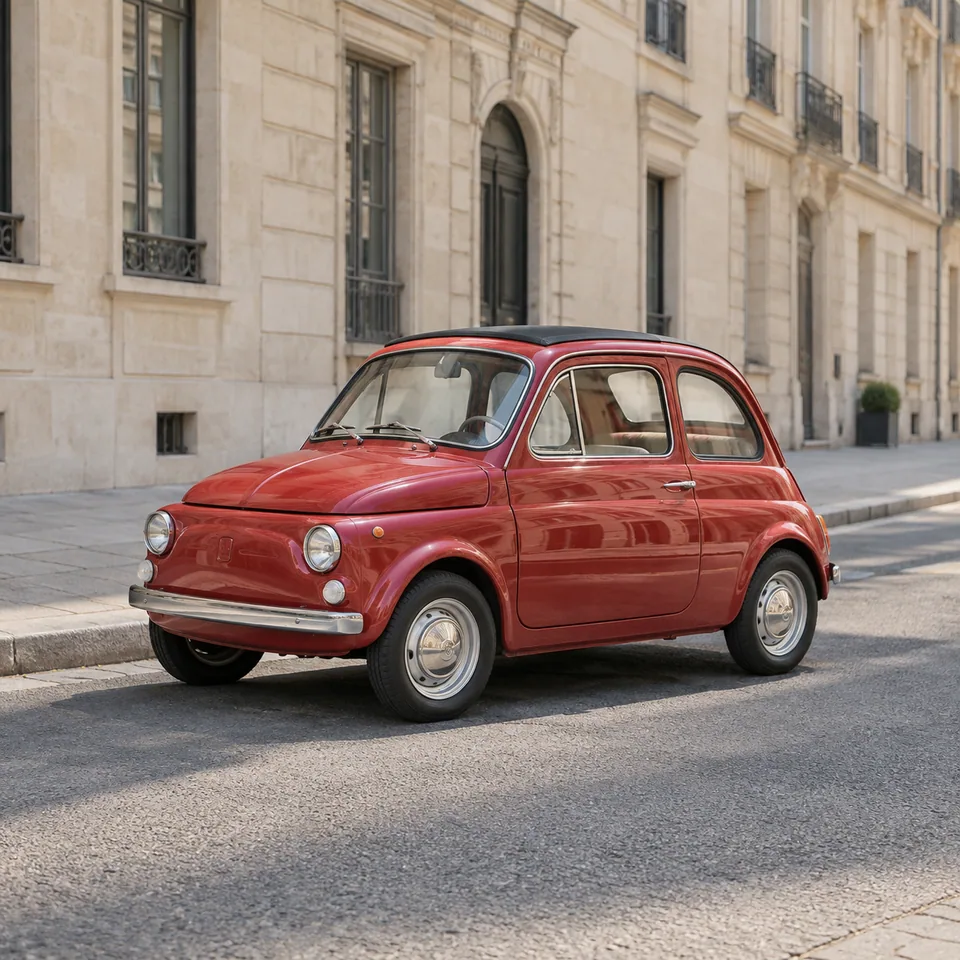
Treat glass and reflections separately from the outside silhouette. Avoid replacing them with invented views that hide tint, damage or interior details. For a factual listing, a clean original location may be more dependable than a perfect cutout.
Watch windows and reflections: they may still contain the original location. Keep a real contact shadow when preparing the final listing layout.
Clean a distracting setting for presentation, but use actual surroundings when they explain vehicle scale or condition. Keep those purposes distinct.
Review a cutout over a plain background, paying attention to windows, wheel openings and the underside. Compare the bodywork with the source at equal scale. Use the original gallery for condition details; a clean presentation image should not remove visible damage from the evidence.
Use a real photograph of the vehicle being listed. Keep wheels, mirrors and ground contact fully visible.
Why consider this directionThe real-scene reference makes window reflections, ground contact and vehicle proportions available for comparison.
Check before choosingRead mirrors, wheel gaps and the lower edge separately. Keep condition details in the actual sale record rather than judging only background cleanliness.
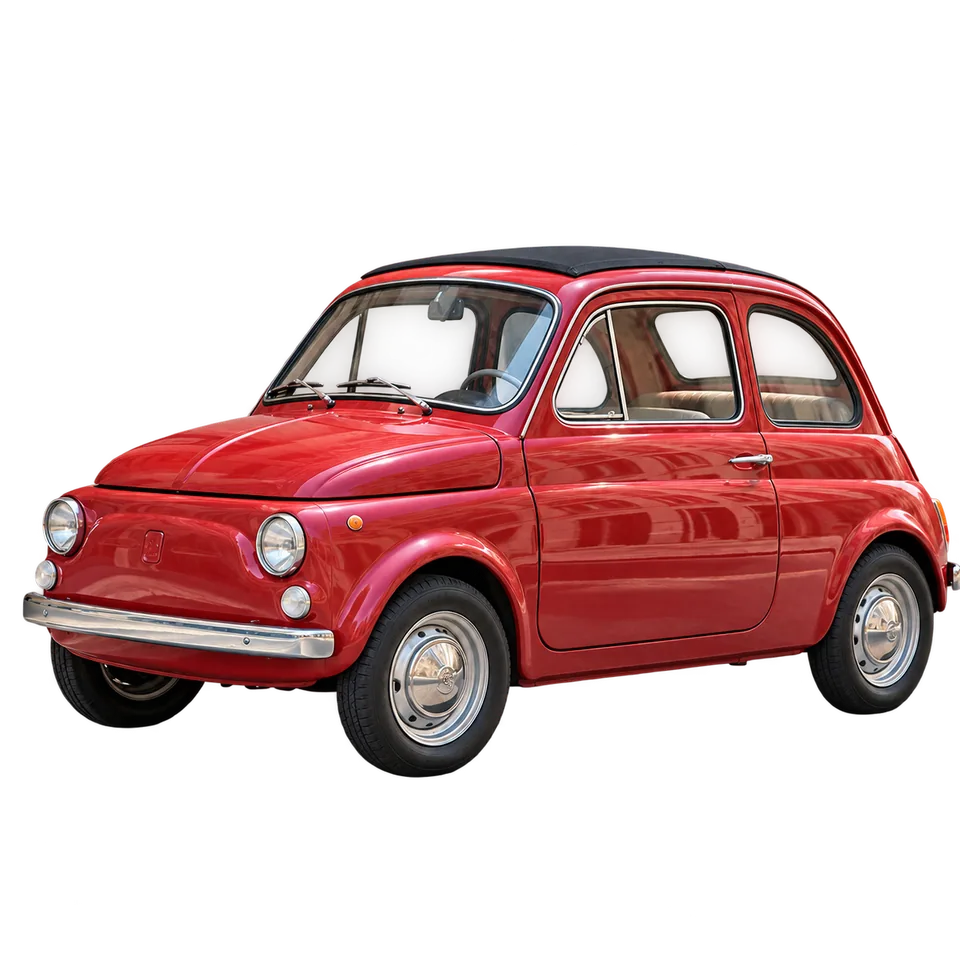
Why consider this directionThe cutout demonstrates a catalog presentation direction with the surrounding scene removed.
Check before choosingCompare windows and the underside with the original. Glass reflections or visible interior should not be erased just because they are light.
Zoom into mirror stems and wheel openings, then inspect the glass. Background removal may leave reflections of the original street. Keep those limitations in mind before placing the car into a scene with a different light direction.
Edit my photo background ↗Not automatically. Glass can contain tint, reflections and a visible interior that belong to the vehicle. Compare each area with the original rather than treating every light patch as background to delete.
Content reviewed: