Choose the next move
Blur if the location helps the introduction; remove it if it exposes private details or conflicts with the destination. Stronger blur is not always a better fix.

Backgrounds and cutouts
Blur works when the setting matters but its details are distracting. Keep enough structure to suggest the place; excessive blur can make the subject look unnaturally detached.
You choose your own source and review the current cost before generation.

Keep enough environmental structure to identify the place. Compare moderate blur with a tighter crop; removing everything can erase the reason for choosing this photograph. Inspect the transition around hair and open spaces between arms.
Inspect spaces between the arms, loose hair and glasses. These boundaries reveal inconsistent blur more quickly than the center of the face.
Blur if the location helps the introduction; remove it if it exposes private details or conflicts with the destination. Stronger blur is not always a better fix.
Select background blur before processing. Compare the eyes with the source and inspect transitions near ears, loose hair and objects behind the shoulders. Test the result at profile size: a quieter setting should support the face without making it look cut out.
Choose a portrait where the existing place has useful context. Identify small objects near the hair and shoulders that should belong to the background.
Why consider this directionThe wider seated composition provides context for a personal introduction and leaves more of the workspace visible.
Check before choosingA small avatar may need a closer crop. Check the desk and screen for invented or private details before reuse.
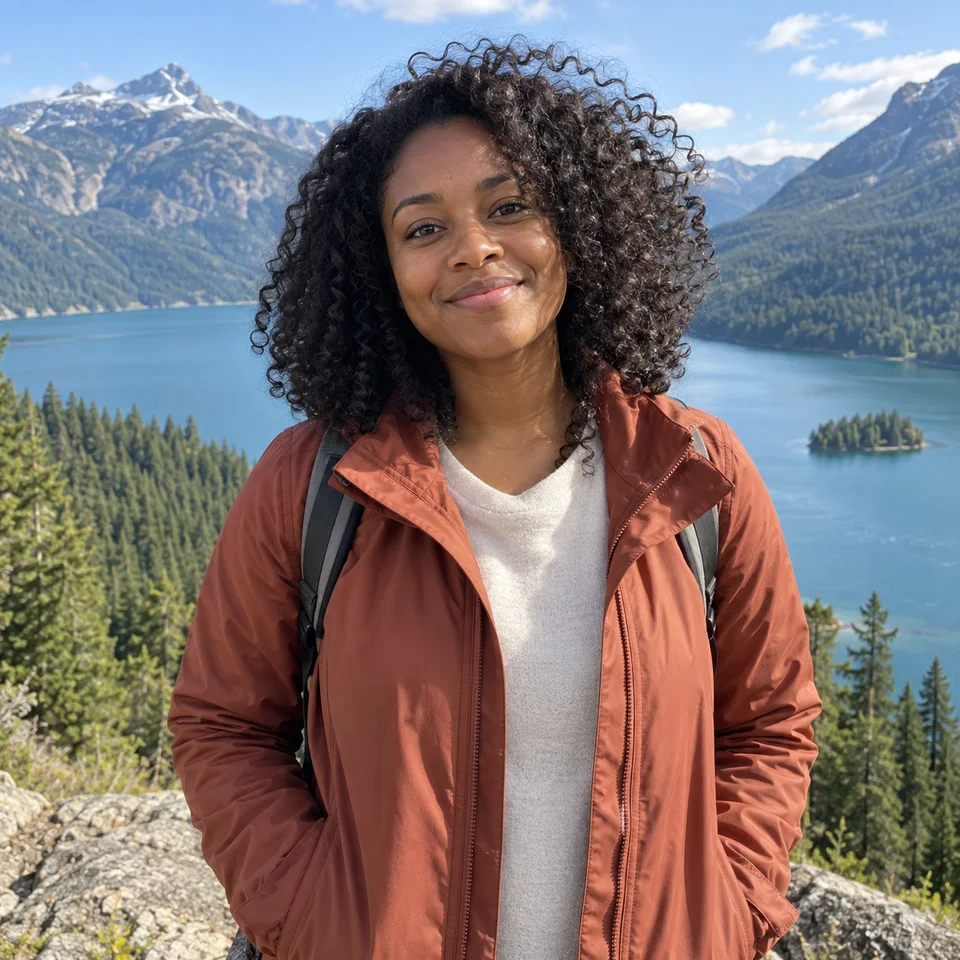
Why consider this directionThe source is the reference for facial appearance and for how hair, ears and shoulders meet the background.
Check before choosingSeparate an unwanted setting from a source-quality problem. Editing the room does not verify hidden eyes or missing facial detail.
Choose blur when the location adds context but its details distract. Keep enough structure to make the setting readable. If the background contains information that must disappear, removal may be a better choice than a mild blur.
Edit my photo background ↗Inspect the generated edit. Fine hair, glasses and shoulder edges may change even when the aim is to blur the background. If exact preservation is essential, retain the original and use a workflow with the precise editing controls you need.
Content reviewed: