Have these ready
Prepare the real heading, subheading and button in desktop and mobile layouts. Identify the primary action.

Design and illustration
Plan the headline and action area before generating scenery. Keep that region quiet so the website can communicate without placing heavy overlays over the image.
You choose your own source and review the current cost before generation.
A wide desktop image may crop aggressively on mobile. Choose a focal point that survives both layouts and prepare alternate crops in the website design.
Overlay the real headline and button at both widths. Check contrast on the busiest part of the text area.
Open my creative starting point ↗Prepare the real heading, subheading and button in desktop and mobile layouts. Identify the primary action.
Choose background art that leaves a quiet region behind the copy. Put the real text over the candidate and test both crops. Check contrast at the focal point and behind the longest line; a beautiful standalone image can be a poor interface background.
Make the image support the action. If the main message requires a real product or person, use an appropriate verified reference rather than a generic imagined scene.
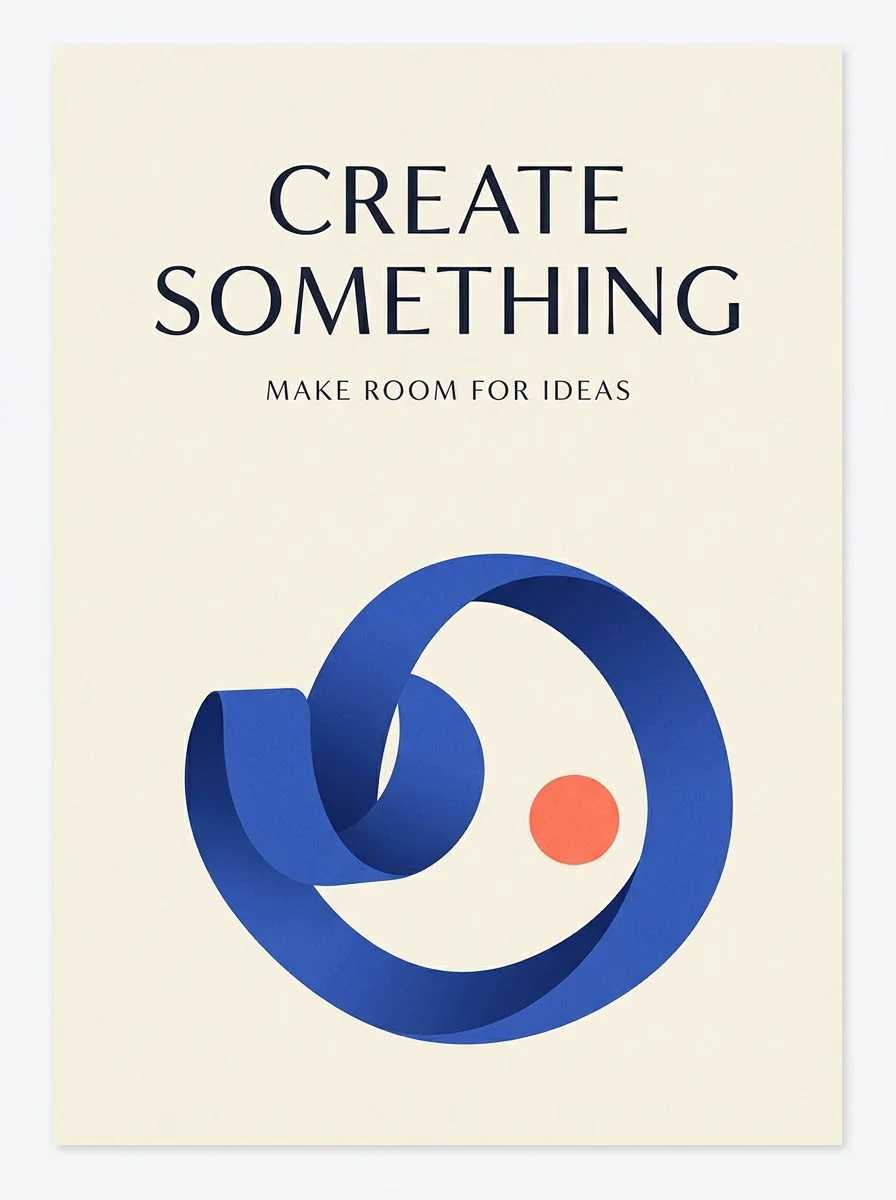
Why consider this directionThe graphic example helps you judge the balance between display lettering, supporting shapes and open space.
Check before choosingCheck the smallest lines and any numbers. A hierarchy that works in the example may need a different layout for your longer title.

Why consider this directionThis poster direction can be compared with quieter or more image-led layouts before choosing a final communication style.
Check before choosingTest the headline, dates and supporting information at the size readers will actually see. Do not reuse fictional event details as real copy.
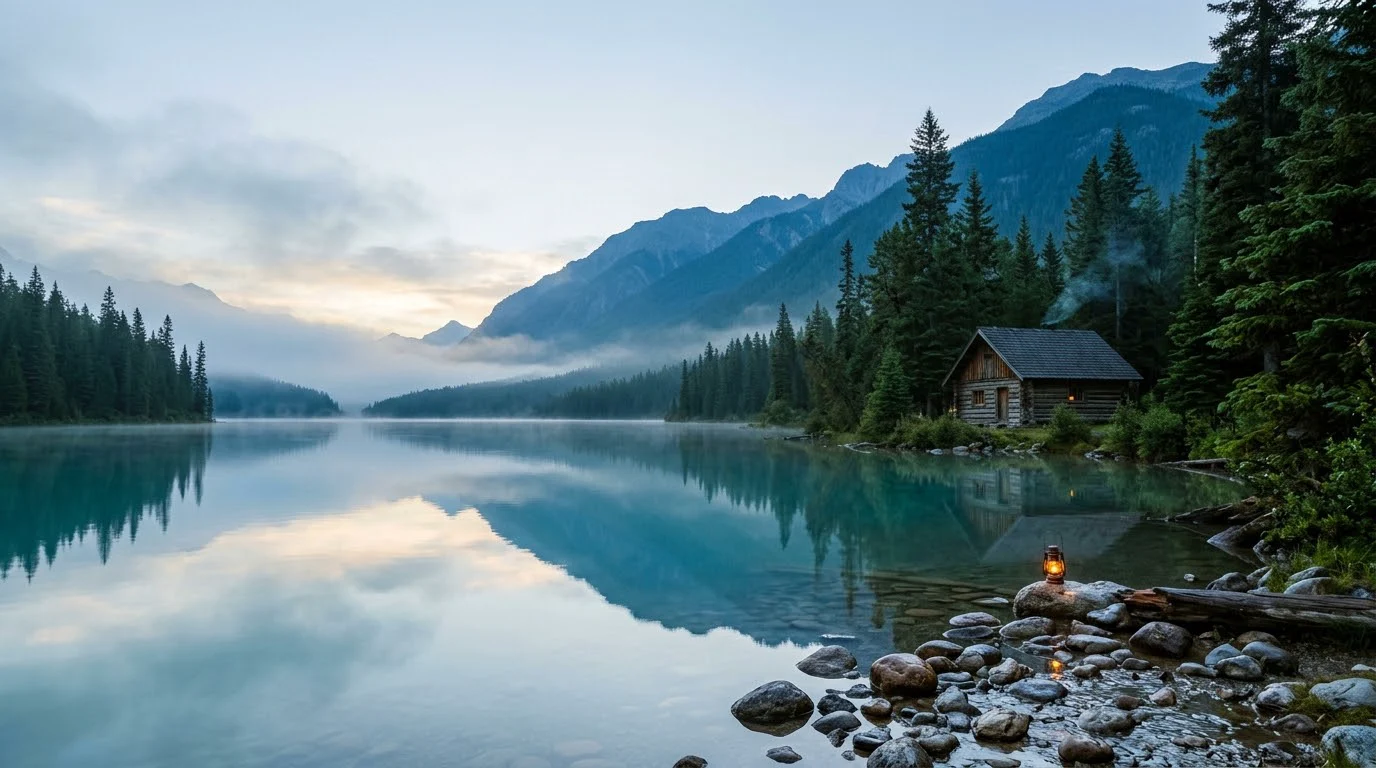
Why consider this directionThe imagined landscape provides broad shapes and open areas for considering a cover, banner or background composition.
Check before choosingPlace the actual text over the image and test alternative crops. It is an illustration, not evidence of a real destination or geography.
Keep important web copy as actual page text so it can be edited, translated and read by assistive technology. Generate the supporting artwork, then control typography and responsive position in the site layout. Check decorative text fragments in the image for unintended meaning.
Content reviewed: