Have these ready
Keep a verified text sheet with names, dates, prices and contact details. Include punctuation and units.

Design and illustration
Keep requested wording short and explicit, then check every character. Correct-looking shapes can hide misspellings, extra words or inconsistent punctuation.
You choose your own source and review the current cost before generation.
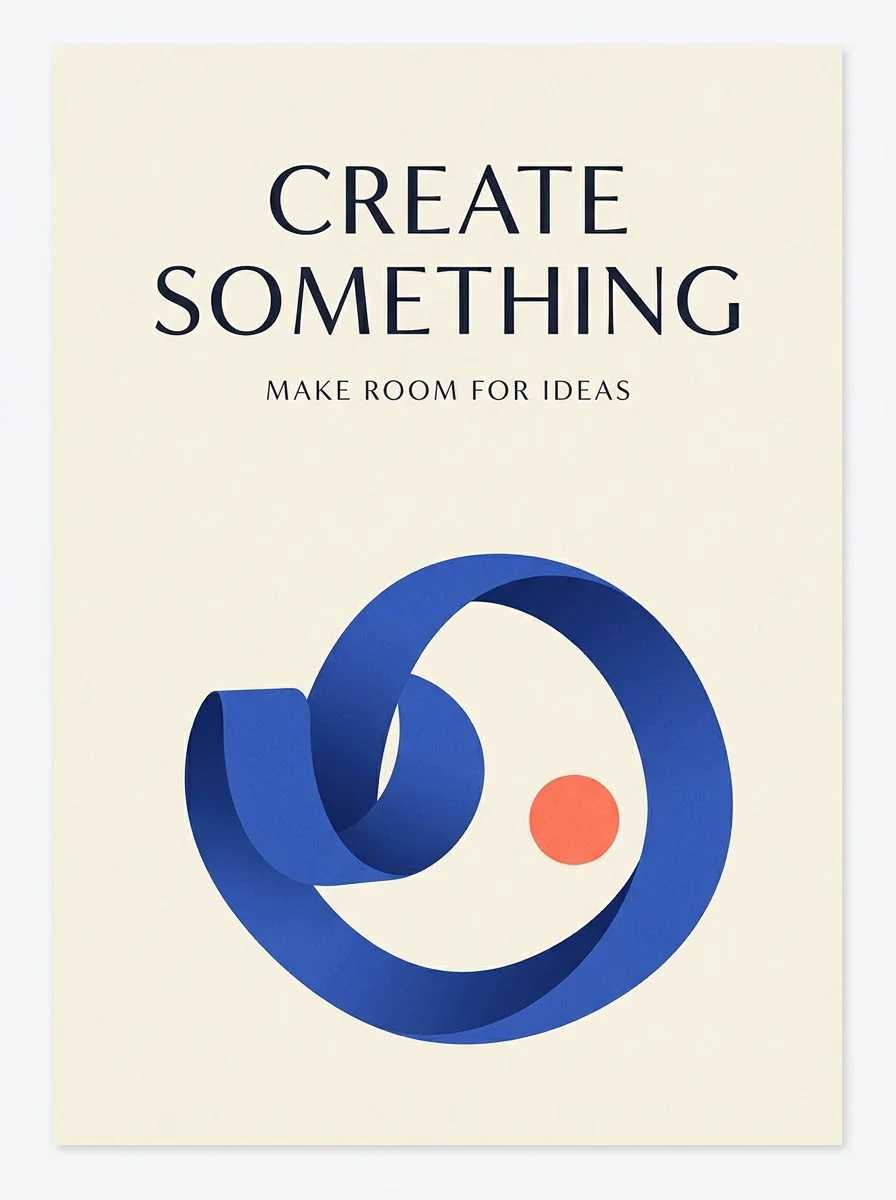
For dates, prices and essential instructions, add text afterward in an editor. Keep an editable copy for revisions and accessible publishing.
Read the poster once for meaning and once character by character. Compare dates, names and units with the approved text. A word that looks correct at thumbnail size can contain a changed letter when enlarged or printed.
Open my creative starting point ↗Keep a verified text sheet with names, dates, prices and contact details. Include punctuation and units.
Compare the generated poster line by line with the text sheet, then read it in the reverse order to break the habit of guessing familiar phrases. Check tiny lines and repeated words. Finally proof the exported file again after layout corrections.
If the main image is good and the text is wrong, replace typography in a layout editor. Regenerating the whole image can introduce new errors elsewhere.
Why consider this directionThe graphic example helps you judge the balance between display lettering, supporting shapes and open space.
Check before choosingCheck the smallest lines and any numbers. A hierarchy that works in the example may need a different layout for your longer title.
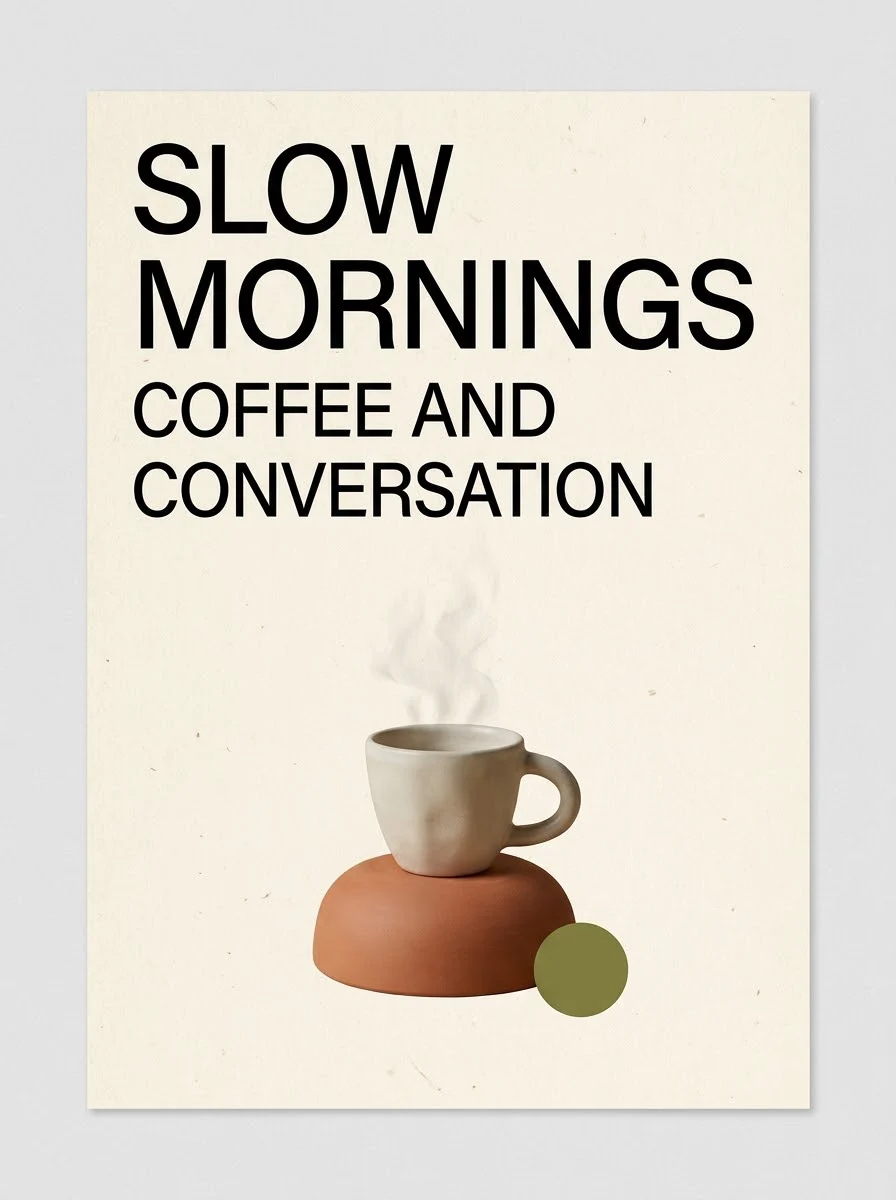
Why consider this directionThis English-lettered poster example lets you examine how a main headline and visual motif share the page.
Check before choosingRead every visible line rather than accepting the poster’s overall polish. Exact local-language typography needs its own verified layout.

Why consider this directionThis poster direction can be compared with quieter or more image-led layouts before choosing a final communication style.
Check before choosingTest the headline, dates and supporting information at the size readers will actually see. Do not reuse fictional event details as real copy.
It can help locate text, but may also guess an intended word from malformed letters. Compare the visible shapes with the approved copy. Numbers, accents, names and small punctuation need a final human reading of the actual image.
Content reviewed: