Have these ready
Prepare the longest slide heading, a chart and a text-heavy slide. Use the actual presentation ratio.

Design and illustration
Choose restrained imagery where the text will sit. A busy center may look attractive alone but makes a title slide hard to read on a projector.
You choose your own source and review the current cost before generation.
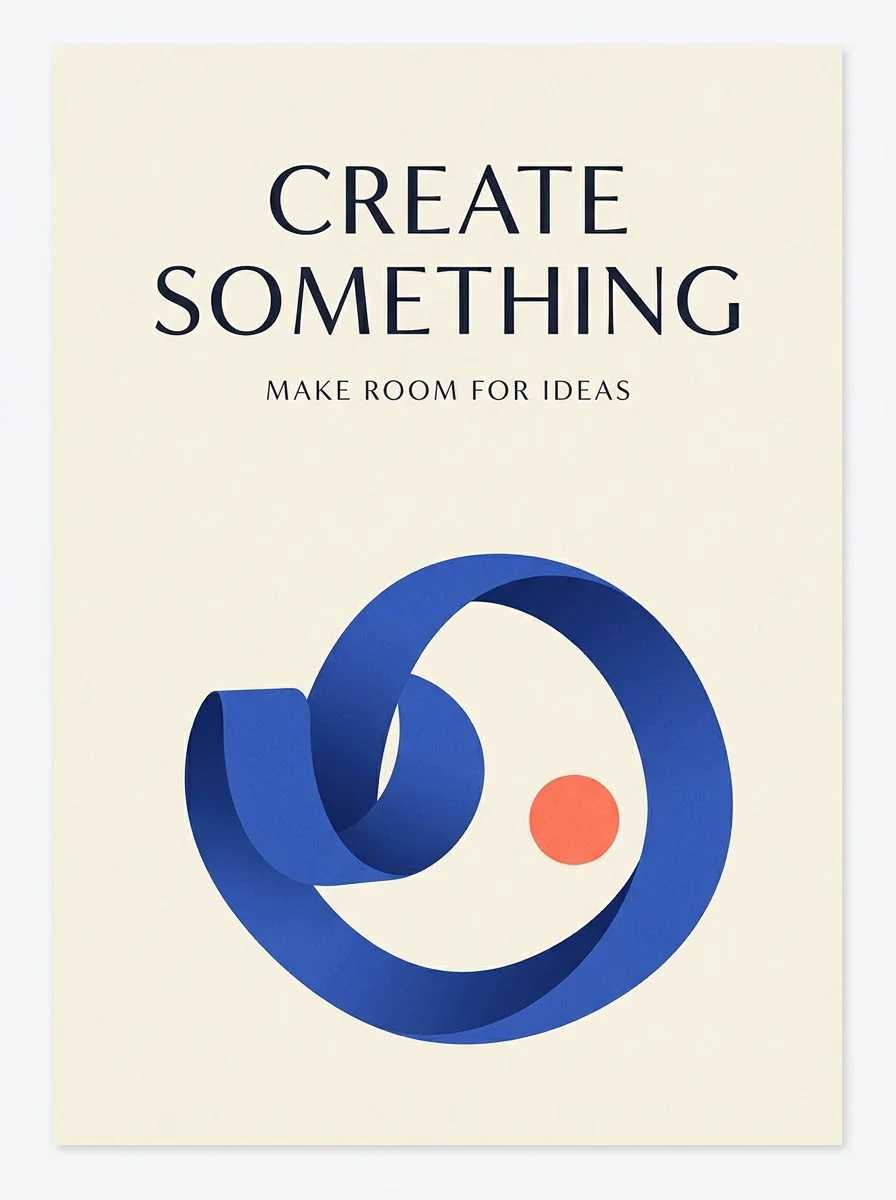
Add real event details as editable slide text. Test contrast with the actual font and a small screen, not only a full-size artwork preview.
Test the background with the longest slide title, not a short placeholder. Place body text over the quietest region and check contrast from a distance. A visually strong poster example may need a much calmer treatment behind a live presentation.
Open my creative starting point ↗Prepare the longest slide heading, a chart and a text-heavy slide. Use the actual presentation ratio.
Create a background with one quiet region, then place all three slide types over it. Test in a room or projected preview if possible. Remove background marks that resemble chart data, labels or clickable buttons; decoration should not become a second information layer.
Use more visual atmosphere on opening and section slides. Keep body slides simpler when attendees need to read or compare numbers.
Why consider this directionThe graphic example helps you judge the balance between display lettering, supporting shapes and open space.
Check before choosingCheck the smallest lines and any numbers. A hierarchy that works in the example may need a different layout for your longer title.
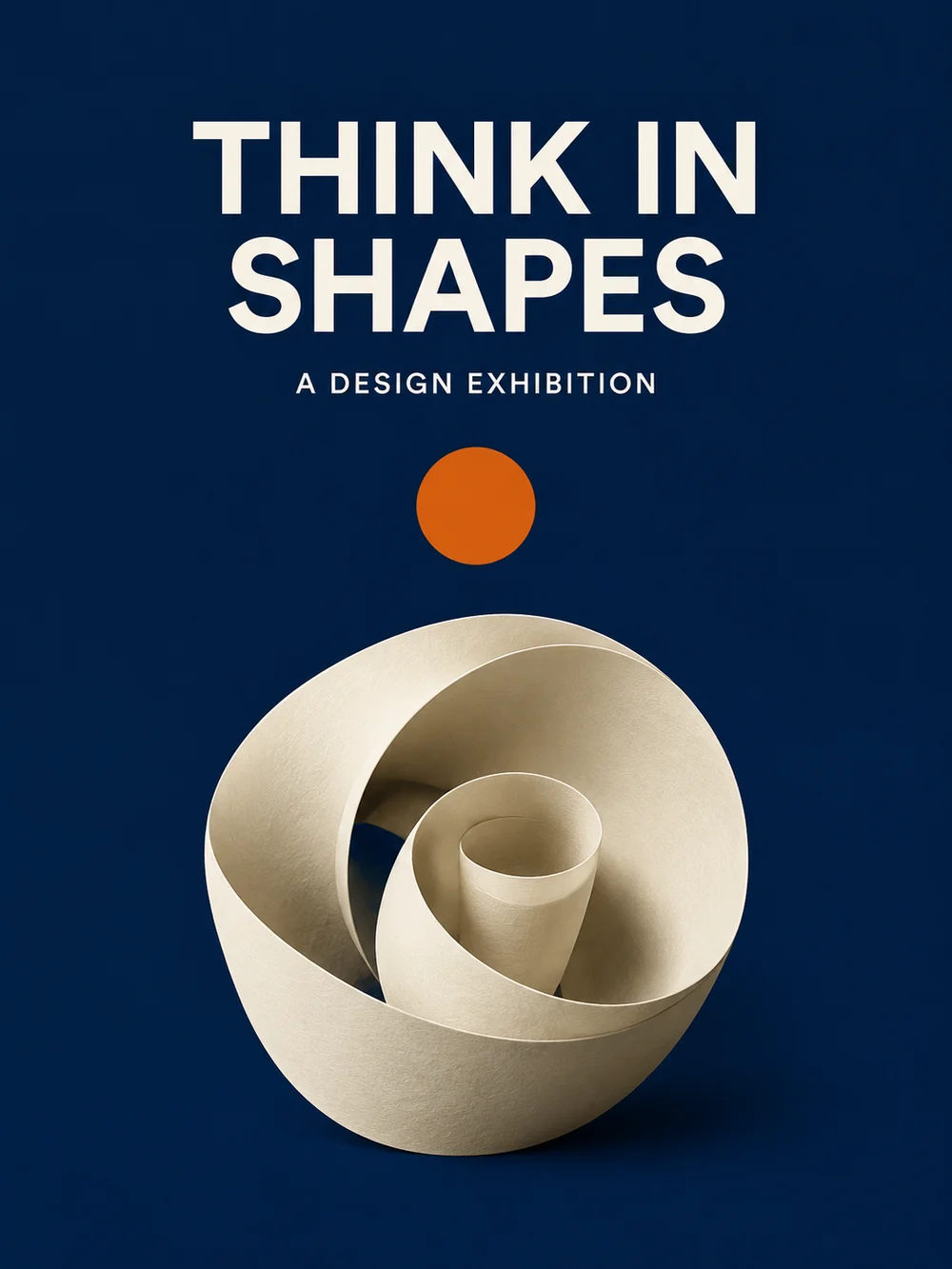
Why consider this directionThis poster direction can be compared with quieter or more image-led layouts before choosing a final communication style.
Check before choosingTest the headline, dates and supporting information at the size readers will actually see. Do not reuse fictional event details as real copy.
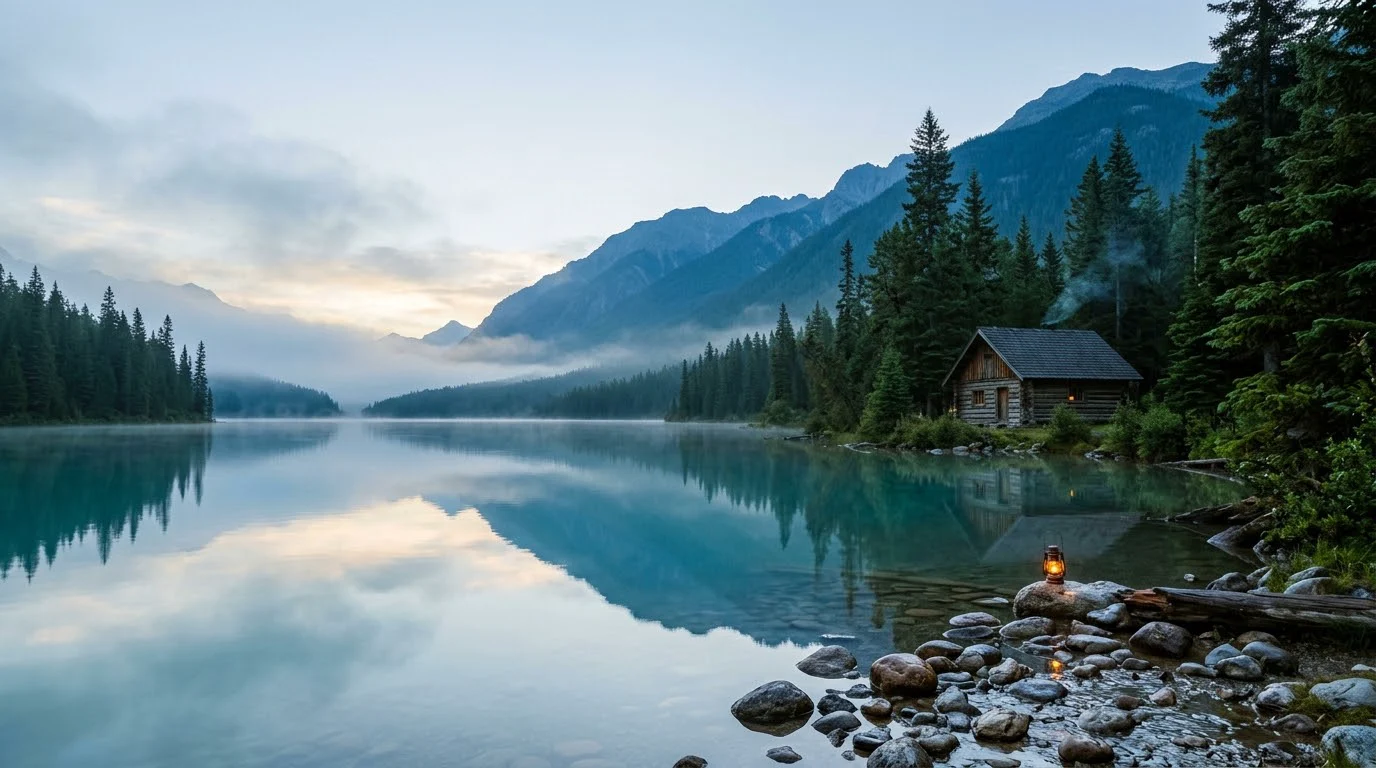
Why consider this directionThe imagined landscape provides broad shapes and open areas for considering a cover, banner or background composition.
Check before choosingPlace the actual text over the image and test alternative crops. It is an illustration, not evidence of a real destination or geography.
A flattened image can make corrections, accessibility and responsive reuse harder. Use generated art as a background or illustration and keep important text and data in the presentation editor. Verify every number independently if any appears in the artwork.
Content reviewed: