Choose the next move
Choose the smallest useful scale after checking the tool’s current limits. Larger outputs cost storage and review effort without guaranteeing more accurate content.

Clarity and resolution
Choose the smallest scale that meets the final pixel requirement. More pixels increase file size and may expose invented texture; they do not turn a weak source into a verified high-detail photograph.
You choose your own source and review the current cost before generation.
A two-times result reaches that pixel target; four times produces 3600 × 3600. Compare both at 1800 × 1800, not at different zoom levels. Choose extra scale only when it brings useful detail for the actual destination.
The current workspace caps output at 4096 pixels per side and disables unsuitable scales. Check its dimensions and credit estimate before submitting.
Choose the smallest useful scale after checking the tool’s current limits. Larger outputs cost storage and review effort without guaranteeing more accurate content.
For a 900 × 900 source, compare the 1800 × 1800 dimensions of 2× with 3600 × 3600 at 4×. If 1800 pixels already meets the job, inspect that route first. Compare both at the same final display size so magnification does not masquerade as better detail.
Read the source width and height in pixels and the destination’s required dimensions. Do not use file size as the starting measurement.
Read width and height from the original file. Set the print density your printer requests; 300 ppi here is an example, not a universal requirement.
Calculated print size
| Scale | Pixel dimensions |
|---|---|
| Original dimensions | 1,200 × 1,800 px |
| 2× | 2,400 × 3,600 px |
| 4× | 4,800 × 7,200 px |
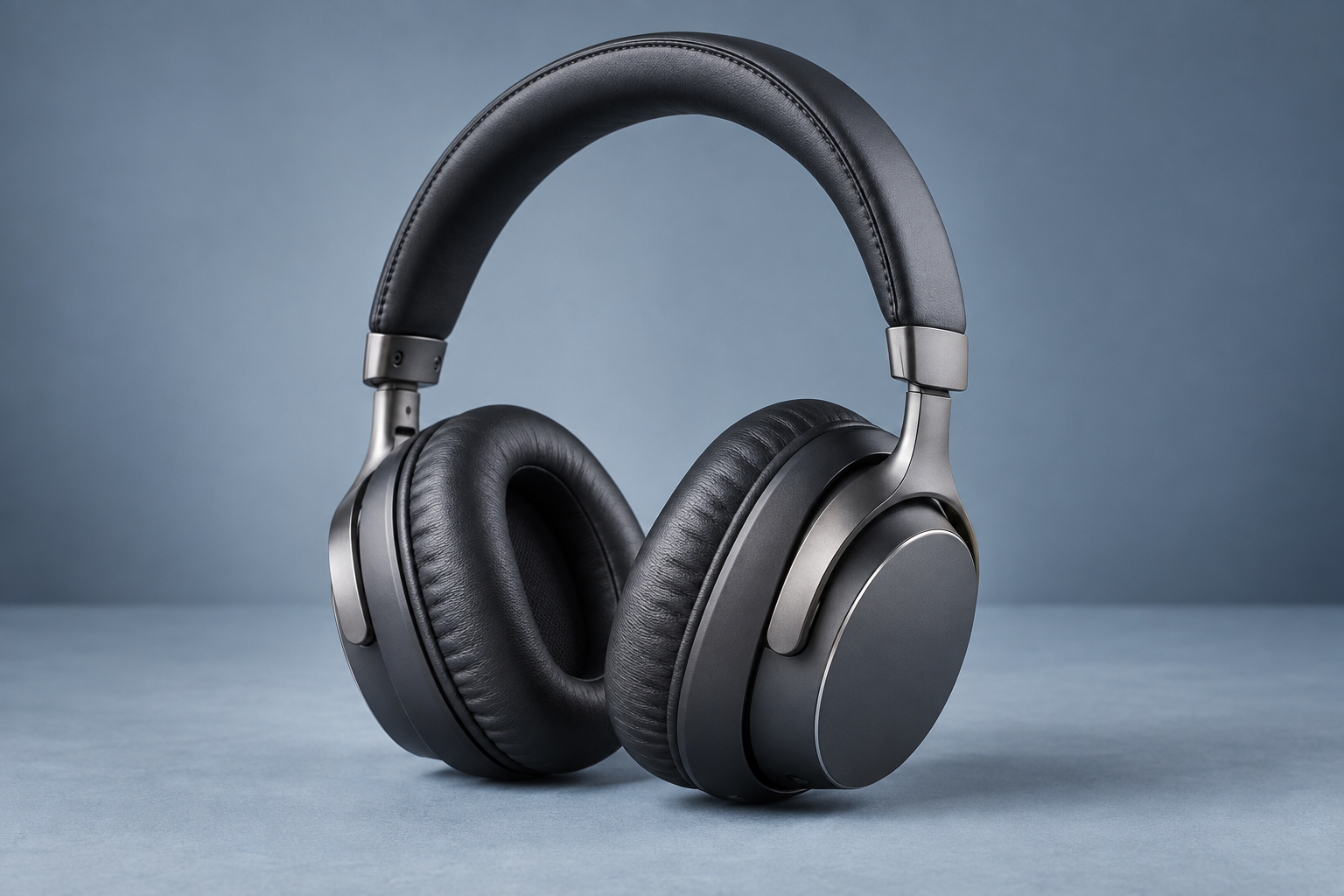
Why consider this directionHeadphone surfaces, joints and openings offer concrete details to inspect when judging an image for product presentation.
Check before choosingCompare construction rather than gloss alone. This page does not claim a new before-and-after enhancement test of your item.

Why consider this directionA simple bottle reference helps separate product identity from new decisions about the surrounding scene.
Check before choosingCompare silhouette, cap and base before decorative light. This example is not evidence of your own SKU or packaging accuracy.
A 900 × 900 image becomes 1800 × 1800 at 2× or 3600 × 3600 at 4×. If 1800 pixels already meets your destination, compare that result first. Check the workspace for limits on larger sources.
Enhance my photo ↗When both width and height are multiplied by four, area and pixel count become sixteen times the source. This says nothing by itself about recovered detail. Check actual returned dimensions and compare meaningful features rather than assuming a sixteen-fold information gain.
Content reviewed: