Choose the next move
Use the printer’s requirements, viewing distance and subject detail together. A numeric calculation is preparation, not a guarantee of an acceptable print.

Clarity and resolution
Ask the printer for the required pixel dimensions at your chosen size. A screen preview cannot show how a large print will look, especially when fine texture has been generated.
You choose your own source and review the current cost before generation.
The arithmetic gives 300 pixels per inch before any crop. A tighter crop reduces that margin. Confirm the printer’s requested dimensions and inspect a small proof; a pixel calculation alone does not establish image quality or paper behavior.
Order a small proof or inspect a crop at intended print scale. Keep original and enhanced versions so you can choose the more natural result.
Use the printer’s requirements, viewing distance and subject detail together. A numeric calculation is preparation, not a guarantee of an acceptable print.
Divide pixels by pixels per inch to estimate print inches before cropping. A 1200-pixel side at 300 ppi is 4 inches, about 10.2 cm. Recalculate after the final crop, then order or print a small proof to inspect the actual subject detail.
Ask the printer for the intended physical size and preferred pixels per inch. Keep the actual pixel dimensions of your file.
Read width and height from the original file. Set the print density your printer requests; 300 ppi here is an example, not a universal requirement.
Calculated print size
| Scale | Pixel dimensions |
|---|---|
| Original dimensions | 1,200 × 1,800 px |
| 2× | 2,400 × 3,600 px |
| 4× | 4,800 × 7,200 px |
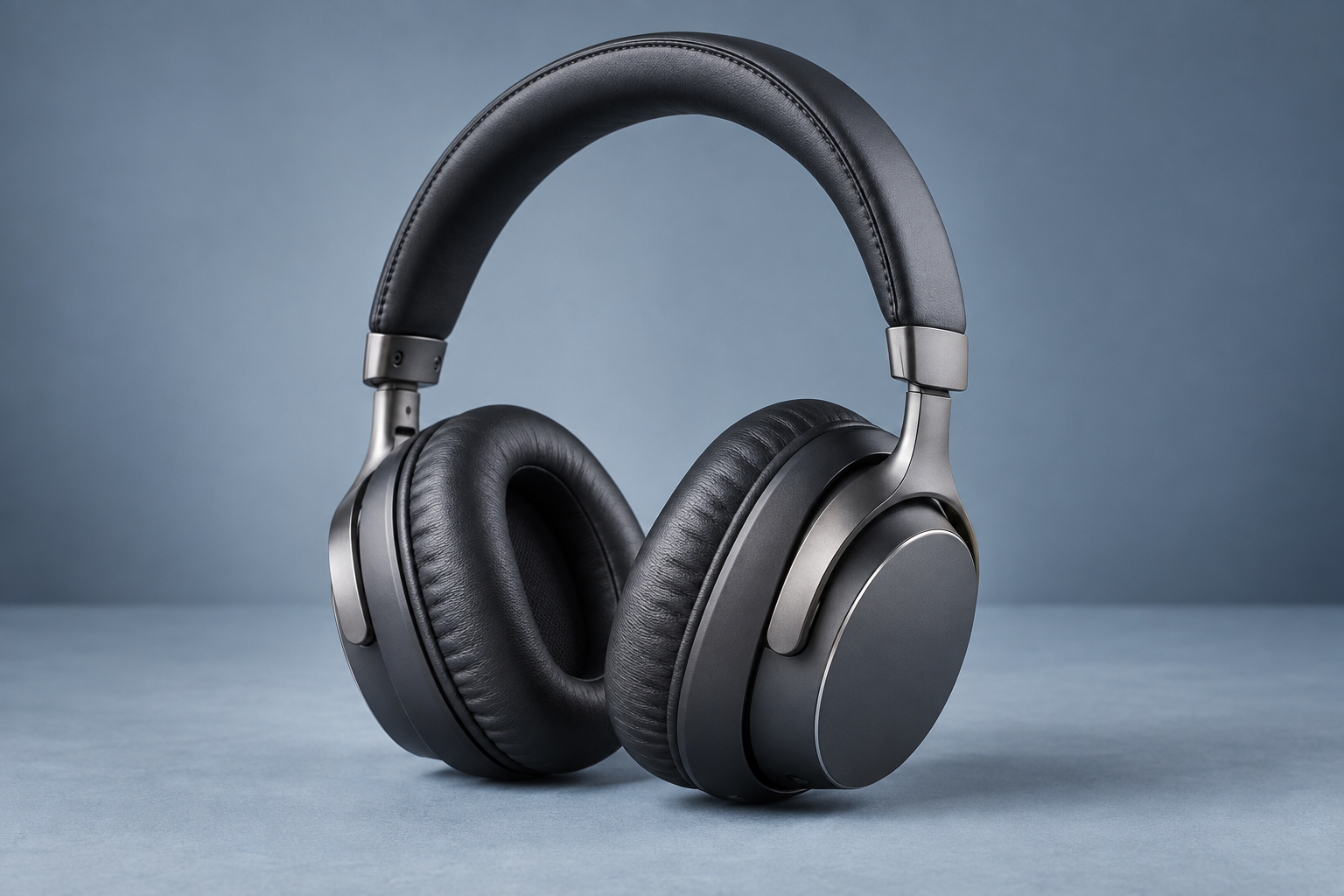
Why consider this directionHeadphone surfaces, joints and openings offer concrete details to inspect when judging an image for product presentation.
Check before choosingCompare construction rather than gloss alone. This page does not claim a new before-and-after enhancement test of your item.

Why consider this directionSoft washes leave more open light around the portrait and can suit cards, gifts or a quieter editorial image.
Check before choosingWatch the eyes and boundary between face and hair. Pale washes should not erase the features you need to recognize.
At a requested 300 pixels per inch, a 6 × 4 inch print needs 1800 × 1200 pixels. This is a calculation example, not a universal print requirement. Ask the printer for its target and order a proof when texture matters.
Enhance my photo ↗Changing metadata alone does not add pixels or trustworthy detail. Distinguish a density tag from resampling. Check pixel dimensions, crop and print size; if the source lacks detail, seek a better original or use a smaller print.
Content reviewed: