Have these ready
Use a simple portrait and decide the printed page size. Reduce background clutter before choosing the reference.

Photo art projects
Use a simple background and a face large enough to outline clearly. The useful result has closed regions and room for color, not dense gray shading disguised as a drawing.
You choose your own source and review the current cost before generation.
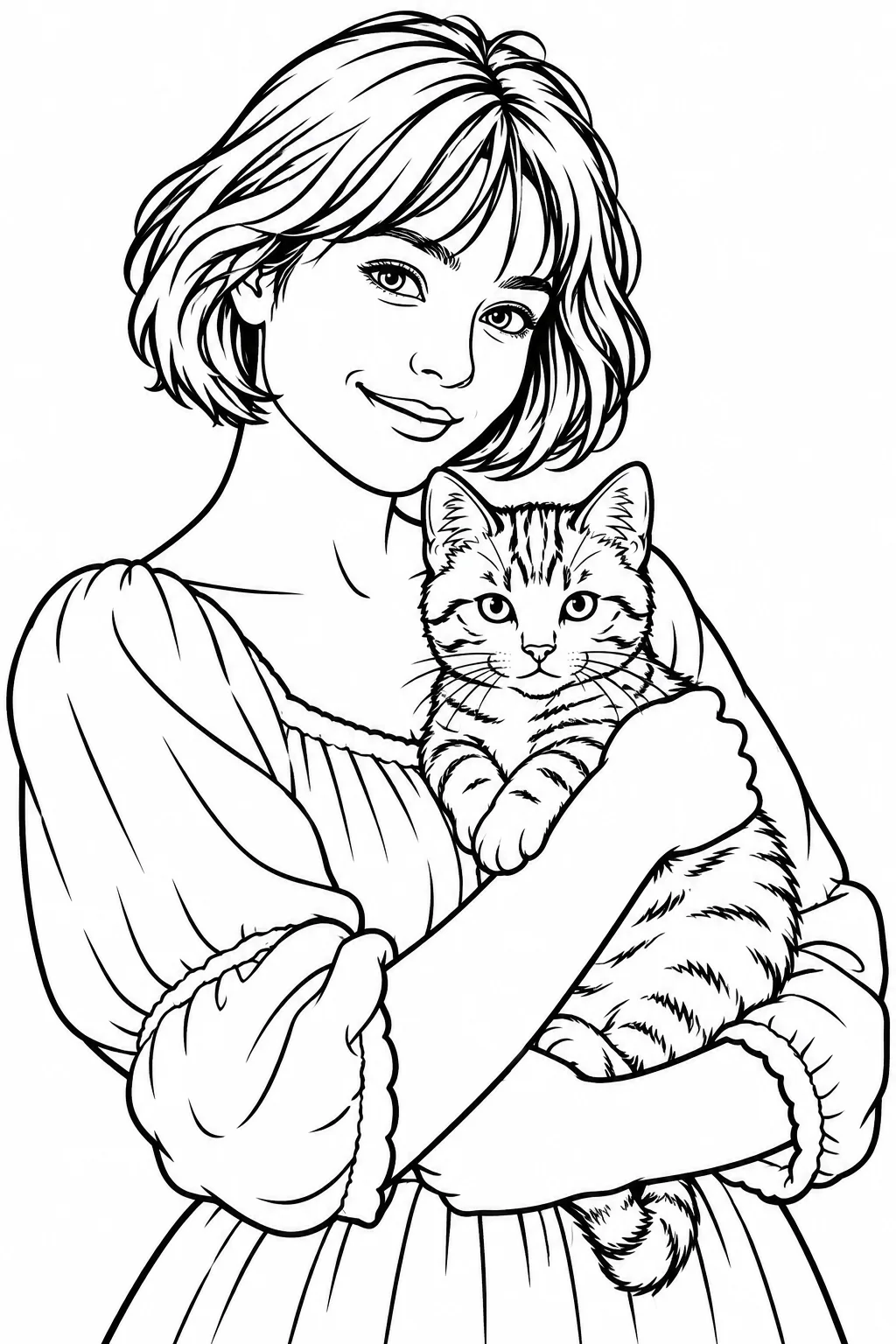
Print a small test before making many copies. Check pupils, hair and clothing patterns for areas too tiny to color comfortably.
Print a draft at the planned size and try filling one cheek and one background area. If spaces are too small or outlines break, choose a simpler source or result. Keep the detailed version only if the intended user can comfortably color it.
Try this with my photo ↗Use a simple portrait and decide the printed page size. Reduce background clutter before choosing the reference.
Generate the coloring direction and compare it with line art. Print a small proof and try coloring one hair section and one area near the eyes. Look for tiny closed spaces, broken boundaries or large black fills that leave little to color.
Choose larger open shapes for easier coloring and more detail for a patient older audience. Test the activity rather than assuming one age from the image style.
Why consider this directionOpen enclosed shapes create areas that can be filled by hand rather than just a decorative line portrait.
Check before choosingTry a printed section. Look for tiny cells, heavy black fills and broken lines that make coloring frustrating.
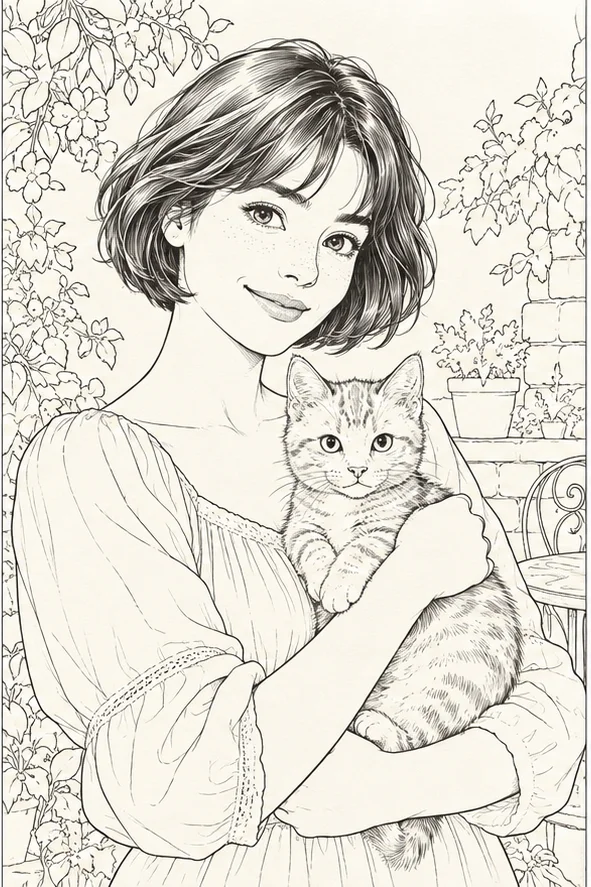
Why consider this directionA contour-led image can suit a calm avatar or a starting reference for a later drawing workflow.
Check before choosingLook for missing glasses, broken jaw lines and unnecessary background strokes. It is still an image, not a guaranteed vector path.

Why consider this directionUse the reference to separate a style’s changes from the pose, lighting and objects already present in the photograph.
Check before choosingCompare recognizable cues before judging the new texture. A pleasing transformation can still lose the subject’s defining features.
Check page margins, line weight and the actual exported pixels first. Remove stray marks and place the artwork in the intended page template. A finished-looking preview may still have a broken eye contour or a background full of unusable micro-spaces.
Content reviewed: