Have these ready
Keep a real-photo comparison and the smallest profile frame you use. Choose two personal cues that should survive stylization.

Photo art projects
Start with a close, uncluttered portrait. Keep the hairstyle, face outline and one recognizable detail; too many small accessories disappear in a profile icon.
You choose your own source and review the current cost before generation.
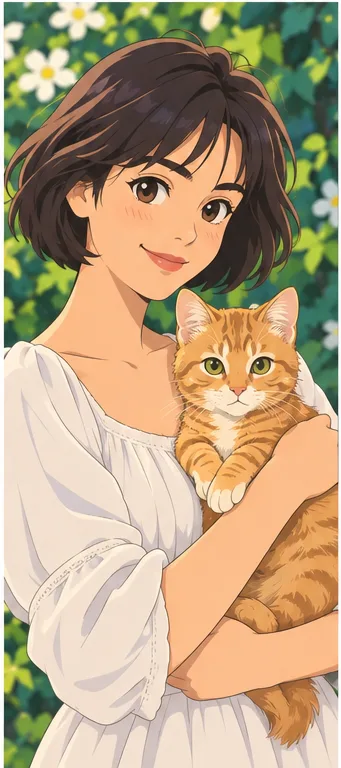
Preview the circular crop before choosing a style. A beautiful full illustration can become unreadable when only the center survives.
Shrink three candidates to the size of a comment avatar. Choose by recognizable face shape and color balance, then inspect the full image. A detailed illustration that works on a poster may not work in a tiny circle.
Try this with my photo ↗Keep a real-photo comparison and the smallest profile frame you use. Choose two personal cues that should survive stylization.
Compare anime, line and clay examples at equal face size. Look at hair outline, glasses and expression before choosing texture. Test a circular crop and the actual page color, then save one master and create separate export copies.
Use stronger stylization where the audience already knows your visual identity. Keep a real-photo option for contexts where in-person recognition matters.
Why consider this directionLarger expressive features and simplified hair shapes can make a character-oriented personal avatar.
Check before choosingCompare eye spacing, hairstyle and accessories with the source. The style may reinterpret the face rather than copy it exactly.
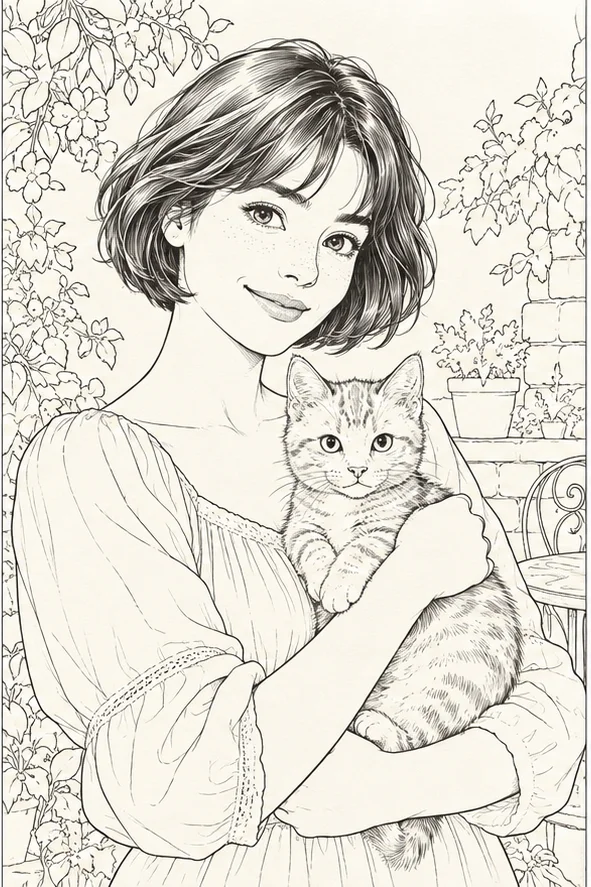
Why consider this directionA contour-led image can suit a calm avatar or a starting reference for a later drawing workflow.
Check before choosingLook for missing glasses, broken jaw lines and unnecessary background strokes. It is still an image, not a guaranteed vector path.
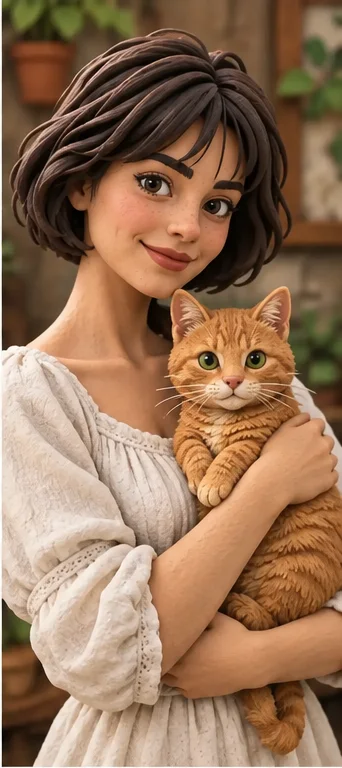
Why consider this directionRounded forms and modeled light create the appearance of a sculpted avatar without requiring a real clay object.
Check before choosingKeep the distinctive head and hair silhouette. This flat example does not supply printable geometry or a rigged 3D character.
Decide which cues make the avatar yours before generating. If the result is attractive but those cues disappear, choose a less aggressive style or a clearer source. The goal can be an interpretation of you rather than a generic character with your clothing.
Content reviewed: