Have these ready
List what the buyer needs to verify and what the campaign needs to communicate. Keep a plain product reference.

Product visual briefs
A studio image clarifies the object; a lifestyle scene suggests how it fits into a setting. Choose based on the page's job, and keep factual product details visible in either version.
You choose your own source and review the current cost before generation.
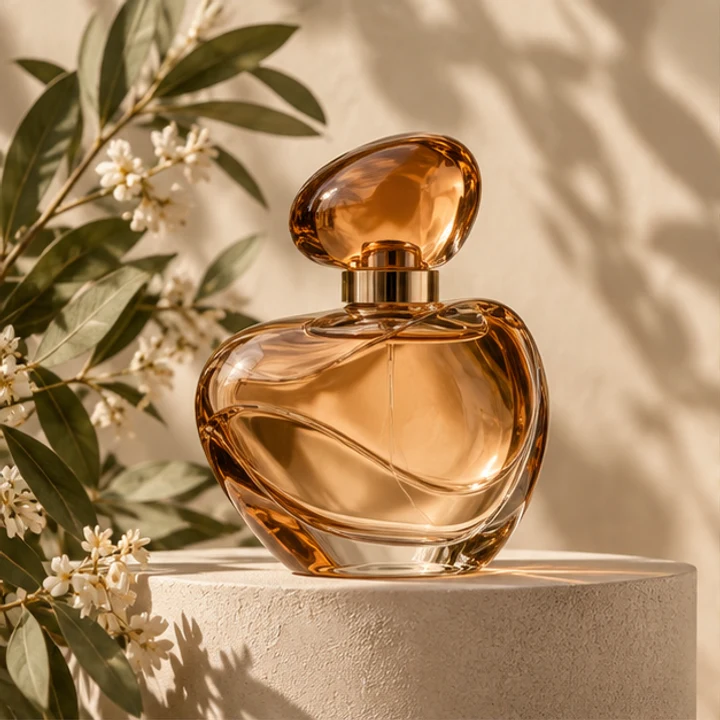
Do not imply included accessories or a product size through invented props. Pair creative campaign images with accurate product photographs.
Use a clean studio view to explain what is being sold and a separate lifestyle image to suggest a setting. Keep dimensions and included accessories clear in the listing. A prop beside the item should not look like part of the purchase.
Open my creative starting point ↗List what the buyer needs to verify and what the campaign needs to communicate. Keep a plain product reference.
Make a simple studio concept and a restrained lifestyle concept from the same reference. Compare whether the product remains equally identifiable. Check scale, intended use and neighboring props in the lifestyle version; attractive context can accidentally imply an included accessory.
Use studio clarity for a factual listing and lifestyle context for a use story. A product page can include both if they are labeled and accurate.
Why consider this directionA simple bottle reference helps separate product identity from new decisions about the surrounding scene.
Check before choosingCompare silhouette, cap and base before decorative light. This example is not evidence of your own SKU or packaging accuracy.
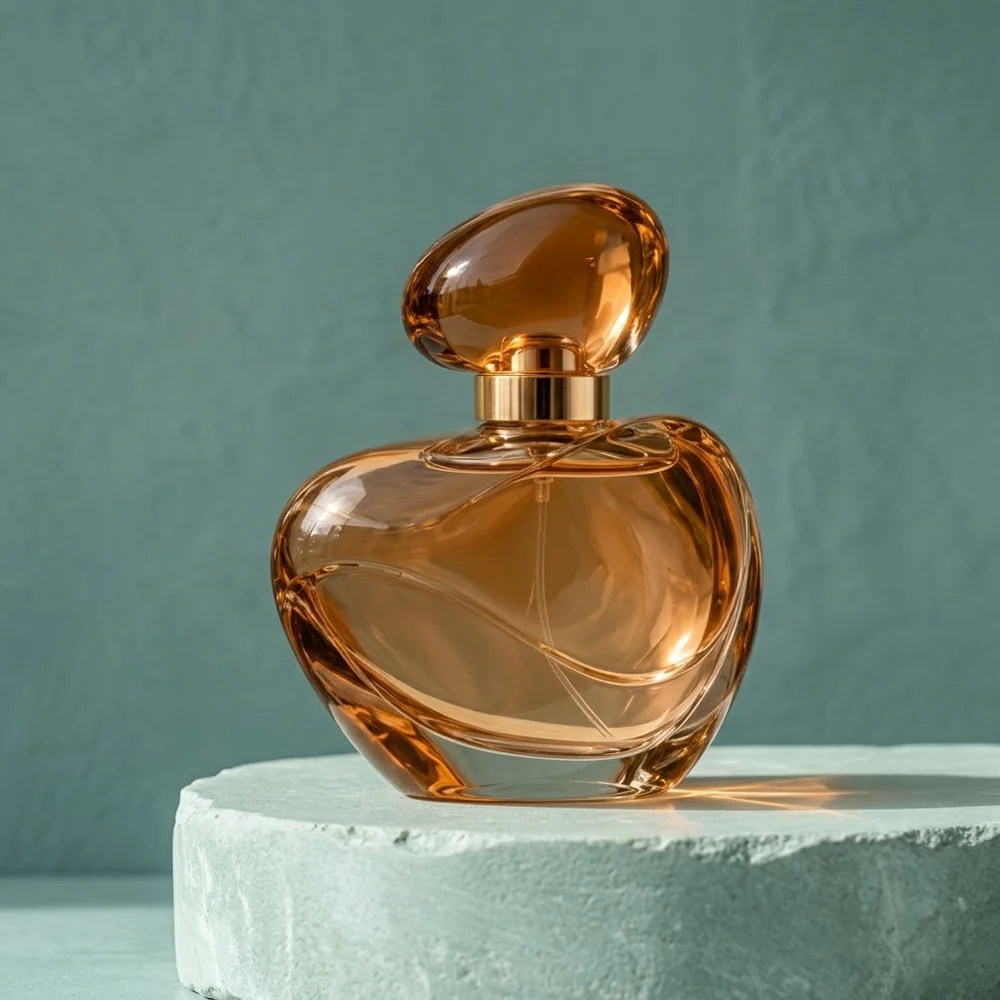
Why consider this directionThe styled product scene can help you consider a supporting surface, negative space and a restrained lighting direction.
Check before choosingCheck contact and the object’s shape separately from the setting. An earlier example does not establish a general quality ranking between models.
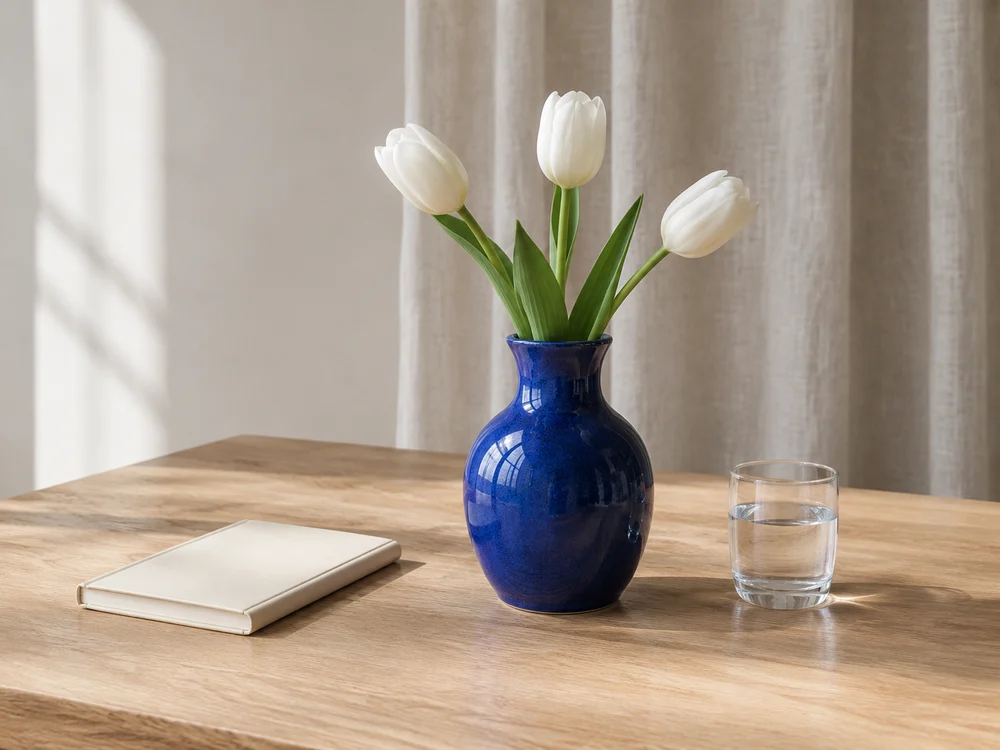
Why consider this directionThe vase, flowers and notebook show how a main object can be supported by a small, related prop group.
Check before choosingFollow stems, object overlaps and surface contact. A pleasant arrangement still needs a check for merged edges or impossible shadows.
Keep clear views of the actual item, including condition and relevant details. A generated scene can explain an idea but may not show exact materials, size or included parts. Use it as a complement when those facts remain available elsewhere.
Content reviewed: