Have these ready
Use a verified product photo and the exact banner frame. Mark the label and product base as details to preserve.

Expand the composition
Keep the product complete and expand the surface around it. The new space should continue the existing light and contact shadow, not introduce a competing second product.
You choose your own source and review the current cost before generation.
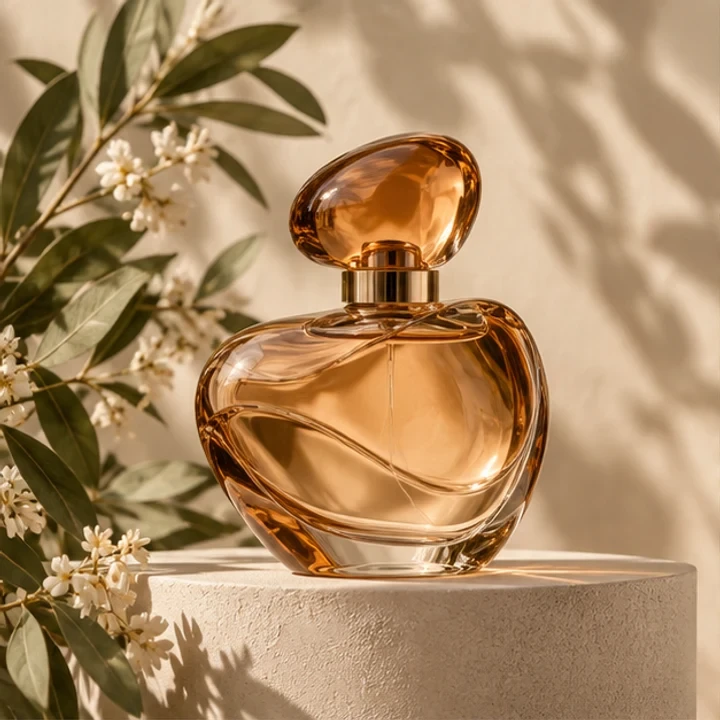
Inspect the base before the backdrop. A repeated pedestal edge or a floating object is more distracting than a small background texture change.
Mark where the product and headline will sit in the final banner. Keep a little space between the base and the bottom edge. After expansion, check that shadow direction and surface grain continue through the join.
Expand my photo ↗Use a verified product photo and the exact banner frame. Mark the label and product base as details to preserve.
Place the product off-center and extend the open side. Compare the original product region with the source, then follow the tabletop and shadow into the added area. Check for a repeated bottle, extra pedestal or a new reflection that changes the apparent packaging.
Extend the surroundings for a good product image. If the item itself is wrong, fix the source or choose the appropriate product-creation workflow before preparing a banner.
Why consider this directionThe source establishes the product’s original scale and its relationship with the supporting surface.
Check before choosingKeep shape, cap and base as the comparison anchors. A wider setting should not silently become a redesigned object.
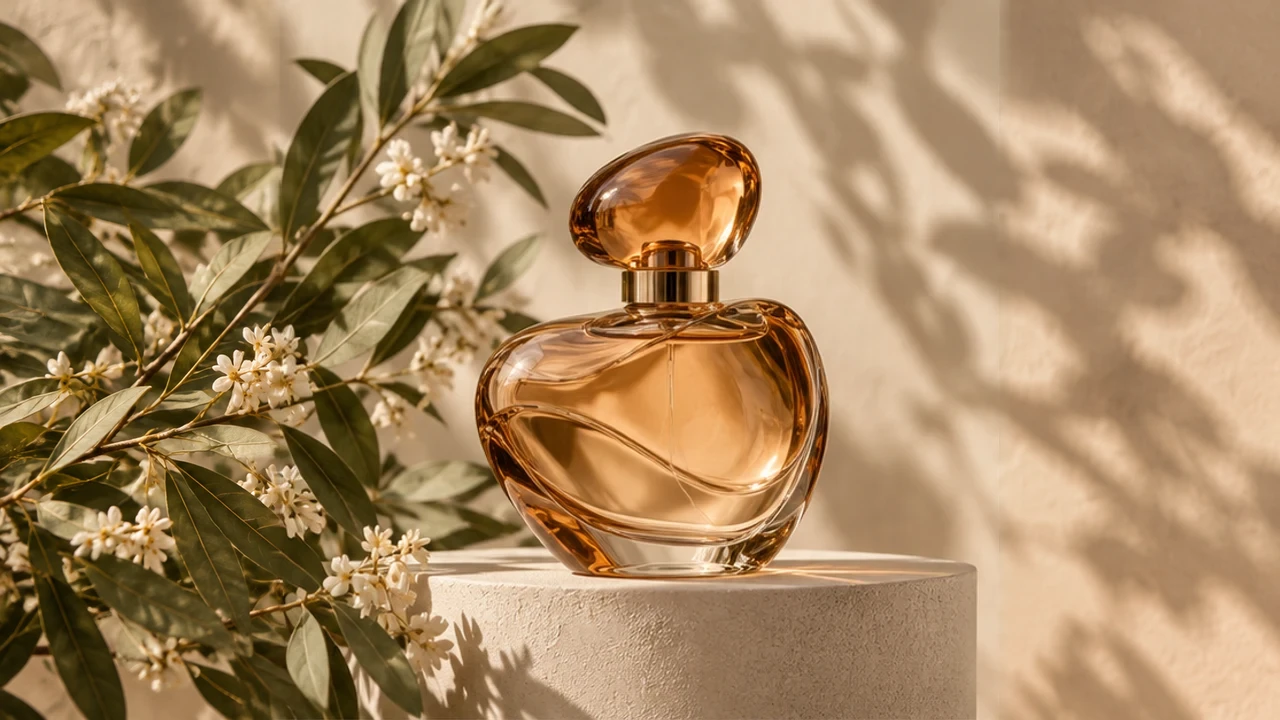
Why consider this directionA wider product composition can accommodate a heading or category label beside the item.
Check before choosingInspect the contact shadow and tabletop continuation into the added area. Repeated objects or an extra stand can change the scene’s meaning.
It can attempt a continuation, but inspect direction, contact and softness against the original light. An added shadow that points toward the light or disconnects from the base makes the object look composited. Keep a real product master for factual use.
Content reviewed: