Have these ready
Capture the phone’s actual lock screen with its clock and controls. Keep the person or important landscape detail away from those areas.

Expand the composition
Plan the empty area around the clock and icons before choosing the canvas. Keep faces away from the top edge and leave the important subject inside the visible center.
You choose your own source and review the current cost before generation.

Preview on the actual phone; lock-screen crops vary. The landscape example illustrates calm negative space, not a tested wallpaper export.
Take a screenshot of the empty lock screen and use it only as a layout reference. Note the clock and notification areas. Preview the finished wallpaper on the device before deciding whether the subject needs to move lower.
Expand my photo ↗Capture the phone’s actual lock screen with its clock and controls. Keep the person or important landscape detail away from those areas.
Place the image in that narrow frame and identify whether top, bottom or side space is missing. Expand only what is needed. Afterward, set a test wallpaper on the device and check both the locked screen and any automatic crop behavior.
Add quiet space behind interface elements. A dramatic new object in the extension can distract from the original subject or sit directly under the clock.
Why consider this directionUse the source to locate the existing subject and decide where extra layout space is actually needed.
Check before choosingCheck the original crop before interpreting any added area. Space outside it is not a photographed record of the surroundings.

Why consider this directionThe earlier wider example shows how extra surroundings can make room for a portrait-led layout.
Check before choosingFollow the joins near the shoulders and any straight background lines. Check the new composition with real text, not just the image alone.
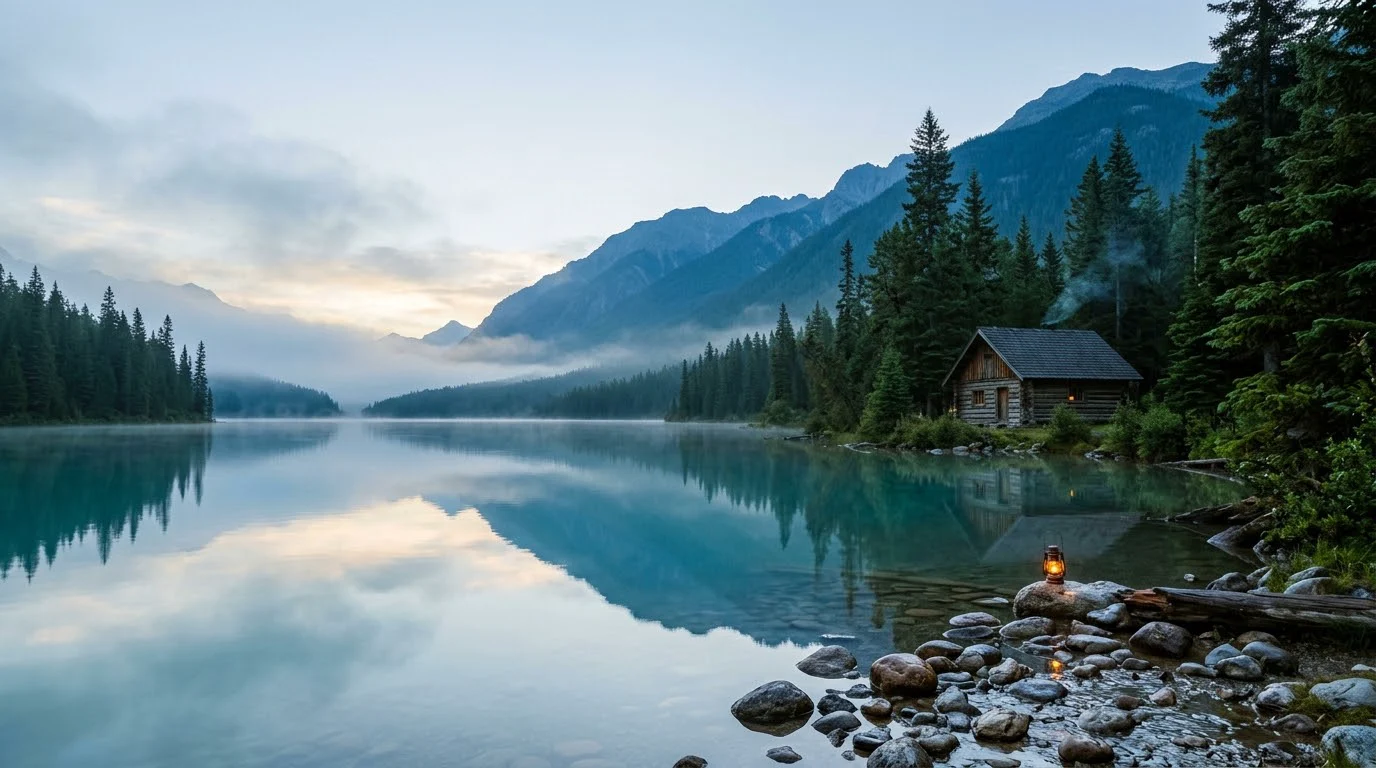
Why consider this directionThe imagined landscape provides broad shapes and open areas for considering a cover, banner or background composition.
Check before choosingPlace the actual text over the image and test alternative crops. It is an illustration, not evidence of a real destination or geography.
Screens, safe areas and zoom behavior vary. Keep a roomy master and prepare device-specific crops where needed. Confirm on the actual device rather than relying on a universal ratio or a simulated phone frame.
Content reviewed: