Have these ready
Mark the source light direction and the product’s base. Note whether the desired surface is matte or reflective.

Product visual briefs
A contact shadow grounds the object; a cast shadow explains the light. Check that both agree with the brightest side of the product and with other objects in the scene.
You choose your own source and review the current cost before generation.
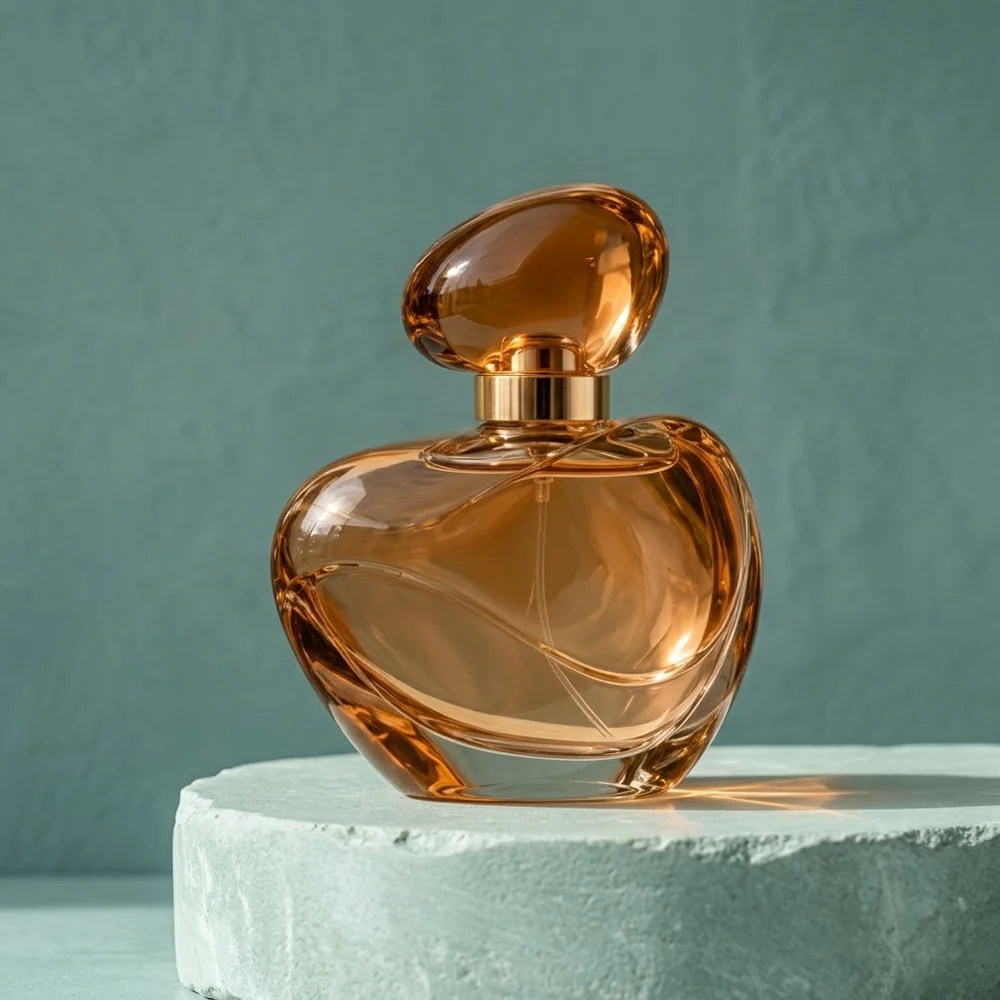
Look for doubled shadows and abrupt changes in softness. More dramatic lighting is useful only if the product remains easy to read.
Identify the brightest side of the object, then follow the shadow in the opposite direction. Check the contact area for a dark anchor. Two unrelated shadows or a uniformly blurred shadow can make an otherwise convincing object appear pasted in.
Open my creative starting point ↗Mark the source light direction and the product’s base. Note whether the desired surface is matte or reflective.
Generate one simple tabletop scene. Trace the shadow from the contact point outward and compare softness near and away from the item. Inspect whether other objects agree with the same light; a polished bottle can still look wrong when every prop casts a different direction.
Use a soft grounded shadow for calm product presentation. Strong directional light can add drama if the product remains easy to inspect.
Why consider this directionThe styled product scene can help you consider a supporting surface, negative space and a restrained lighting direction.
Check before choosingCheck contact and the object’s shape separately from the setting. An earlier example does not establish a general quality ranking between models.
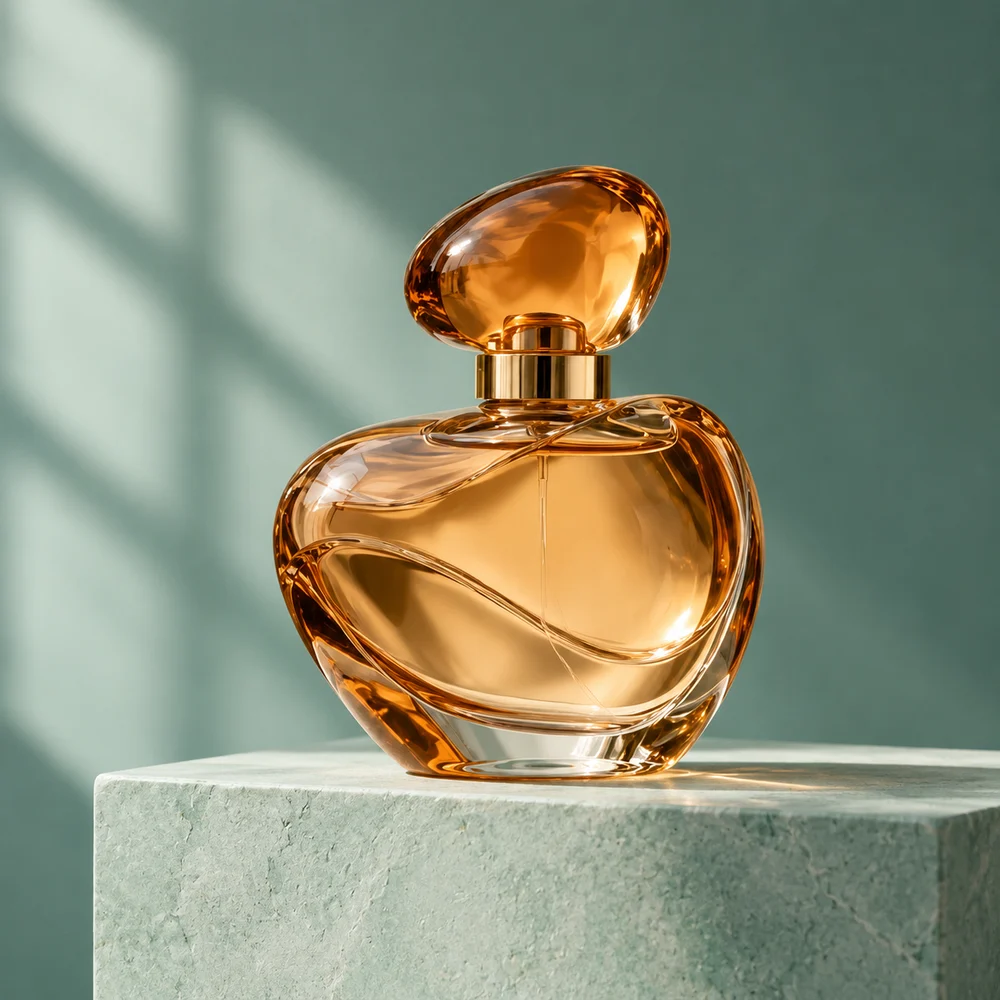
Why consider this directionA different product-art direction offers another way to evaluate light, display structure and the space around an object.
Check before choosingInspect the cap, edges and supporting surface. Do not assume different example images used identical prompts or prove the same product was preserved.
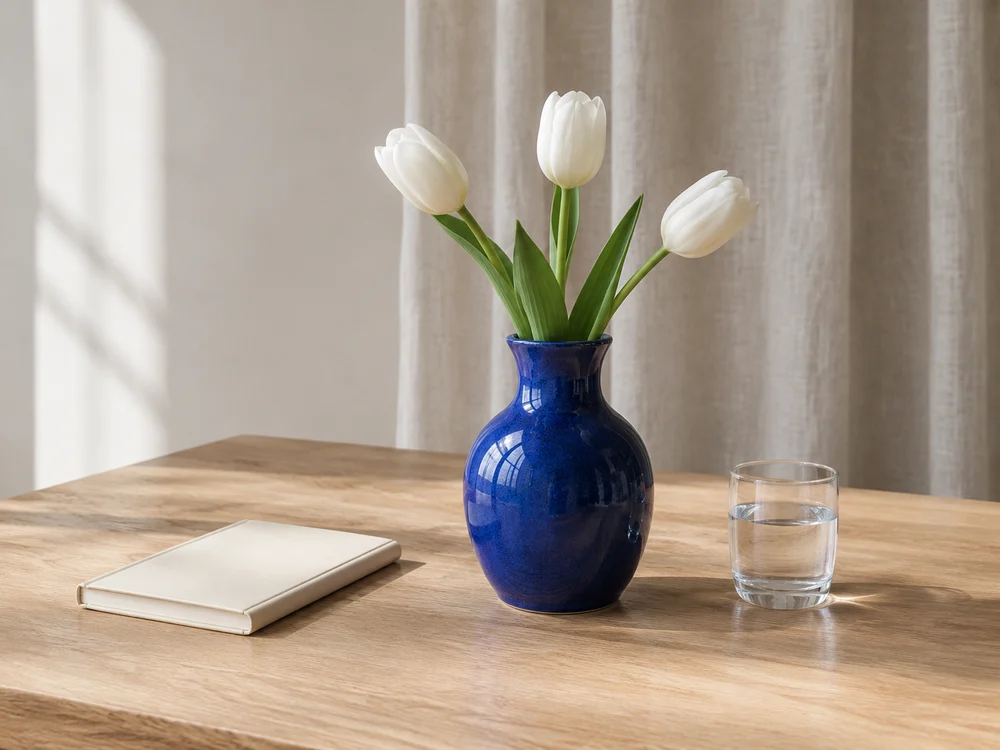
Why consider this directionThe vase, flowers and notebook show how a main object can be supported by a small, related prop group.
Check before choosingFollow stems, object overlaps and surface contact. A pleasant arrangement still needs a check for merged edges or impossible shadows.
They describe different relationships with the surface and light. A mirror-like reflection should follow the object’s geometry; a shadow should follow the light. Check both independently, especially on glossy pedestals, rather than accepting a dark patch as proof of contact.
Content reviewed: