
Why consider this directionCentered shoulders and a blue-gray background provide a reference for aligning a team grid.
Check before choosingCompare eye line and face scale across people; matching backgrounds alone will not align the portraits.

Better portrait sources
Leave visible space above the hair and outside both shoulders. The final platform may crop a rectangle into a circle, so a tight source limits your choices.
You choose your own source and review the current cost before generation.
Test a circular mask in the destination app before publishing. If hair is already cut off in the source, extra canvas cannot recover the original photograph.
Test the actual circle before exporting. Reduce the face scale a little and center the eyes, not the entire rectangular image. Keep the uncropped master so a later rectangular directory can use a different composition.
Why consider this directionCentered shoulders and a blue-gray background provide a reference for aligning a team grid.
Check before choosingCompare eye line and face scale across people; matching backgrounds alone will not align the portraits.
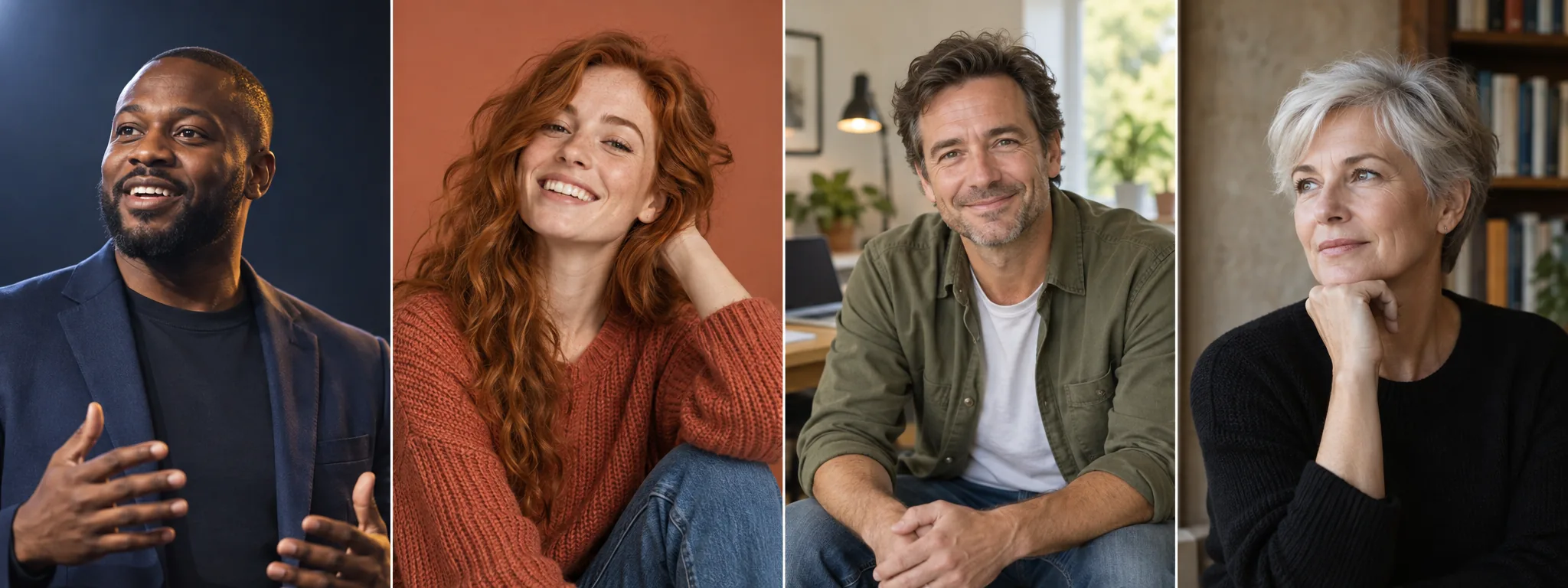
Why consider this directionThe wider chest-up crop leaves room to place a name or talk title beside the person.
Check before choosingCompare the dark jacket with the blue-gray background at small size; the shoulder outline should remain readable.
Why consider this directionCentered framing and a light neutral background prioritize a clear face in a small application-profile slot.
Check before choosingThis is a profile-style illustration, not certification for a passport, visa or another official identity-photo specification.
Get square, circular and rectangular preview frames. Keep the uncropped master available.
Use one portrait in all three frames, keeping the eye line consistent. Move the crop rather than stretching the image. Check the top of the hair, chin and shoulder corners, then reduce each version to its real display size.
Keep a looser source when several placements are needed. If the original already cuts the hair, another crop cannot restore it as factual detail.
Start with the uncropped image and make a square copy. Keep the eyes comfortably above the middle, then test a circle over it. Do not stretch the face to make the chin and hair fit inside an unsuitable frame.
Create a headshot with my photo ↗A circle removes the corners, including shoulder room you may be relying on. Test the actual mask instead of only making the image square. Keep space above the hair and around the jaw, then judge the face at thumbnail size.
Use the destination frame rather than one fixed percentage. A small avatar benefits from a readable face, while a banner may need room for text. Keep the complete hair shape unless the intended design deliberately uses a closer crop.
Content reviewed: