Have these ready
Create a small visual brief: one background family, light direction, product scale and an approved packaging reference.

Product visual briefs
Write down one surface, one light direction and a small palette before generating variations. Reuse the product reference, but inspect every output rather than assuming continuity.
You choose your own source and review the current cost before generation.
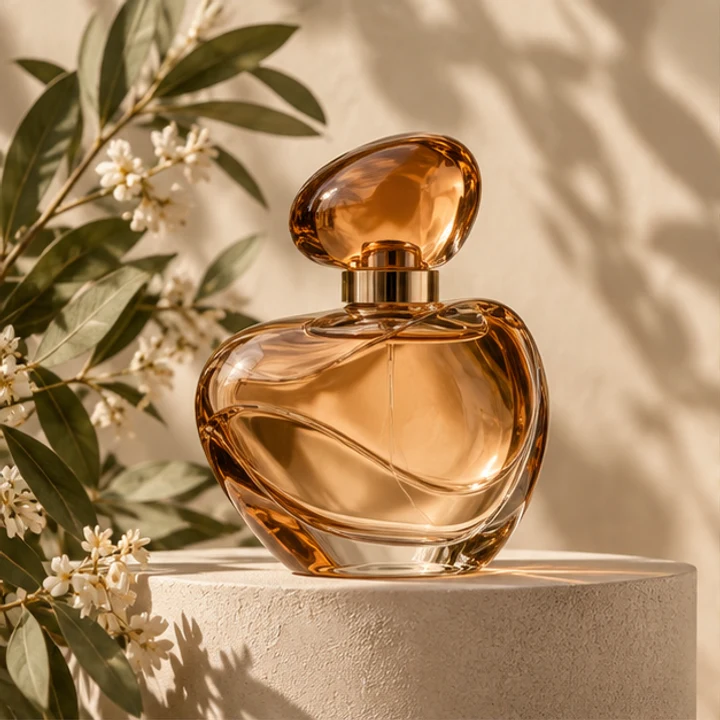
Review the set as a contact sheet. Similar backgrounds can hide changing bottle proportions or inconsistent material highlights.
Approve one scene's surface, light direction and camera height before making variations. Keep a comparison grid of the outputs. Reject shifts in bottle proportion or product color even when the backgrounds appear to belong to the same campaign.
Open my creative starting point ↗Create a small visual brief: one background family, light direction, product scale and an approved packaging reference.
Approve one campaign anchor, then compare each new candidate beside it. Check the product facts before matching the surrounding color. Arrange three images in the intended feed or banner sequence to detect a sudden scale, reflection or mood change.
Match visual rules rather than forcing every scene to be identical. Keep the same product reference and change one campaign idea at a time.
Why consider this directionA simple bottle reference helps separate product identity from new decisions about the surrounding scene.
Check before choosingCompare silhouette, cap and base before decorative light. This example is not evidence of your own SKU or packaging accuracy.
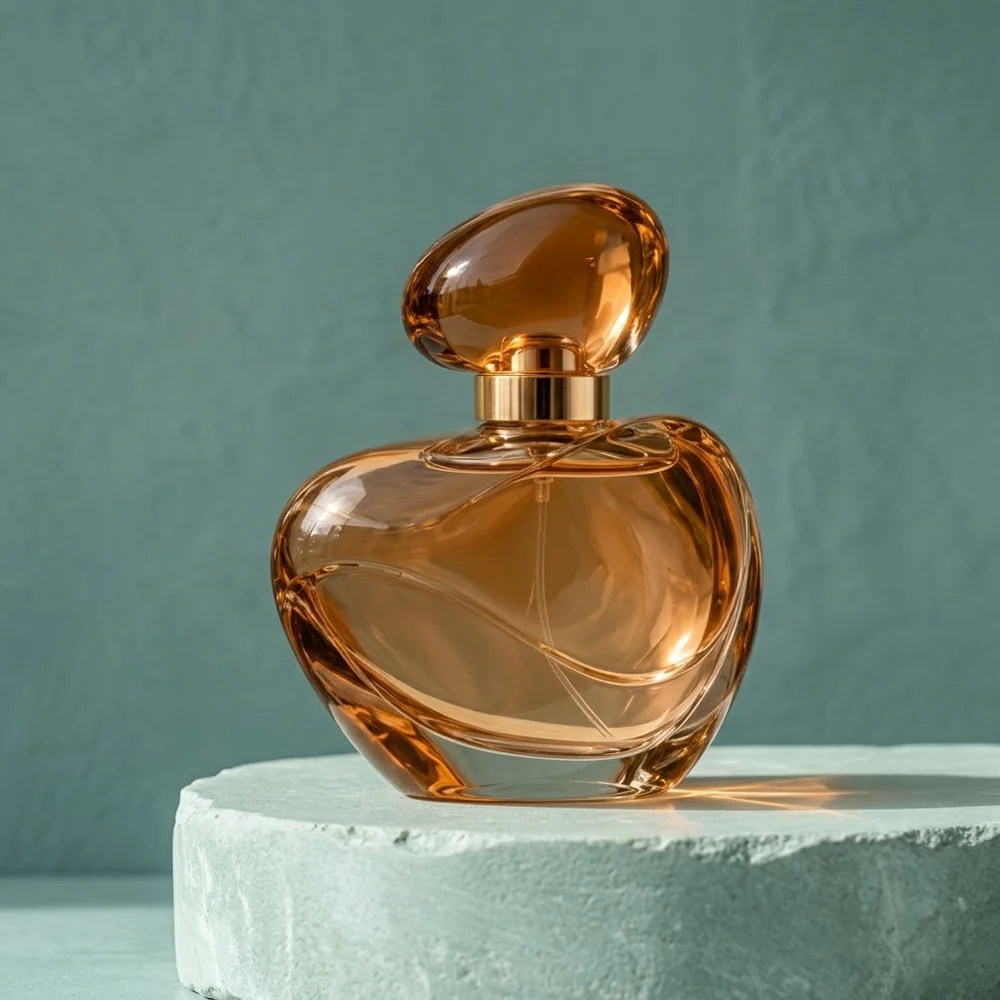
Why consider this directionThe styled product scene can help you consider a supporting surface, negative space and a restrained lighting direction.
Check before choosingCheck contact and the object’s shape separately from the setting. An earlier example does not establish a general quality ranking between models.
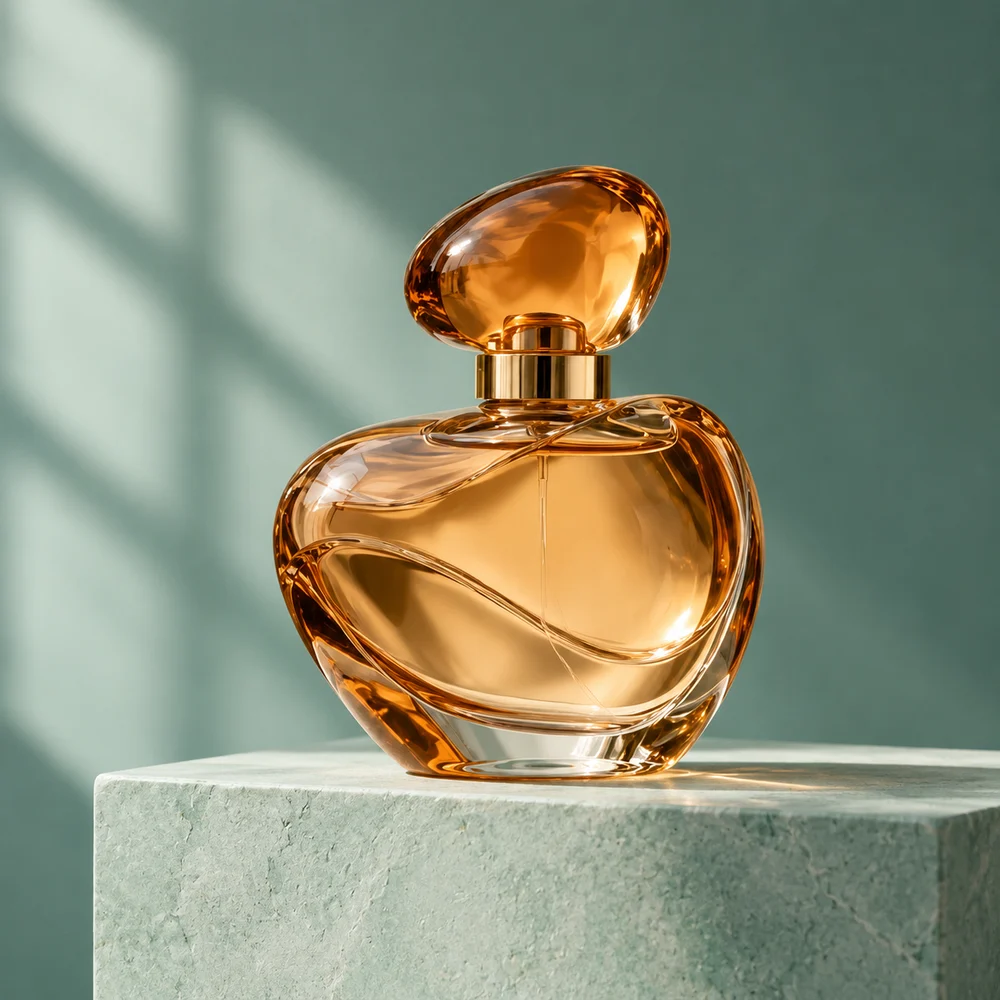
Why consider this directionA different product-art direction offers another way to evaluate light, display structure and the space around an object.
Check before choosingInspect the cap, edges and supporting surface. Do not assume different example images used identical prompts or prove the same product was preserved.
No. Each generation can change label, color or geometry independently. Review every final export and the group’s consistency. Keep the approved reference and revision notes so later seasonal changes do not silently introduce another packaging version.
Content reviewed: