An anniversary message
Add a moving moment to the words you want to share.

Let a couple photo become a tender AI kiss video. A glance, a small movement and a moment worth keeping.
Add your own photo of two people. The example photo is not uploaded automatically.
A brief kiss, followed by a smile. Watch the full movement and compare the result with the original couple photo.
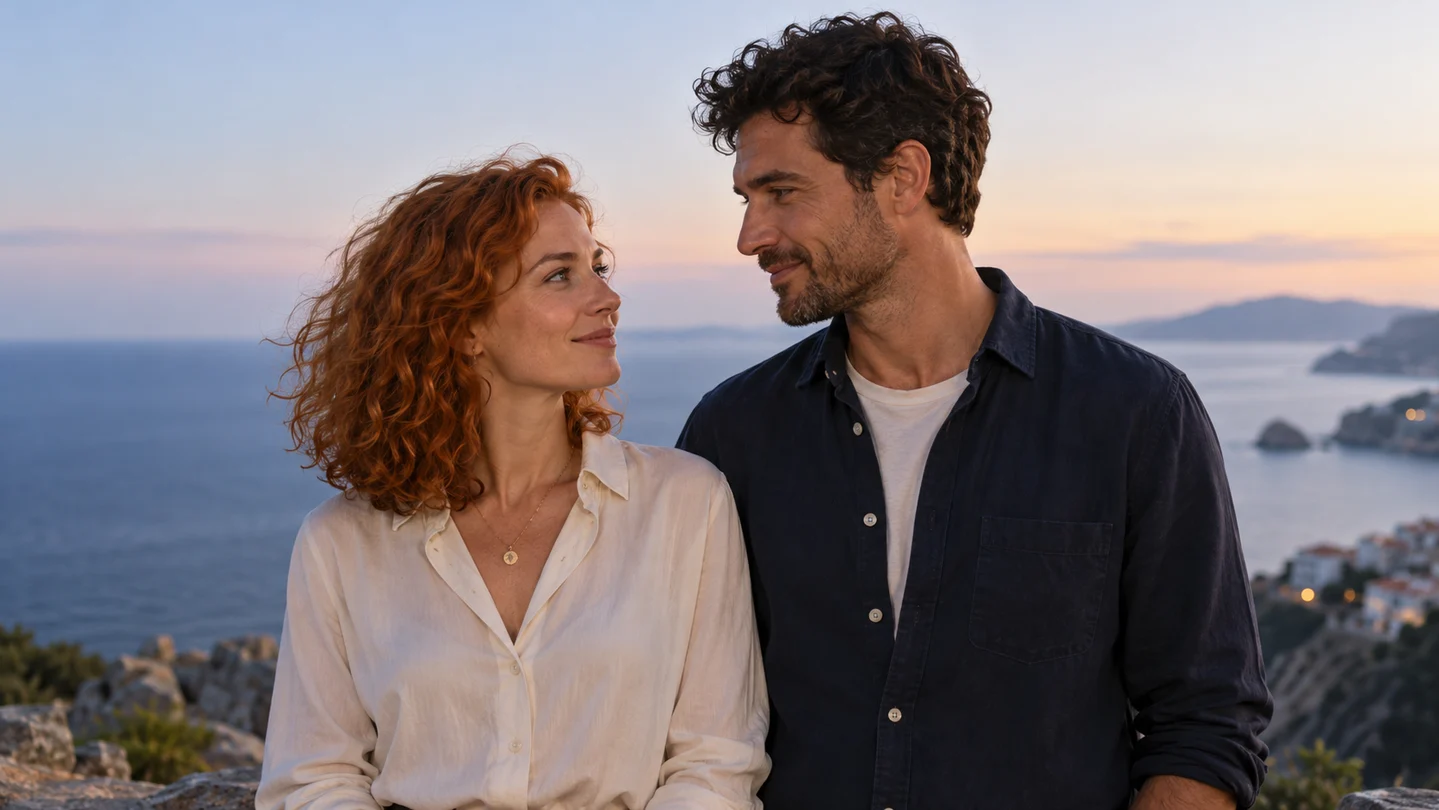
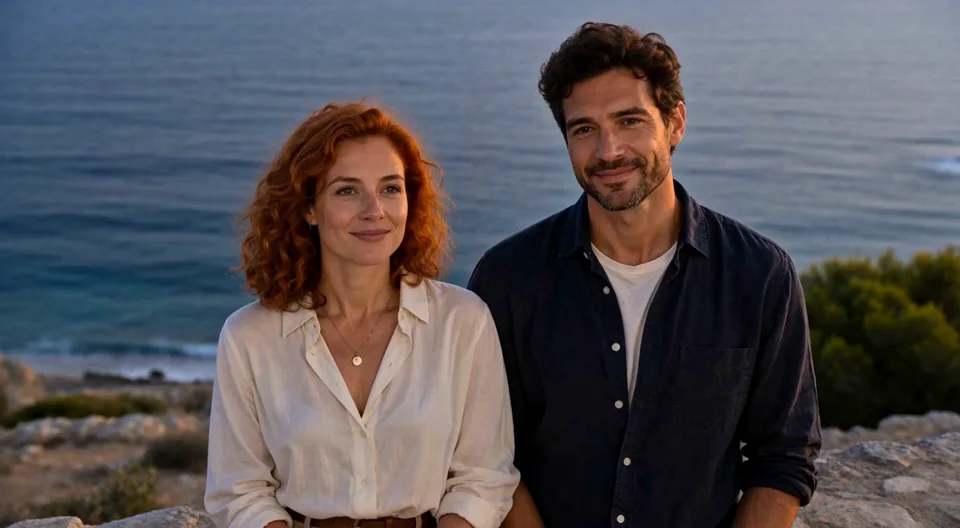
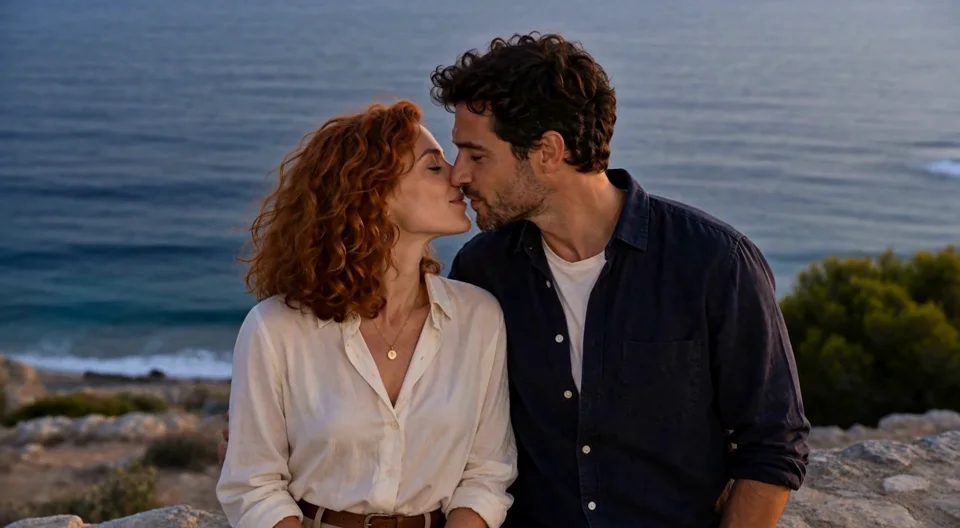
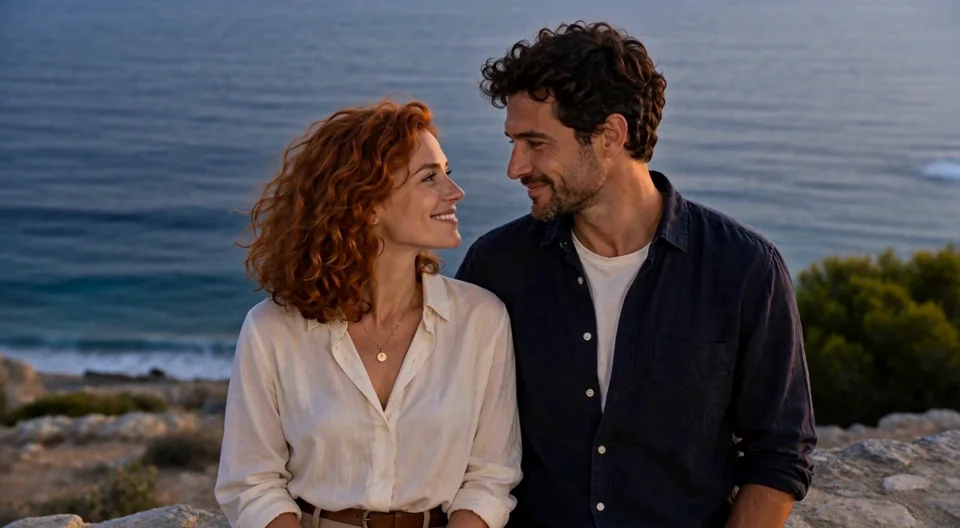
See the starting photo and three moments from the generated clip. Play the video above to watch the full movement.
Example: MiniMax H3 · 6 seconds selected · 1080p tier · Landscape · Web preview is compressed for playback.
Try a lingering, French-kiss-inspired romantic scene from a photo of two adults. The request is a starting direction; the exact contact and expression depend on the generated result.
Create my lingering kiss ↗Add your own photo in the studio. The example photo is not attached automatically.
This case uses the same fictional couple photo with a new request: MiniMax H3, 6 seconds, 768p tier.
The two adult partners turn toward each other and share one gentle, lingering romantic French kiss, then separate slightly and smile. Keep their clothing and seaside setting recognizable. Medium waist-up shot, fixed camera, one continuous six-second shot. No graphic close-ups, extra people or scene changes.
Add a moving moment to the words you want to share.
Try a gentle kiss without changing the whole scene.
Create a short clip to send privately or add to your own edit.
The button opens an editable starting prompt in the video workspace. Add your own photo before generating.
Make my kiss videoThe two adult partners in the reference photo turn gently toward each other, lean slightly closer and share one brief tender kiss on the lips. They separate a little and smile. Keep their clothes and the setting consistent. Fixed camera, medium shot, one continuous six-second clip. No additional people or scene changes.
A clear photo of two people is the simplest starting point for these examples.
Choose a front or three-quarter view, with the faces large enough to see.
An upper-body photo gives the arms, shoulders and faces room for the action.
Use one main action. Busy backgrounds and several movements can make a short clip harder to follow.
Open the preset and add a JPG, PNG or WebP showing the two people.
Edit the motion, choose your settings and review the current credit estimate.
Watch the whole clip in My Creations, then download the result you like.
Each new generation uses the credits shown in the workspace. A paid retry is a new generation.
The starting prompt asks for one brief kiss. You can edit it to describe a cheek kiss or a softer movement; these variations are creative requests, not separately verified examples.
The workspace accepts multiple references, but the examples here use one photo with two people. Separate-portrait results have not been verified for these presets. A clear photo together is the recommended start.
AI may change facial details, hands or clothing as people move. Compare the full clip with your photo and try a simpler movement if needed.
Generation uses credits. The workspace shows the current cost for your model, duration and resolution before submission. New attempts are charged separately.
Examples and content checked on October 27, 2026.
Turn a favorite photo into a warm AI hug video. Start with the two of you, add a gentle movement and see the moment unfold.
Turn a portrait into a flowing hair flip and gentle turn back toward the camera. Leave room for the strands to sweep and settle.
Turn a full-body photo into a short AI dance video. Start with a relaxed groove, keep both feet in view and make the movement your own.
Bring your own photo. Start with one small gesture.
Make my kiss videoPrivacy