Keep the hair visible
Include the ends and leave space around both shoulders.

Turn a portrait into a flowing hair flip and gentle turn back toward the camera. Leave room for the strands to sweep and settle.
Create my video ↗Add your own reference photo in the studio. The example photo is not carried over.
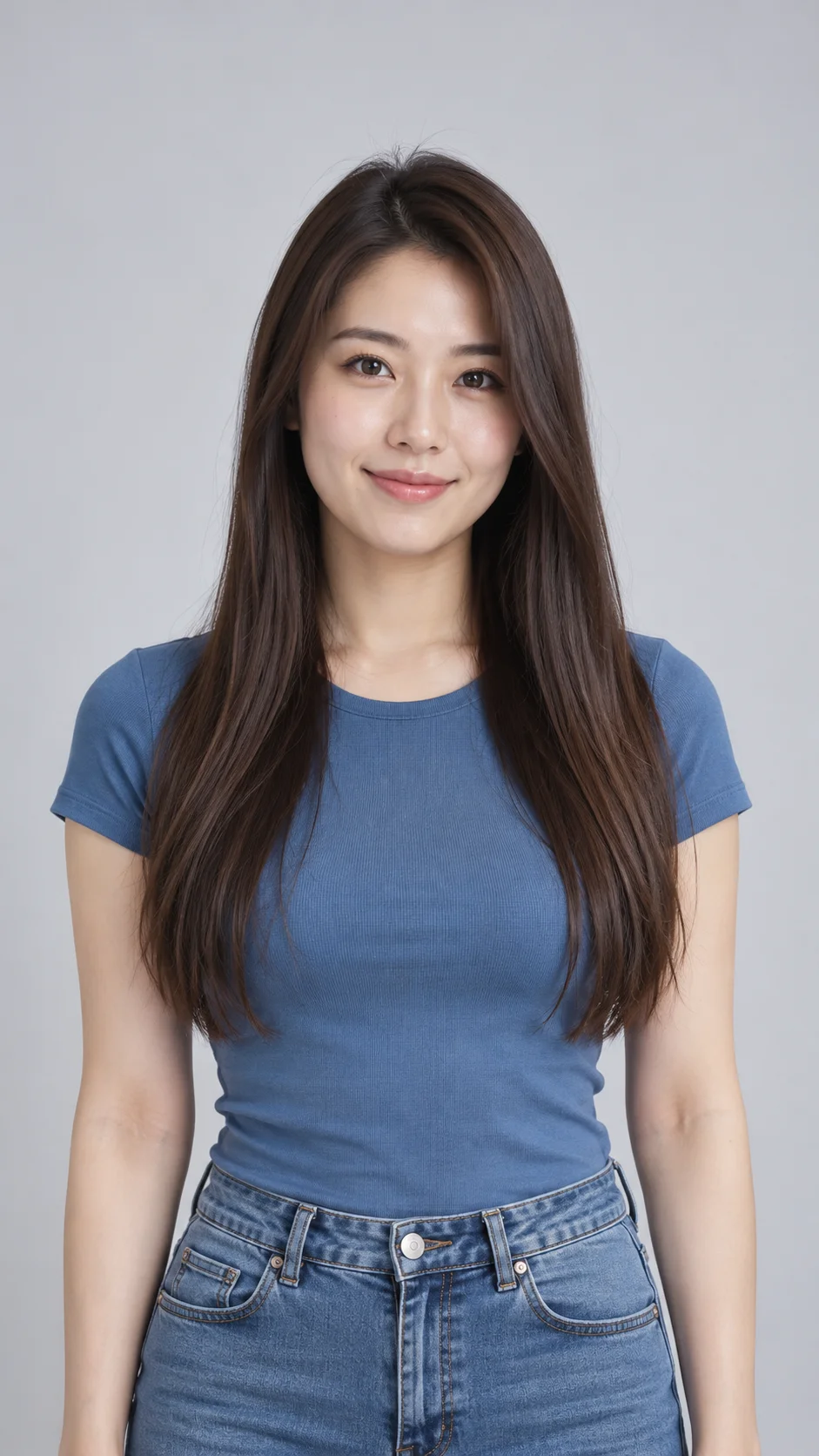
Follow the hair around the face and shoulders. Check the hairline, length and facial details throughout the movement.
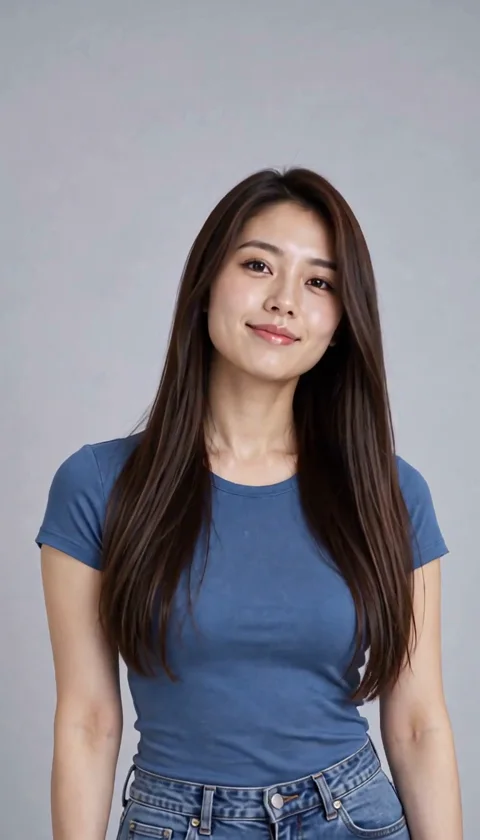
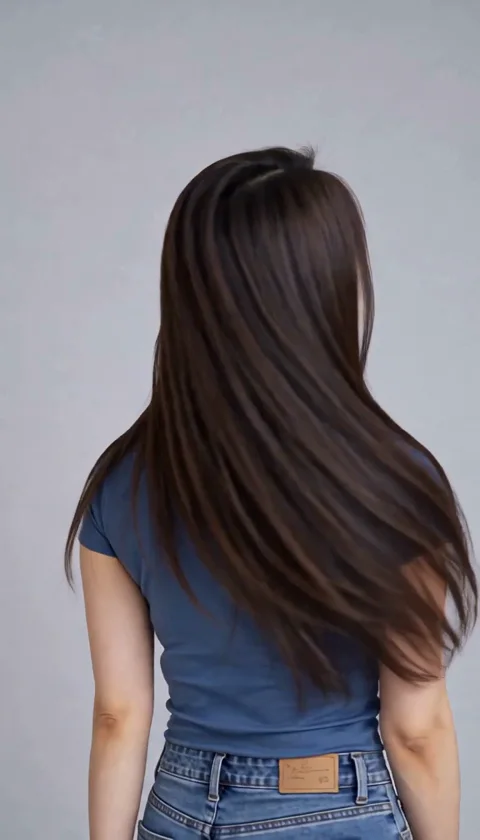
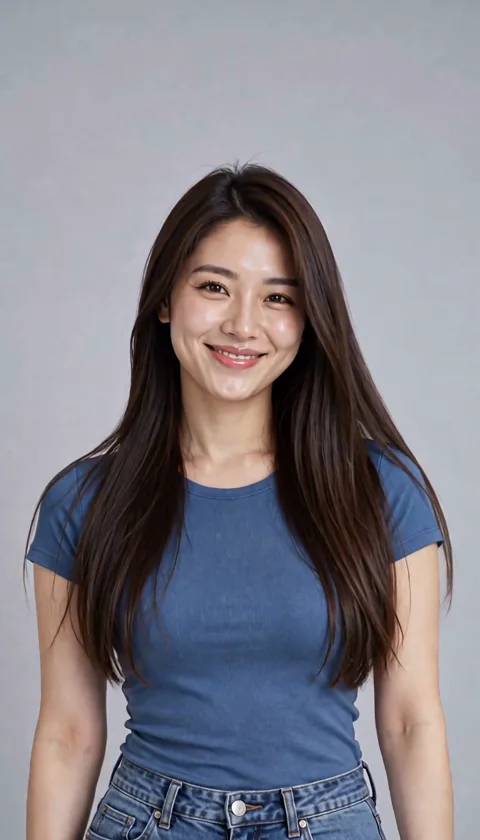
Include the ends and leave space around both shoulders.
One flowing motion is easier to inspect than repeated fast head swings.
Watch for changes in length, strand shape, eyes and earrings.
Copy the prompt, or open the studio with this effect’s settings. Add your own photo and review the current estimate before generating.
Create my video ↗The adult gently turns her head, lets her long hair sweep across the shoulders, then turns back with a relaxed smile. Show natural strand movement and a soft settling finish. Keep the outfit and background recognizable. Fixed medium portrait, six seconds.
You can describe a movement suited to the photo. The displayed example tests long straight hair; shorter or curly styles can move differently.
No. It creates a new animated look, not a physical simulation of your hair or a guarantee of a haircut result.
Yes. You can copy it or edit it in the studio. Model, duration and resolution affect the estimate; each new generation is charged separately.
Turn a full-body photo into a short runway-style walk. See the outfit move through a few steps, a pause and a simple turn.
Turn a portrait into an AI crying video with watery eyes, a gentle change of expression and a tearful close-up. Shape the scene through an editable prompt.
Give a scanned portrait a gentle blink, a small smile or a quiet turn of the head. Keep the old-photo look while adding a little movement.