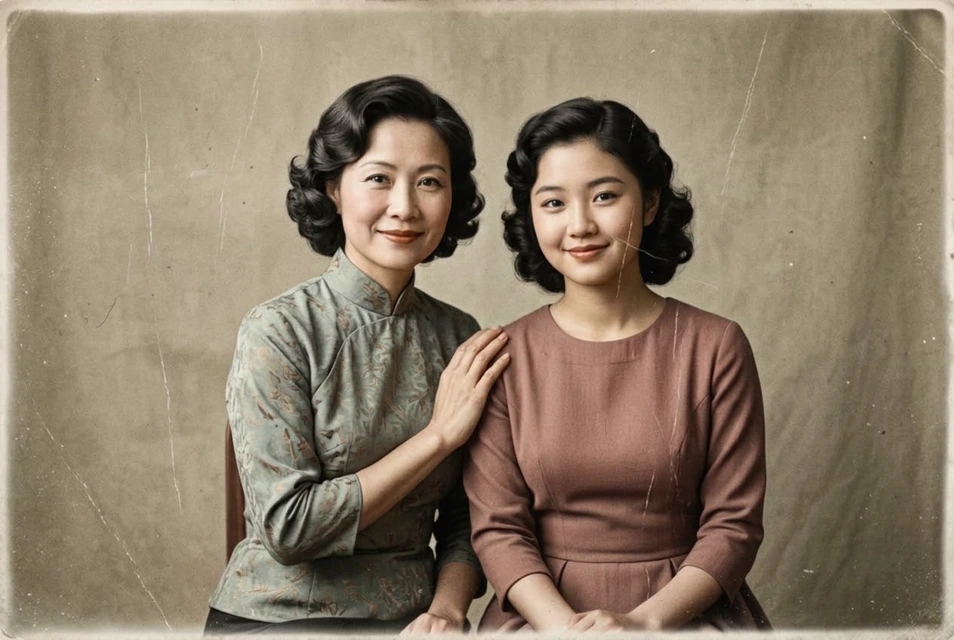
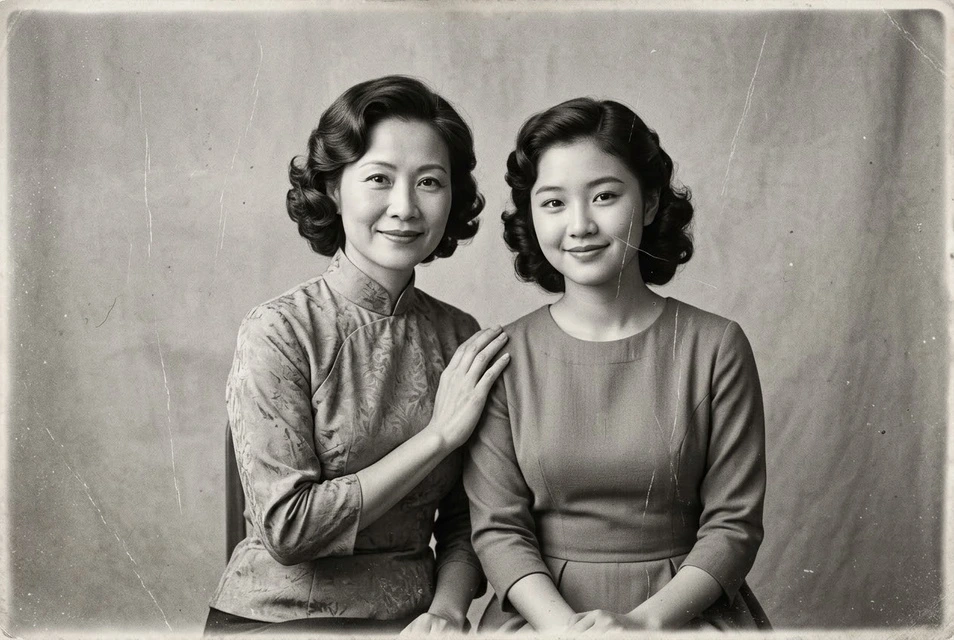
A colour interpretation of a monochrome photograph
Photo repair → Colourisation only
Compare skin, clothing and surroundings. AI infers the colours; scratch repair was not selected.
Edit with these settings ↗
Explore natural colours for a monochrome family photograph, portrait or old scan. This entry selects colourisation only; add repair if there are scratches. Skin, clothing and surroundings receive inferred colours, rather than colours recovered from black-and-white pixels.
Edit my photo ↗Photo repair → Colourisation only
Compare skin, clothing and surroundings. AI infers the colours; scratch repair was not selected.
Edit with these settings ↗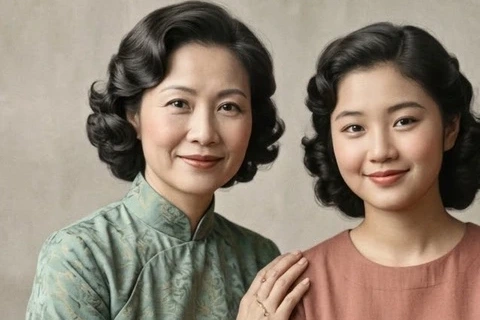
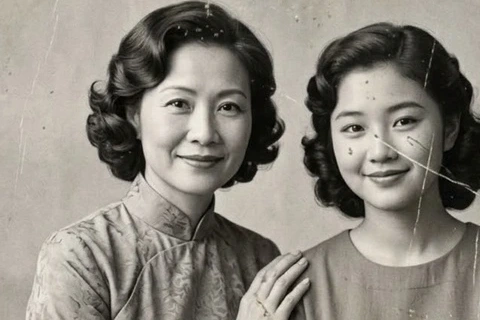
Restoration + colourisation in one submission
Scratches are repaired and colour is added in one edit. Compare damage, facial detail and colour; inferred colours do not recover true historical colours.
Edit with these settings ↗The input is an AI-generated vintage-style portrait with simulated wear. The result was actually generated through our editor using Nano Banana 2.1; it does not prove restoration of a historical photograph or its true colours.
Colourisation suggests plausible colours; it cannot recover the original colours with certainty.
If a coat was navy or a wall was cream, include that information in additional instructions. Without it, the palette is a plausible visual interpretation rather than evidence of the original colours. Subtle saturation and natural skin tones often suit older photographs; keep their texture and character.
Use a monochrome scan with readable contrast and detail. Add repair for damaged photos. Colourisation cannot be selected together with black-and-white processing.
Add natural colours; use navy for the coat, subtle skin tones, and retain the photograph’s grain and composition.
Edit my photo ↗Upload one clear photograph. This page’s entry selects the matching feature.
Confirm the preset or corrections. Required descriptions and target colours must be filled in; other settings expand on demand.
Check the cost and submit. Select the edited result to continue editing, or download it.
The editor shows the required credits and checks your balance before submission. An insufficient balance opens a recharge prompt. Compatible choices use one task; another generation is a separate task.
Black-and-white pixels do not establish the original colours. AI generates a plausible palette. Add known colour information and verify the output.
Select repair and colourisation together for one submission, or select an edited repair result and colourise it afterwards. The latter uses two separate tasks.