

A colour portrait converted to black and white
Photo repair → Black and white only
Inspect grayscale conversion of the green shirt and skin while checking light, shadow and fabric detail.
Edit with these settings ↗
Create a monochrome interpretation of a colour portrait, wedding photo or everyday photograph. The selected instruction retains composition, identity and texture without automatically adding vintage scratches or damage.
Edit my photo ↗Photo repair → Black and white only
Inspect grayscale conversion of the green shirt and skin while checking light, shadow and fabric detail.
Edit with these settings ↗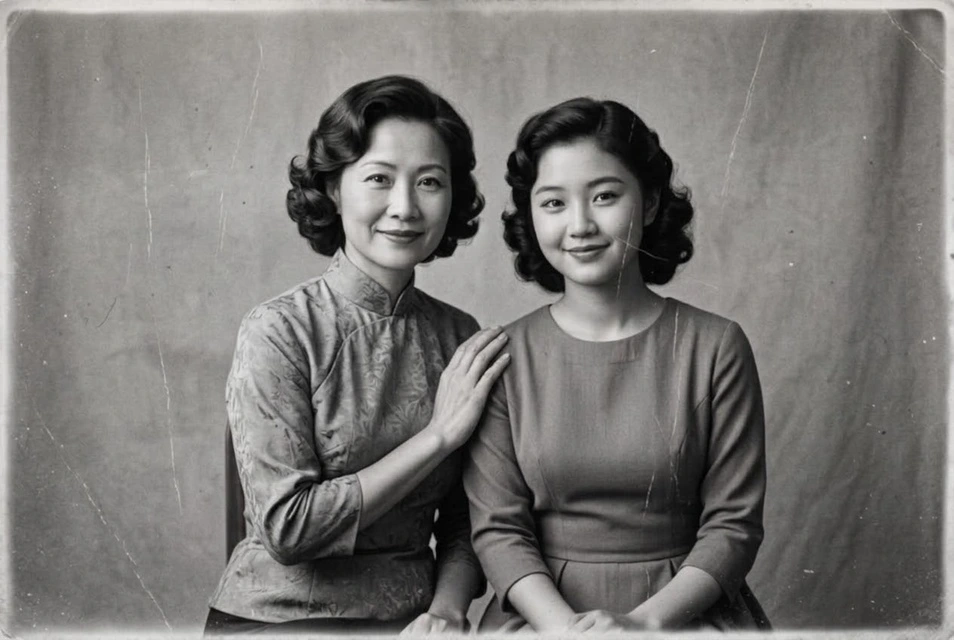
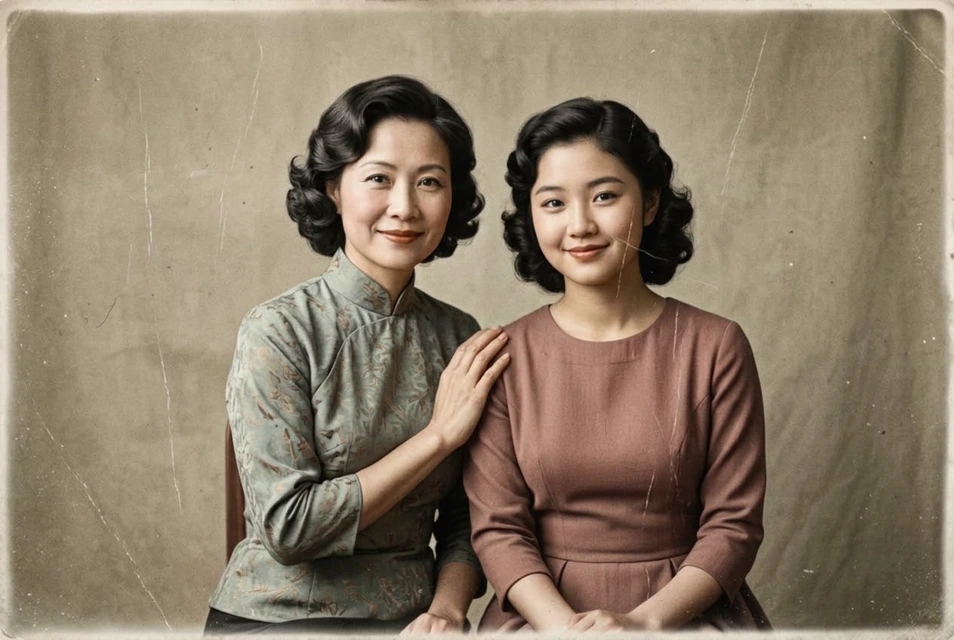
Black and white
The input is an already colourised vintage-style image converted back to monochrome. Restoration was not selected; inspect tonal separation in skin and clothing.
Edit with these settings ↗The source portrait is AI-generated. The result was actually generated through our editor using Nano Banana 2.1. These are examples; results vary with the photograph.
Black-and-white processing is distinct from old-photo restoration. Select monochrome alone for a clean modern photograph, or add repair when an old photo is damaged. Describe soft grey tones or more defined contrast in additional instructions. This is generative editing rather than a deterministic pixel-by-pixel grayscale filter, so important details still need checking.
Use a normally exposed original. Ensure skin, hair and clothing remain distinguishable in grey tones. Colourisation and monochrome cannot be selected together.
Convert to natural black and white with soft grey tones, skin texture and shadow detail; add no scratches or vintage decorations.
Edit my photo ↗Upload one clear photograph. This page’s entry selects the matching feature.
Confirm the preset or corrections. Required descriptions and target colours must be filled in; other settings expand on demand.
Check the cost and submit. Select the edited result to continue editing, or download it.
The editor shows the required credits and checks your balance before submission. An insufficient balance opens a recharge prompt. Compatible choices use one task; another generation is a separate task.
The default instruction does not add stains, cracks or period decorations. Specify a clean modern finish if needed.
Keep the original colour file. Colourisation reinterprets colours and cannot guarantee the palette from before conversion. Save original and edited versions separately.