Keep the silhouette clear
Separate the arms from the torso and leave space for the costume to appear.

Turn an everyday portrait into an original superhero transformation clip. Describe the suit, light and final pose, then give your character a short reveal.
Create my video ↗Add your own reference photo in the studio. The example photo is not carried over.
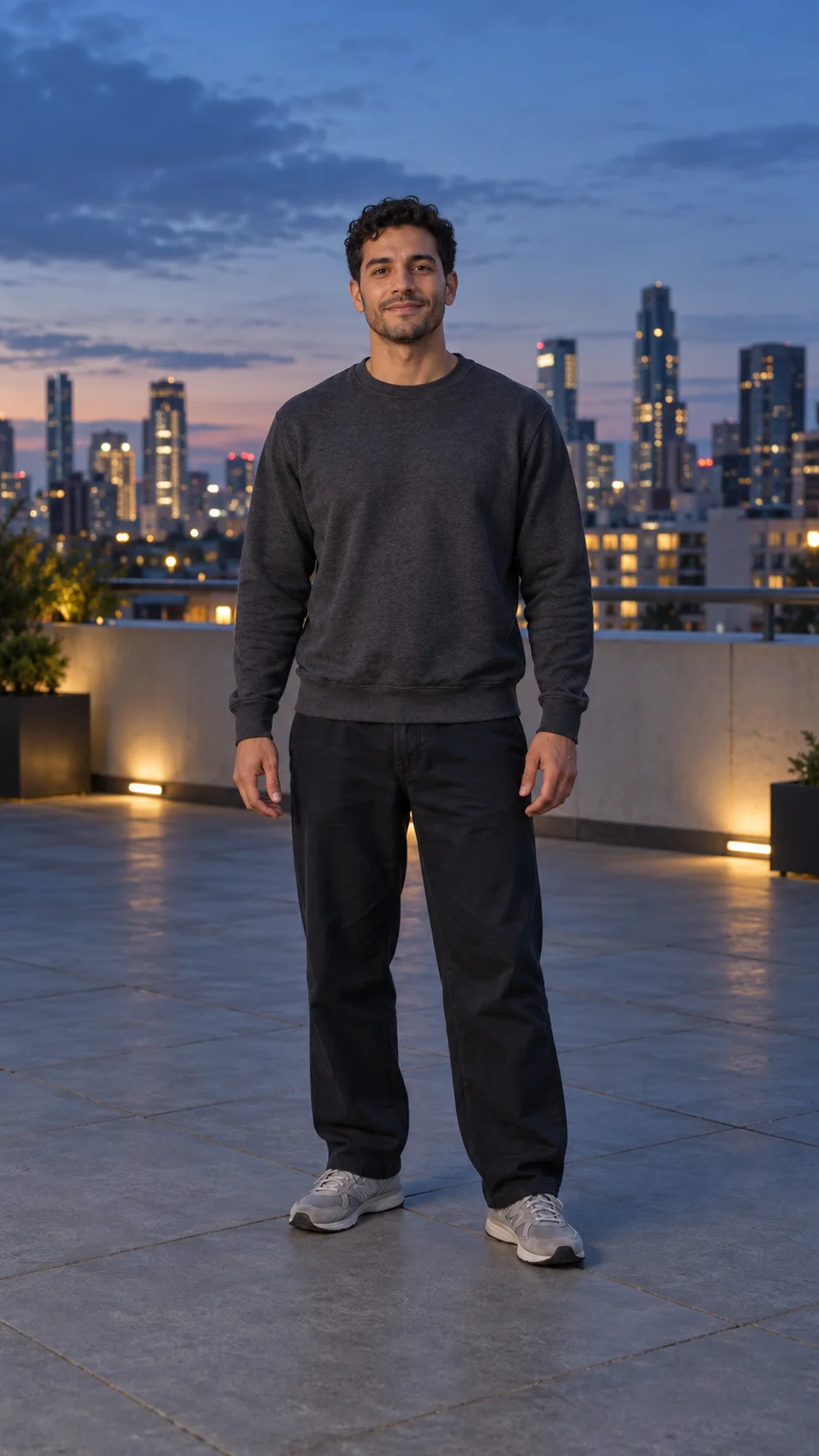
A clear transformation needs a simple sequence: ordinary clothes, a changing silhouette and a final pose. Review the face and outfit across the whole shot.
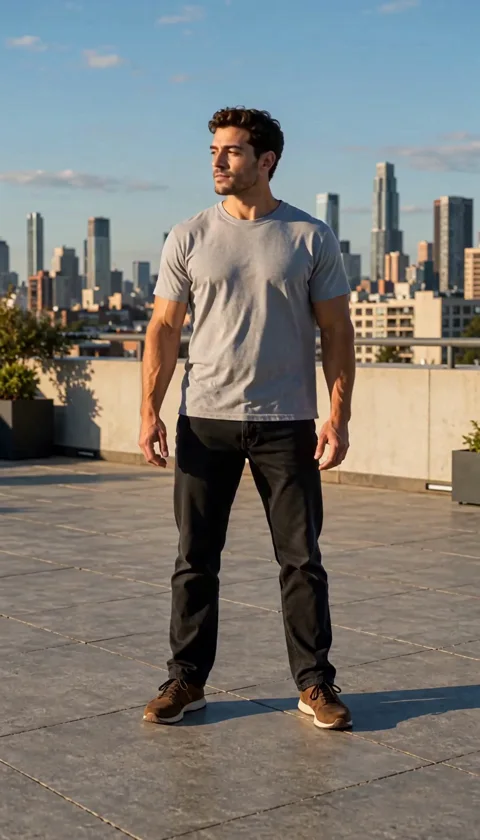
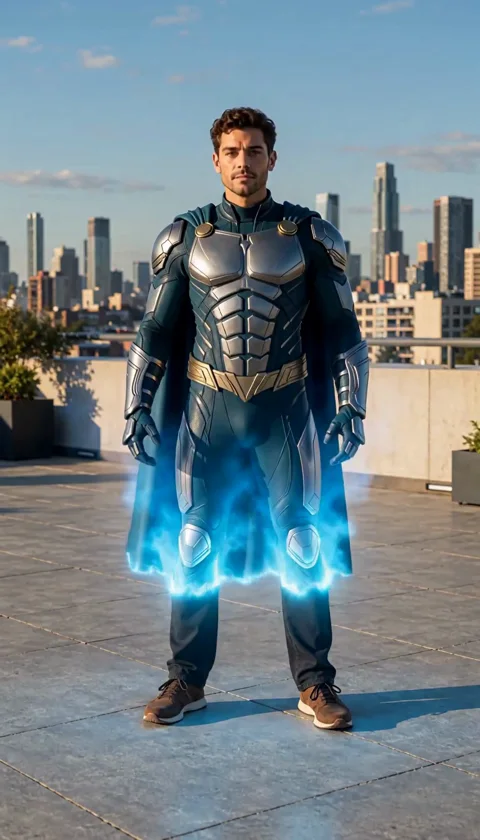
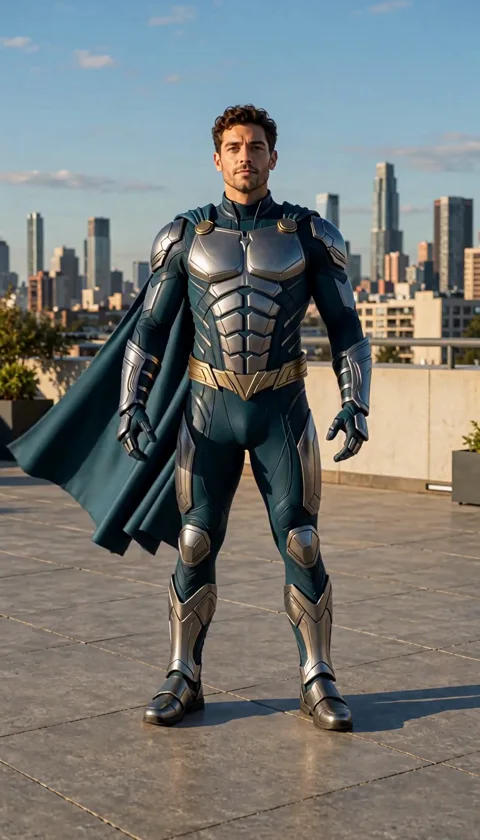
Separate the arms from the torso and leave space for the costume to appear.
Specify colors, materials and a simple pose instead of stacking many costume and action changes.
Look for changing hands, facial details and costume seams as the transformation progresses.
Copy the prompt, or open the studio with this effect’s settings. Add your own photo and review the current estimate before generating.
Create my video ↗Transform the adult in my photo into an original superhero in silver and deep teal armor with a short cape and no emblem. A soft blue light reveals the suit, then the character holds a confident pose. Keep the face recognizable. One continuous six-second shot, no flying, weapons or cuts.
You can add still reference images, but there is no dedicated costume-template or body-tracking control. Explain each reference in the prompt.
No. This example asks for a standing costume reveal. Flight is a different, unverified action and is not part of this sample.
Yes. You can copy it or edit it in the studio. Model, duration and resolution affect the estimate; each new generation is charged separately.
Turn a pet photo into a playful dance clip. Start with a small bounce, moving paws and a head bob, with the whole pet in view.
Turn a full-body photo into a short AI dance video. Start with a relaxed groove, keep both feet in view and make the movement your own.
Turn a favorite photo into a warm AI hug video. Start with the two of you, add a gentle movement and see the moment unfold.